Question

Lobby DataSource Designer: use Existing QuickReport

  • March 9, 2023
  • 4 replies
  • 188 views

Forum|alt.badge.img+7

Is it possible to use  an existing quick report (sql query) in data source designer ?

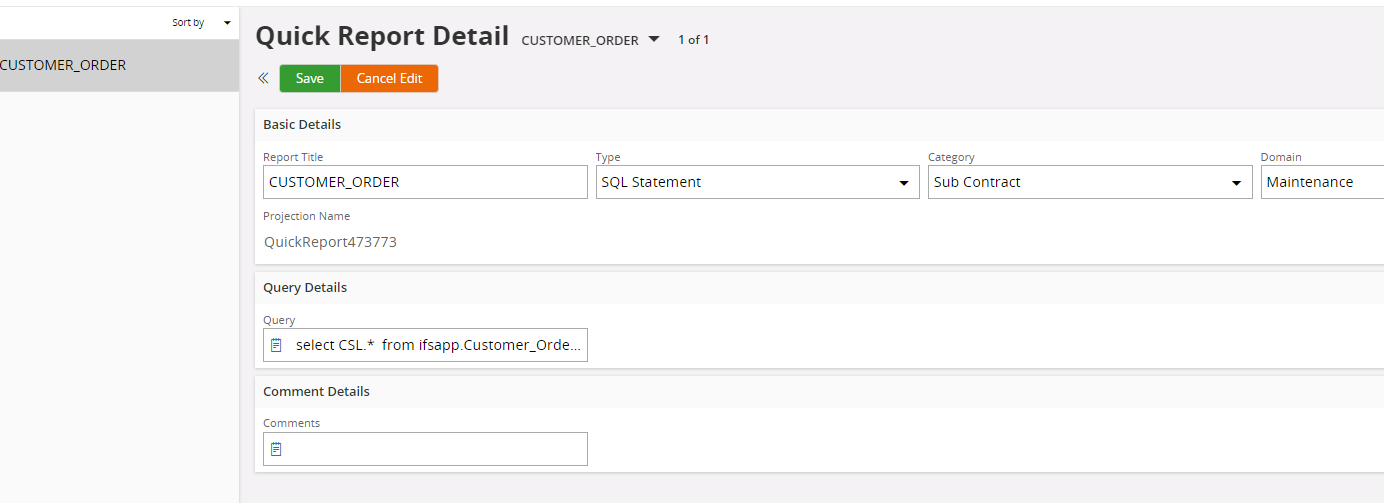
The name in  quick report is CUSTOMER_ORDER. It works fine in quick report.

select CSL.*  from ifsapp.Customer_Order CS
INNER JOIN ifsapp.Customer_Order_line CSL ON CS.ORDER_NO = CSL.ORDER_NOWHERE CS.order_ID = 'ERS'
AND CSL.QTY_ASSIGNED > 0 AND CS.state = 'Partially Delivered'

I saw this link. I tried to use  ifsinfo.Customer_Order in data source designer, but would not work.

 

4 replies

COVJAMIEB
Hero (Partner)
Forum|alt.badge.img+11
  • Hero (Partner)
  • March 10, 2023

Hello!

Have you created an IAL within the application containing the SQL within your Quick Report?

You should be able to reference the IAL within the view in the data source. 


Link
Superhero (Customer)
Forum|alt.badge.img+23
  • Superhero (Customer)
  • March 10, 2023

Hi @jgrace 

in Lobby Data Source you can’t use a quick report as source. But if it based on an IAL then you can use it directly.

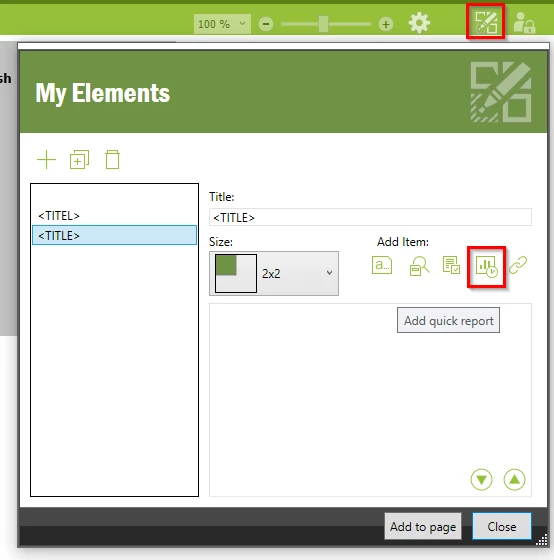
Alternatively, the user can use a personalised lobby.


Forum|alt.badge.img+7
  • Author
  • Sidekick (Customer)
  • March 10, 2023

Hi, I am not familiar with an IAL. Do you have link? Please see the image attached. This is what I have so far. I joined to views and it works fine in Quick Report. How can I reference the IAL within the view in the data source?


Link
Superhero (Customer)
Forum|alt.badge.img+23
  • Superhero (Customer)
  • March 13, 2023

Hi @jgrace 

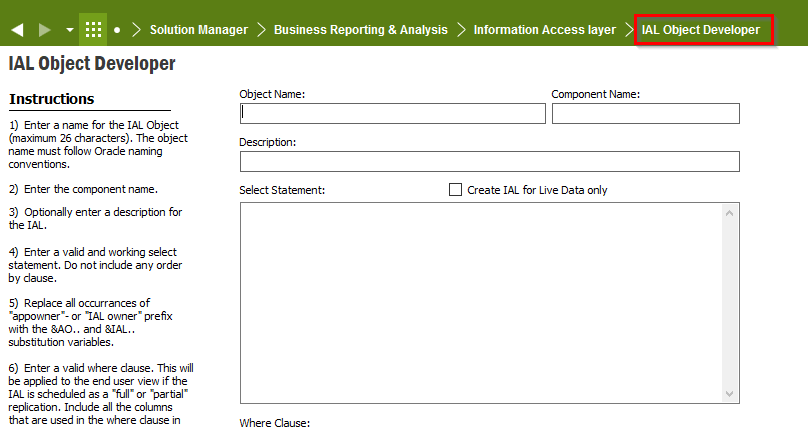
on the screen “IAL Object Developer” you can create a new IAL.


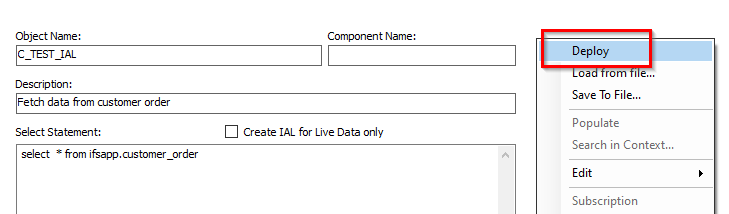
Deploy your query with RMT:


Access with IFSINFO in PL/SQL developer:

Select * from IFSINFO.C_TEST_IAL