Solved

Customer Support ETA unexpected automatic update

  • May 20, 2025
  • 3 replies
  • 28 views

Forum|alt.badge.img+7
  • Sidekick (Partner)

Hi,

for one of our customer (15.4 SU3), in Customer Support we have sometimes an unexpected automatic ETA update. In Back-Office, when the first activity is fullfilled with an incomplete Stop Code, the ETA Date of this activity is automatically updated, see the case below. Why do the ETA date changes ?  
Open_date :  15/04/2025 12:46 
Contr_ETA :  16/04/2025 18:00 (SLA next day + 10h)
ETA_Date :   16/04/2025 18:00
Coverage plan : each day 08h00 - 18h00 (duration 10h00)

We assign an AM and fullfilled the Activity (no more actions) in real time for instance on 15/04/2025 13:42 with incomplete Stop Code. 
Then, the ETA_date becomes : 15/04/2025 22:46 (10h00 after the Open Date)….

NB. If after this we enter a severity (Contract exception on this severity), then the ETA_Date is updated with a new value, and if we erase the severity then the ETA_Date becomes correct, 16/04/2025 18:00, as it was before we fullfilled the 1st activity. 

Thanks by adavance. 

Best answer by Phil Seifert

Hi Philippe,

I searched all the release notes for v15.3 and also for v15.4.  None of the reported fixes involved stop codes modifying ETA so I can’t say there was a fix definitively.

If you are able to reproduce this, please log a support case but as this is intermittent, there is nothing I can do from here to identify why this is happening.

3 replies

Phil Seifert
Ultimate Hero (Employee)
Forum|alt.badge.img+24
  • Ultimate Hero (Employee)
  • May 20, 2025

Hi Philippe,

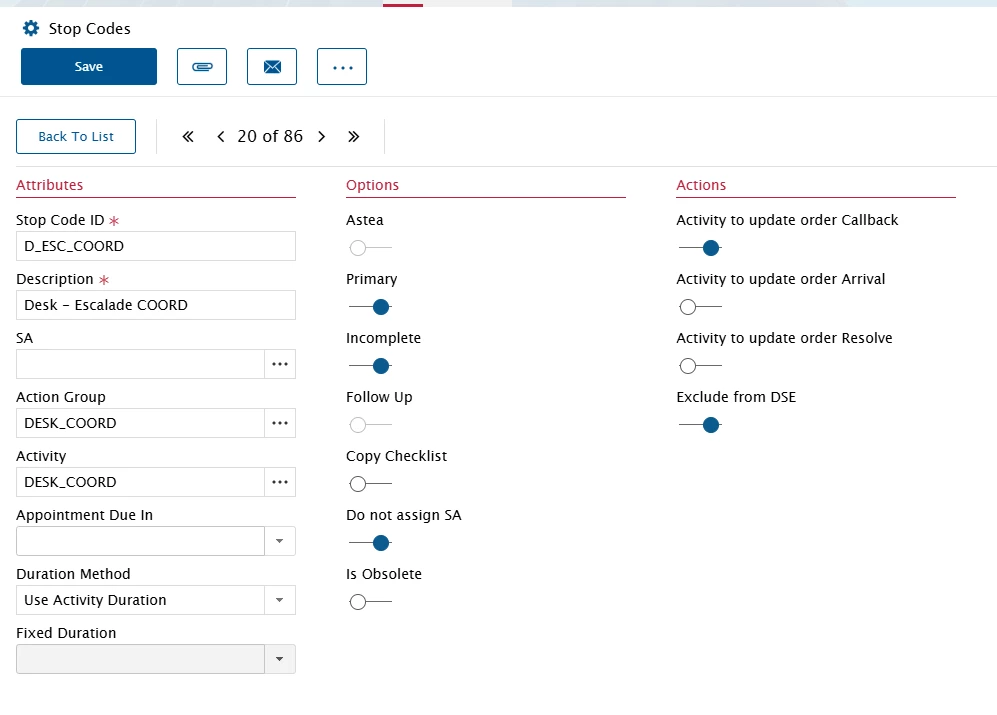
I would check the actions on the Stop Codes definitions.  Perhaps this is set to update the SLA from the activity?


Forum|alt.badge.img+7
  • Author
  • Sidekick (Partner)
  • May 20, 2025

Hi Phil

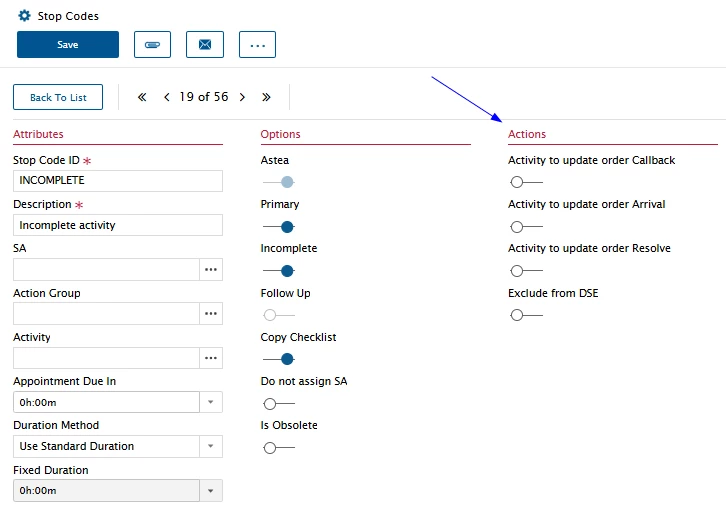
the Stop Code is this one. 

And sometimes the ETA_Date is updated… (only sometimes, but rarely, with the same BO user using the same process and Stop Code) 

We don’t understand. We have done a Backup of Production to reproduce the problem, but we can’t reproduce it, with the same process, same user, same AM, activity, stop Code, contract,…. So we thought that perhaps a bug was already identified, under certain conditions, for customers in SU3..


Phil Seifert
Ultimate Hero (Employee)
Forum|alt.badge.img+24
  • Ultimate Hero (Employee)
  • Answer
  • May 20, 2025

Hi Philippe,

I searched all the release notes for v15.3 and also for v15.4.  None of the reported fixes involved stop codes modifying ETA so I can’t say there was a fix definitively.

If you are able to reproduce this, please log a support case but as this is intermittent, there is nothing I can do from here to identify why this is happening.