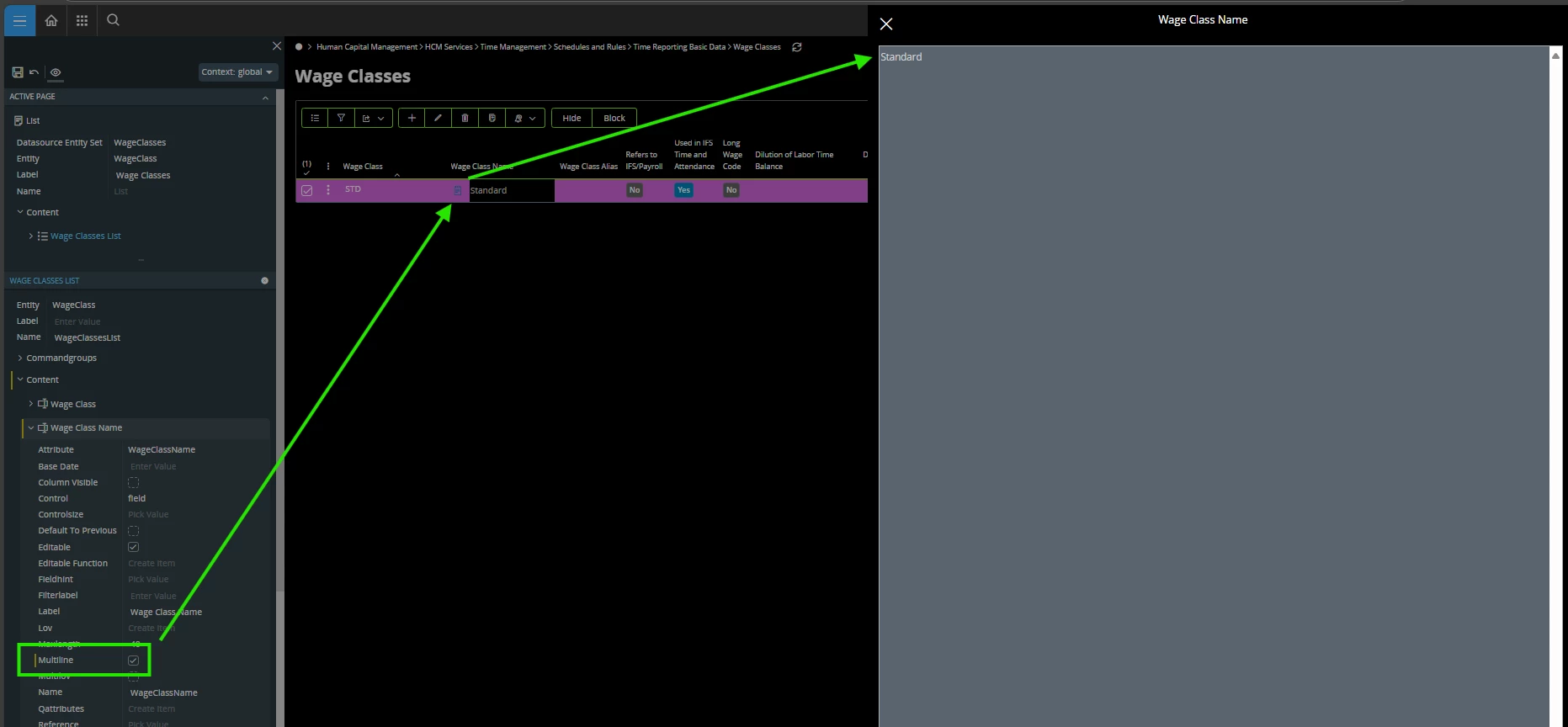


Hello, I’m looking for guidance on how to format text within the Description field of a Decision task using an expression. I’m trying to make a lengthy statement more readable and user-friendly.
Here’s the original version:
“To determine whether you can authorise this Change, you need to assess the required level of approval: If the Change is classified as RFC 4, you can authorise it yourself. RFC 3, it requires approval from a peer. RFC 2, it requires approval from the Services Manager. RFC 1, CAB approval is necessary. If the Change is no longer required, it should be rejected.”
And here’s the revised version I’m aiming for:
“To determine whether you can authorise this Change, you need to assess the required level of approval.
If the Change is classified as:
• RFC 4 – You can authorise it yourself.
• RFC 3 – It requires approval from a peer.
• RFC 2 – It requires approval from the Services Manager.
• RFC 1 – CAB approval is necessary.
• No longer required – It should be rejected.”
Is there a way to achieve this kind of formatting guaidance on using expressions or supported syntax within the platform?
Thanks in advance for your help!
Best regards,
Jessica Lee van Pelt
Service Analyst