


created the following datasource:
View: JT_TASK_UIV
where:
site = '$SITE$' and
(description like 'Kalibrierung laut Freigabeverfahren' or
description like 'Calibration according approval procedure') and
work_type_id in ('I-PREVENTIV','I-CALIBRATION','QUALITY') and
actual_finish is not null and
exists (select 1 from ifsapp.resource_tool_equip_join b
where b.resource_id = reported_object_id and
b.RESOURCE_PARENT_ID like 'TT%' and
b.RESOURCE_PARENT_ID not like 'TTA%') and
TRUNC(actual_finish) >= trunc(to_date(to_char(add_months(sysdate,-12),'yyyymm') || '01','yyyymmdd'))
group by:
to_char(actual_finish,'yyyymm')
columns:
count(*)
to_char(actual_finish,'yyyymm')
created the bar chart:
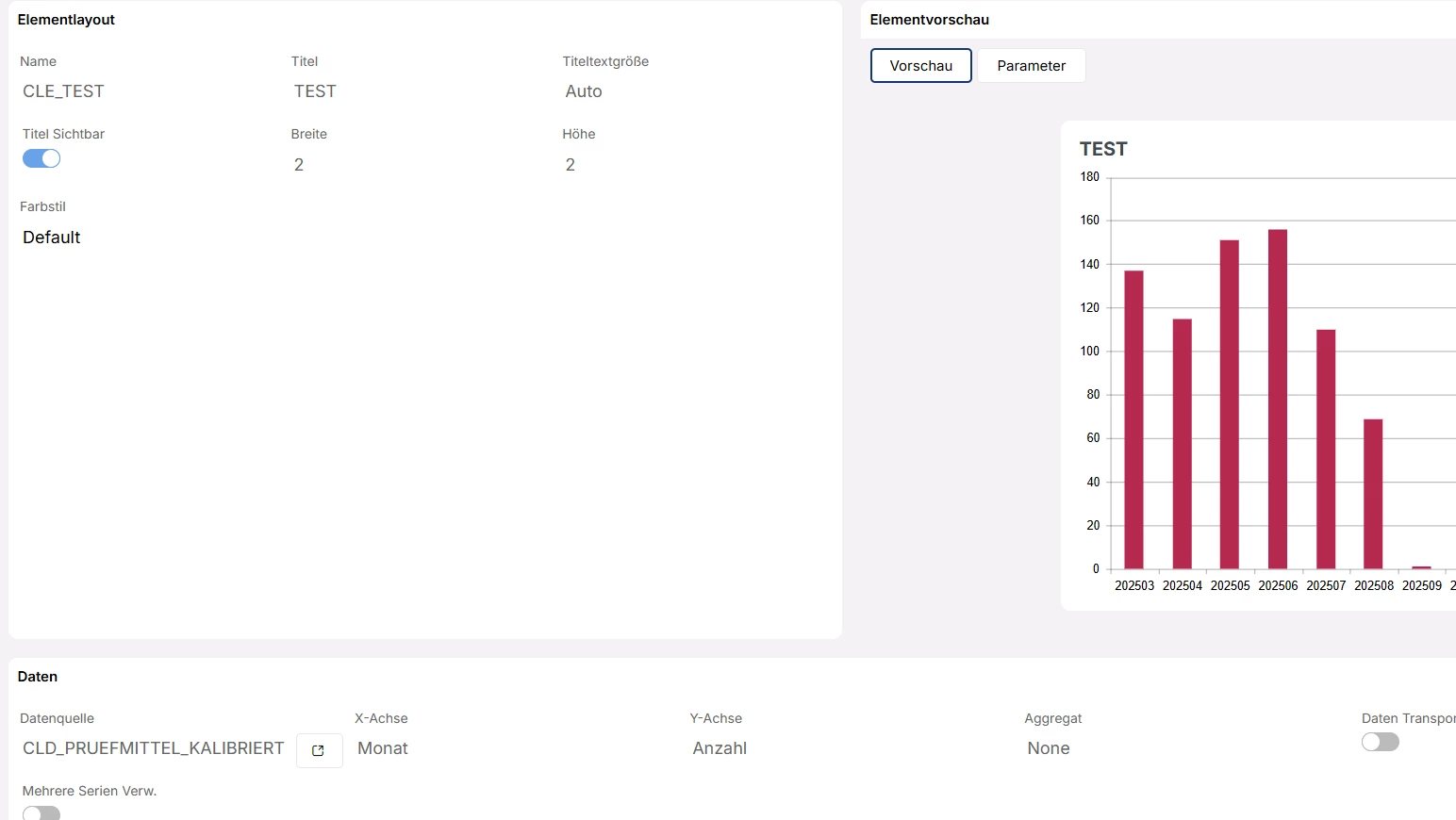
How do I navigate from a bar in the chart to the page/WorkTasks/List module so that only the tasks for the corresponding month are displayed there?
how to set the correct filter?
Thank you
Christopher