

Question

Creating a Bundle Task - screen elements missing

  • May 22, 2026
  • 1 reply
  • 6 views

Wendy J
Do Gooder (Customer)
Forum|alt.badge.img+1

Hi,

i’m experimenting with creating bundle tasks and following the instructions in 24R2 NGSM Demystified document and not seeing the same screen options available.

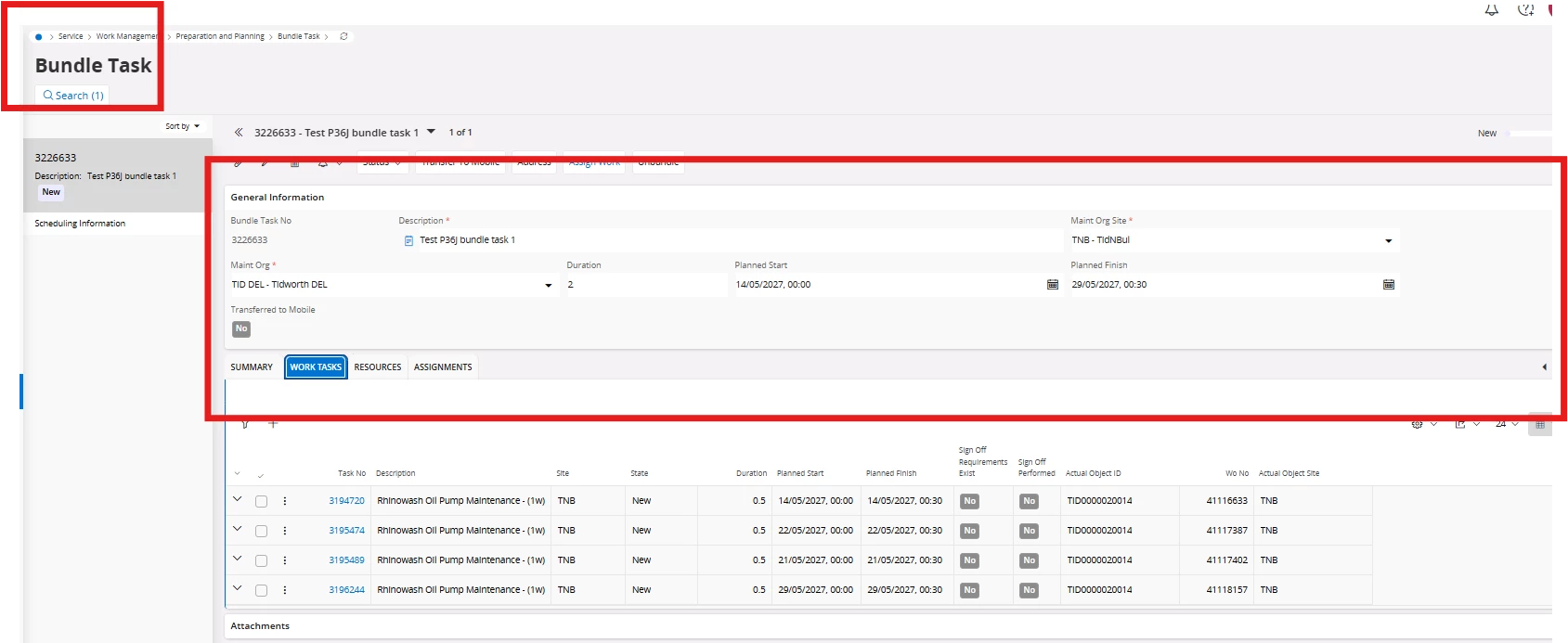
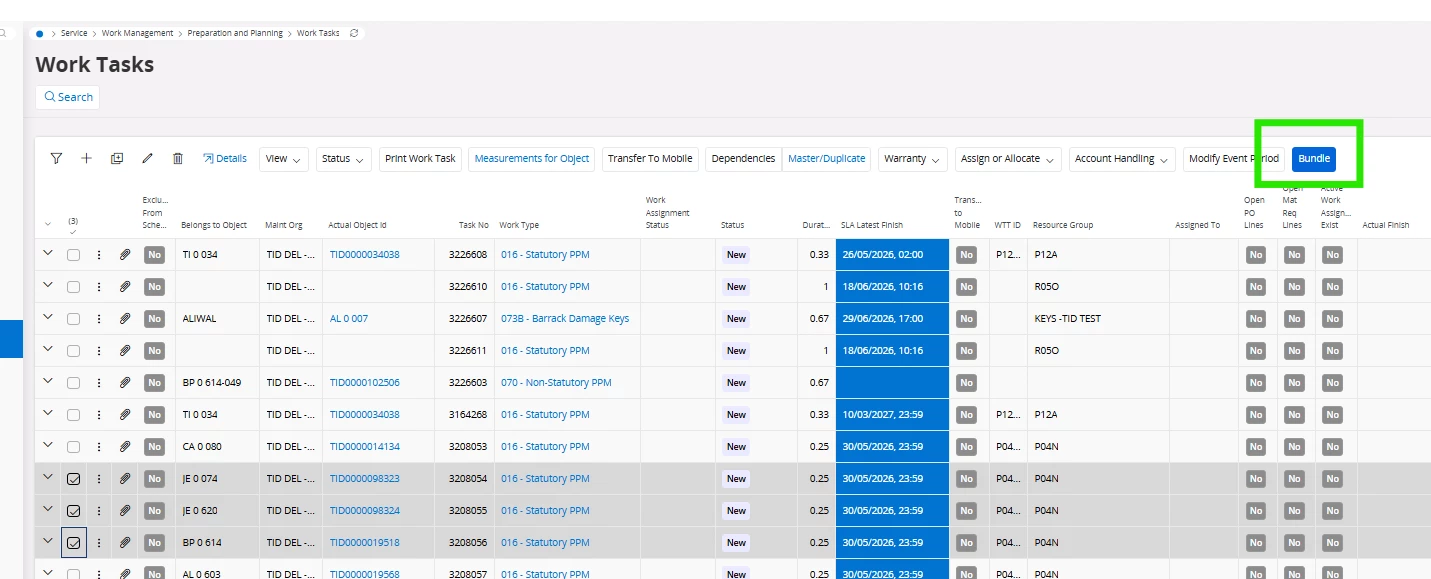
From a work task search, I selected the ‘Bundle’ option to create. All tasks are at new status and a bundle task number was created (see image) However, the screen screenshot in the set up guide is labelled Request Bundle Task and has a screen option including Handling information which is completely missing
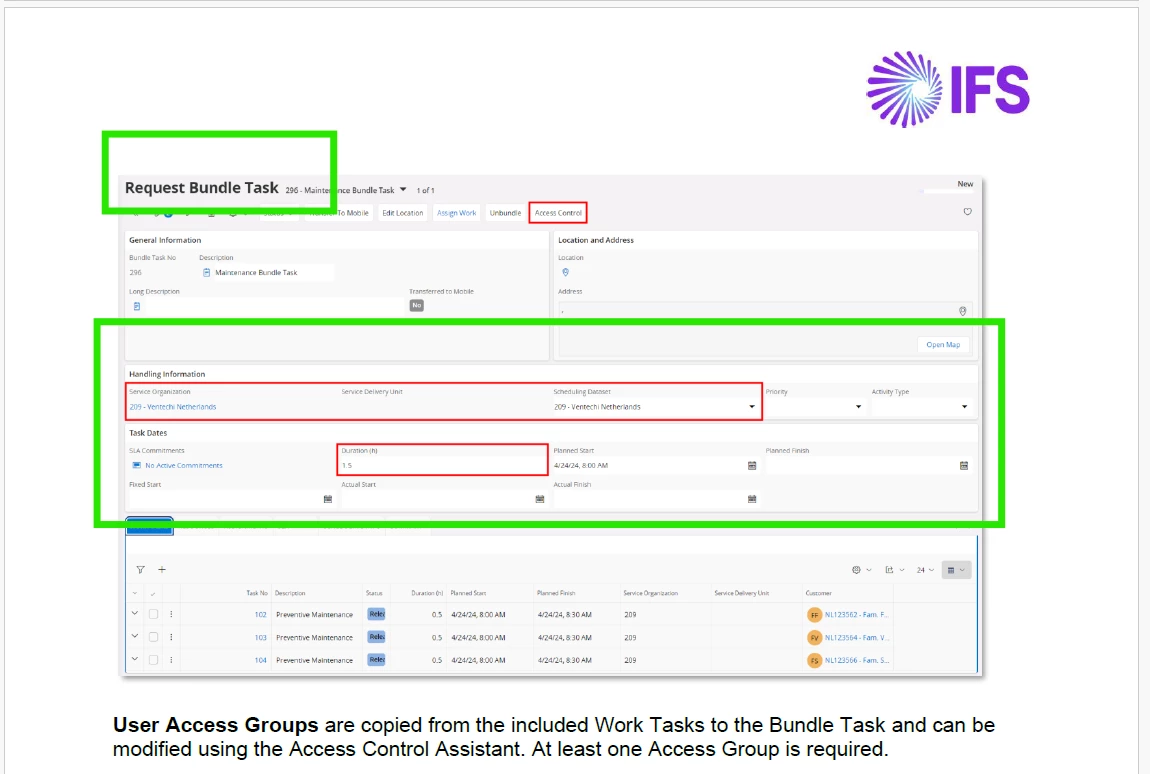
 in the view I have.

We would like to use this functionality but I’m not getting very far. We are on version 24R2.16 and moving to 25R2 in a few months.

Any help would be appreciated. 

1 reply

Forum|alt.badge.img+8
  • Hero (Employee)
  • May 25, 2026

Hi!

The NGSM Demystified document revolves around the Request-based Service Solution - “Request Management”. The screenshots that you are referring in that document are fully based on that service solution.


From your screenshots it looks like you are running a Work Order Based solution with Work Order Tasks - those clients looks a little different as the Request and the Work order solutions are not the same. 


For Bundle Tasks the main concept is the same but there are certain elemnts that are different to the Work order based and the Request based solutions.