Hi @IFSFAN,
In standard IFS, the Inventory Transaction History page is primarily intended to display the individual inventory transactions (receipts, issues, moves, adjustments, etc.) that have occurred for an inventory part. However, it does not include a field that displays the running on-hand balance after each transaction.
If the requirement is to determine the inventory quantity at a specific point in time, there are a few alternative options available:
Inventory Part Currently On Hand
This can be used to view the current on-hand quantity for a specific inventory part.
Inventory Part On Hand Development
This screen can be used to analyze how inventory quantities have changed over time for a specific part. This is usually the closest standard functionality for reviewing inventory quantity development/history.
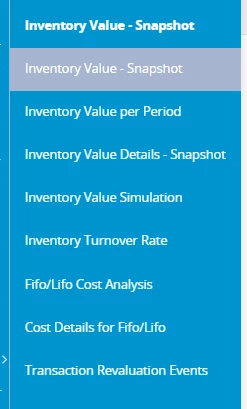
Inventory Value per Period
If the requirement is to know the inventory quantity and value for a specific historical period, such as month-end or year-end, this functionality can provide the inventory quantities and values for the selected period.
Regards,
Nikila Dissanayake