



25.1.7
I have a part with two Part Revisions, 1 and 2.
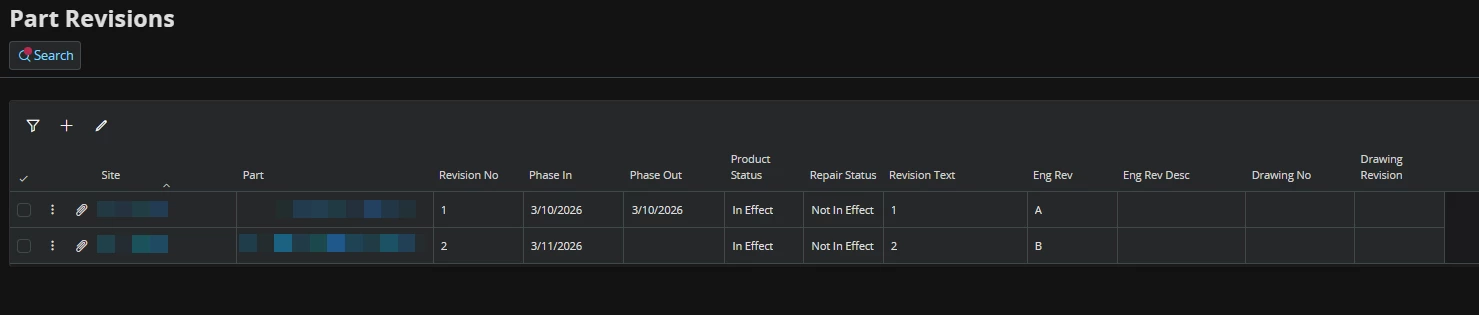
This is an Export Controlled Part. When I want to assign a Primary Classification, Classification Scheme, and Export Control Code, neither Part Revision 1 or 2 is listed in the Revision No dropdown.
Why are these revisions not in the dropdown?
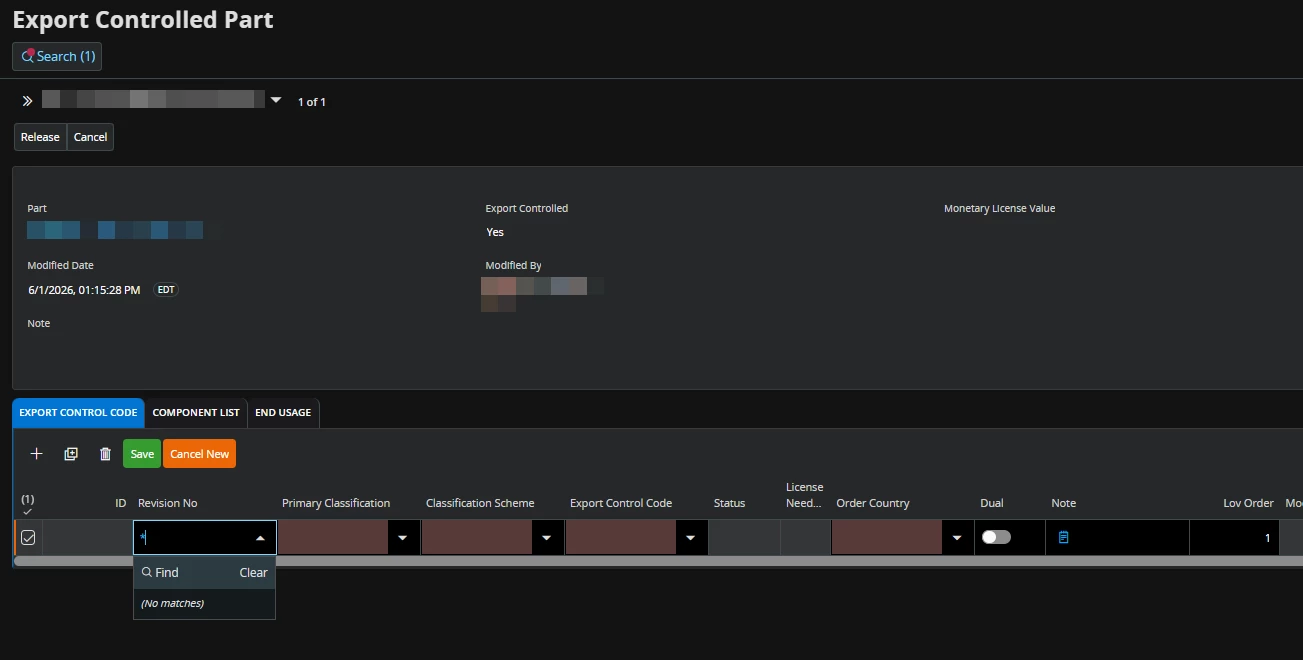
The field description for Revision No:
The revision number of the part. If the part has had several revisions, the revision number will be stated. The revision number is automatically generated by the system. This is the number that designates a current or past version of a part or assembly. If IFS/Manufacturing Standards is not installed, the Part Revision value is set to 1. If IFS/Manufacturing Standards is installed, the value is retrieved from the Revision No field on the Manufacturing Standards/Part Revision and Attributes/Part Revision page. When registering purchase order arrival the value is retrieved from the respective purchase order line. For a number of transactions where a relevant revision number cannot be set, e.g., inventory revaluation, direct shipment from supplier to customer, and consignment stock, the value is set to blank or an asterisk (*). You can change this value if more than one revision for this part exists.


