Question

How to register the Basic Data Translation settings

  • February 3, 2026
  • 1 reply
  • 37 views

Forum|alt.badge.img+3

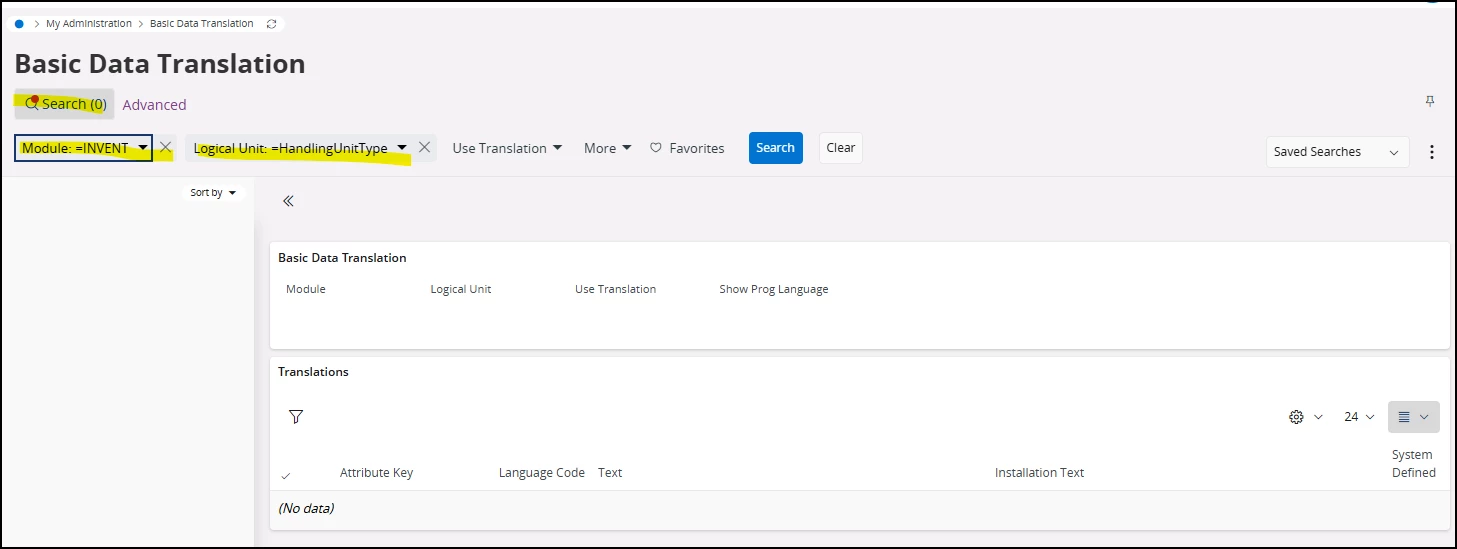
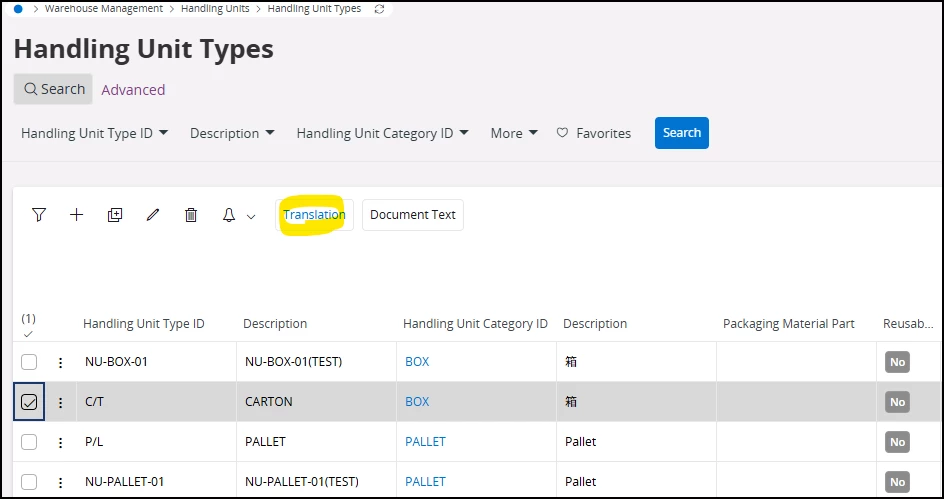
When I opened the Basic Data Translation screen using the “Translation” command on the Handling

Unit Types page,

no data was displayed as shown below.

How can I resolve this issue?
 

1 reply

Nikila Dis
Superhero (Employee)
Forum|alt.badge.img+14
  • Superhero (Employee)
  • February 3, 2026

Hi ​@WATABEN,

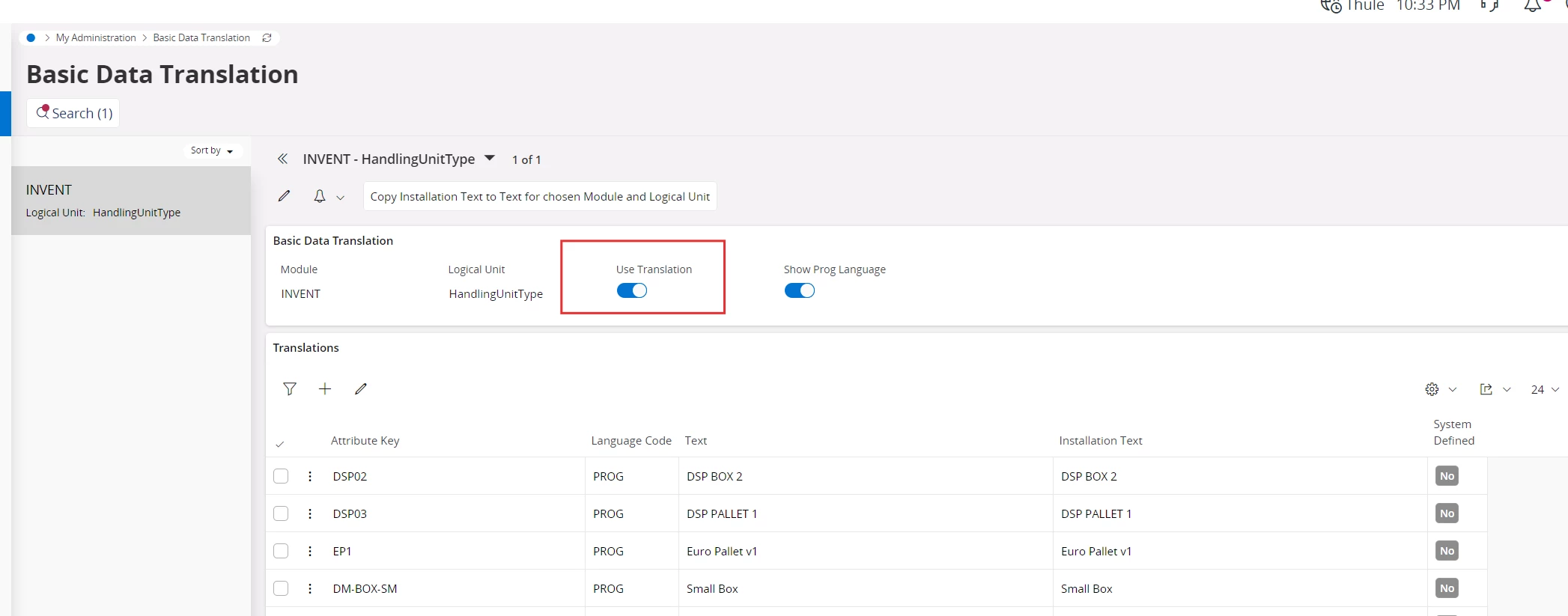
When you open Basic Data Translation via the Translation command on Handling Unit Types, IFS only shows data if translations are actually enabled and generated for that LU and record. Can you navigate to the following window and Make sure Use Translation toggle set to TRUE. Then checked that the required languages are enabled in the tenant, verified whether any background jobs exist for translation, and re-ran the process.


https://docs.ifs.com/techdocs/23r2/060_development/027_base_server_dev/100_localization_internationalization/099_basic_data_translation/#modify_basic_data_translations

Regards,

Nikila Dissanayake