Question

Document name for IFS Customer Order Invoice

  • March 18, 2026
  • 2 replies
  • 7 views

ashenfdo
Sidekick (Customer)
Forum|alt.badge.img+8

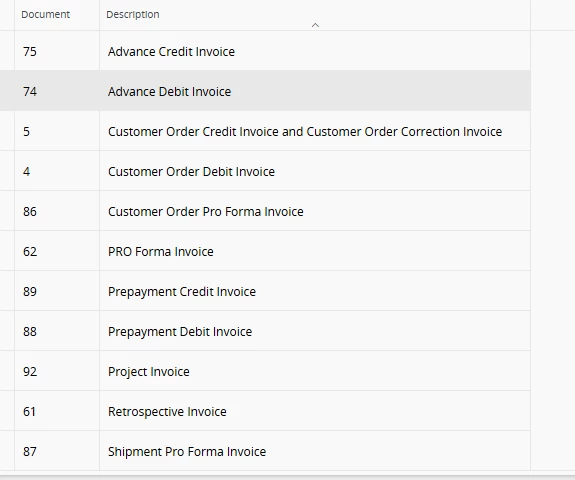
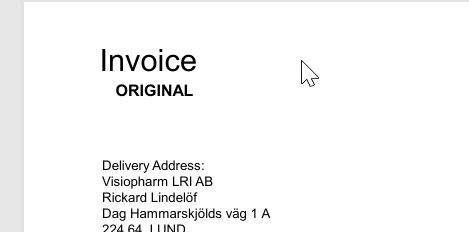
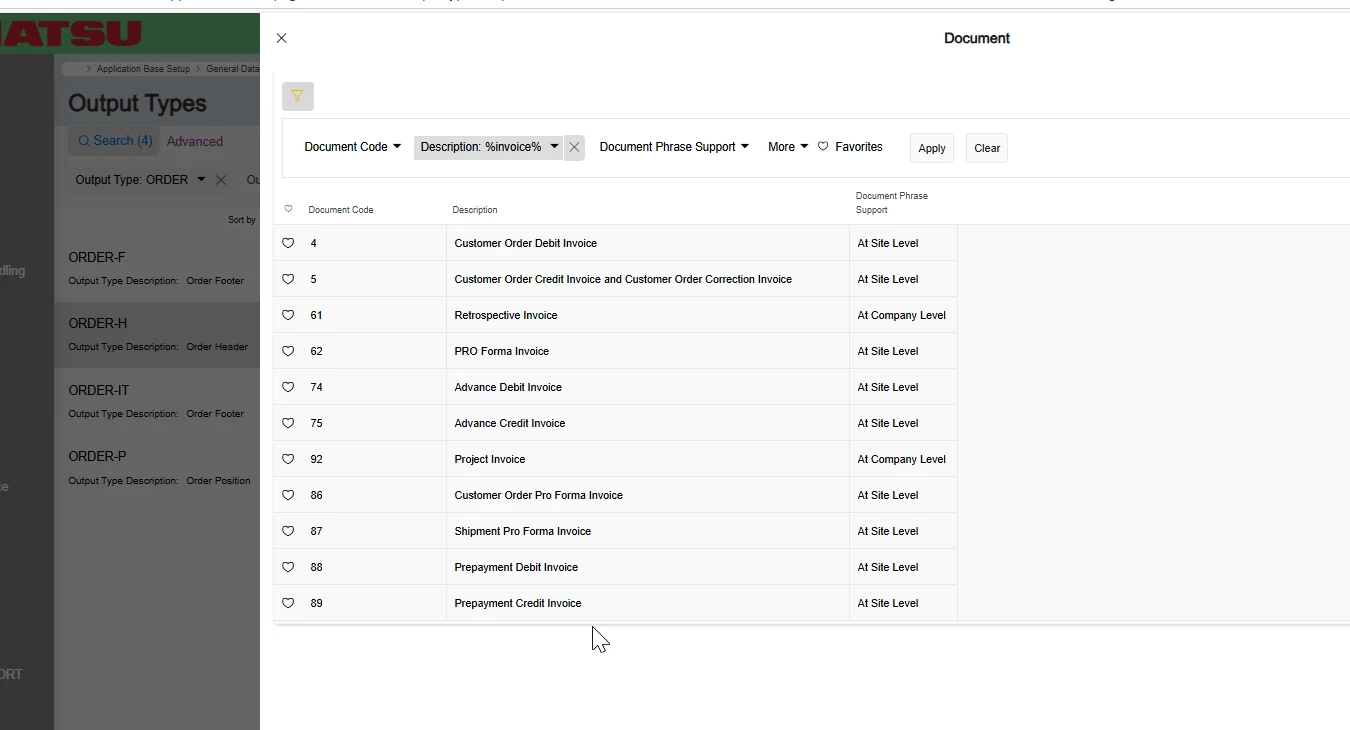
I have added a document text for the customer order but its not getting printed. I want to check if the correct Document Text is enabled for the document. What is the document name for the normal Customer Invoice?


2 replies

PRODQ
Superhero (Customer)
Forum|alt.badge.img+18
  • Superhero (Customer)
  • March 18, 2026

Any one of these…


Are you using the standard/out of the box invoice or do you have your own version created?  We use Crystal Reports for our invoices.  If your own you need to make sure Document Text is a field on the invoice layout.


jbush0419
Do Gooder (Customer)
Forum|alt.badge.img+3
  • Do Gooder (Customer)
  • March 18, 2026

@ashenfdo - 

the document name you're looking for is "CUSINVOICE" for the standard Customer Invoice.  Like ​@PRODQ asked, are you using the standard IFS invoice, or have you customized it?  I’ve seen where people customize IFS reports and remove “Document Text” from the layout not understanding what it’s used for. 

Here's how to check and set this up properly:

To verify your Document Text configuration:

  1. Go to “Document Text Administration”
  2. Look for Output Type with Document = "CUSINVOICE"
  3. Make sure the appropriate Output Types are enabled for your needs

Key things to check:

  • Ensure your document text has the correct “OUtput Type” selected that matches what's configured for CUSINVOICE
  • The document text needs to be attached at the right level (customer order header, line, or customer level depending on your setup)
  • Your invoice layout needs to be configured to pull and display document text - custom layouts may need specific coding to show document text

Quick test: Try printing your invoice using the standard IFS layout instead of any custom layout your company might be using. If the document text appears on the standard layout but not your custom one, then the issue is with the custom layout configuration rather than the document text setup.

The print process can actually fetch document texts from multiple sources - both from the order itself and from behind the customer record, so make sure you're adding the text in the right location for your specific use case.

Hope that helps, 

-jason