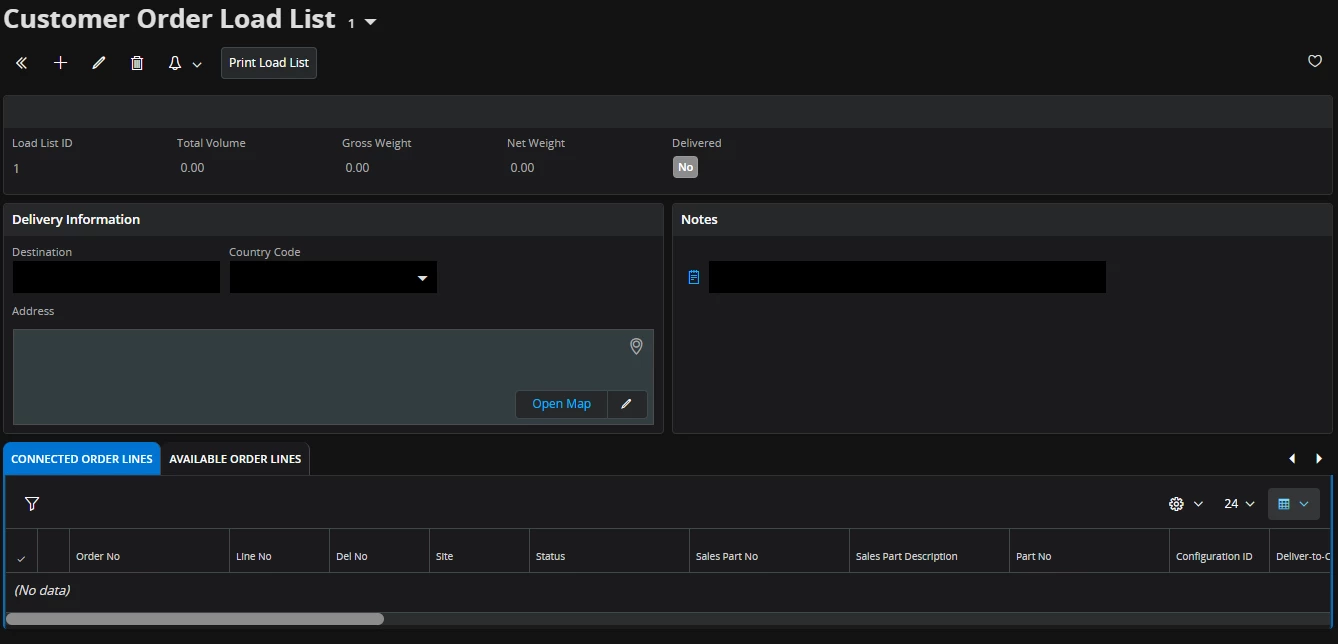
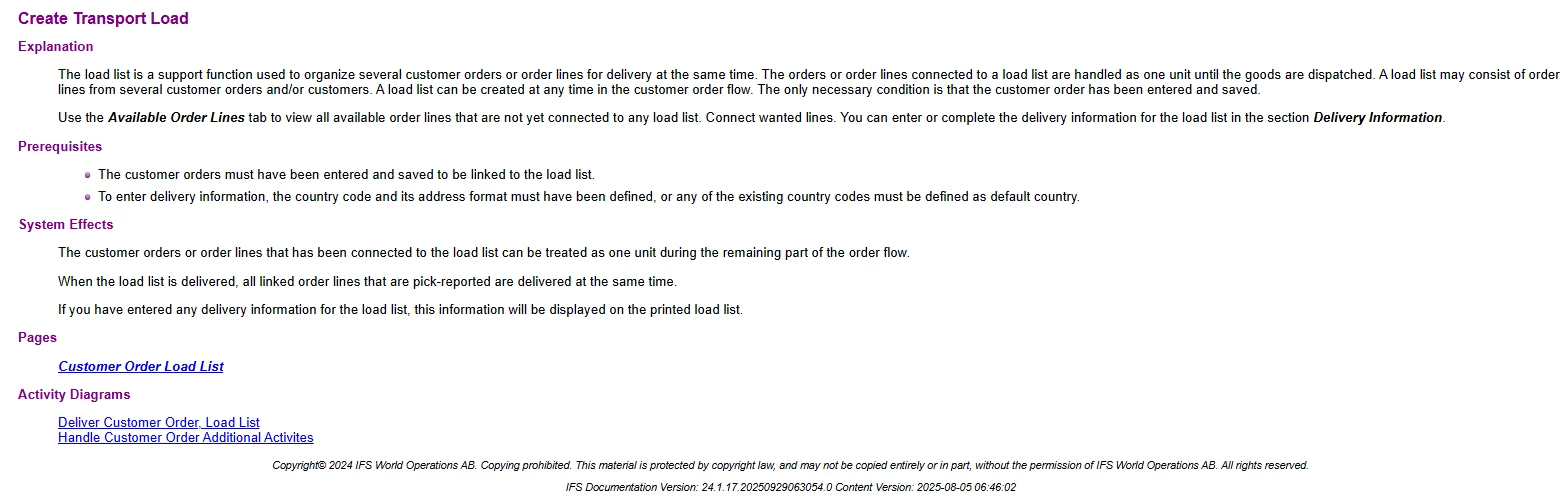
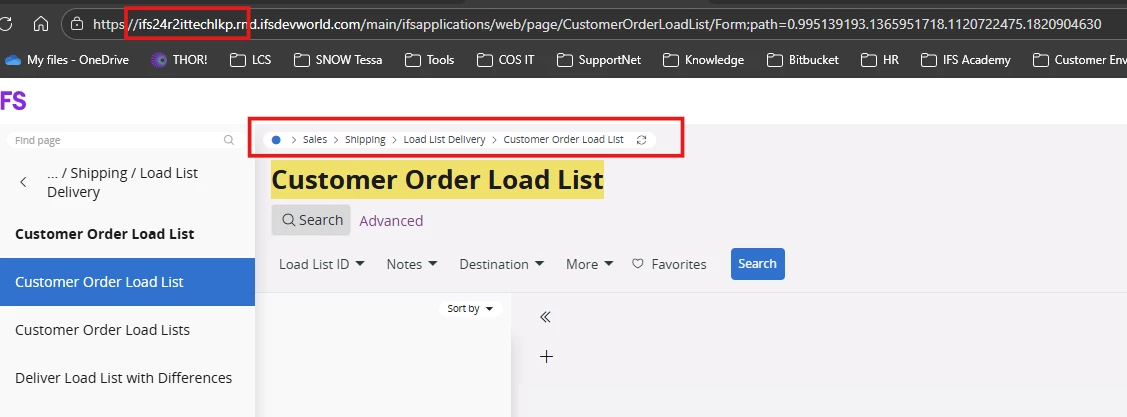
I am working in the 25.2.1 environment and noticed that the Customer Order Load List is no longer available, even though it existed in older versions. Has this function been removed, or is there an alternative way to perform that task?
24.1.4 - Window
24.1.4 - IFS Doc
Regards
Yukthila
Best answer by Nikila Dis
Hi @Yukthila,
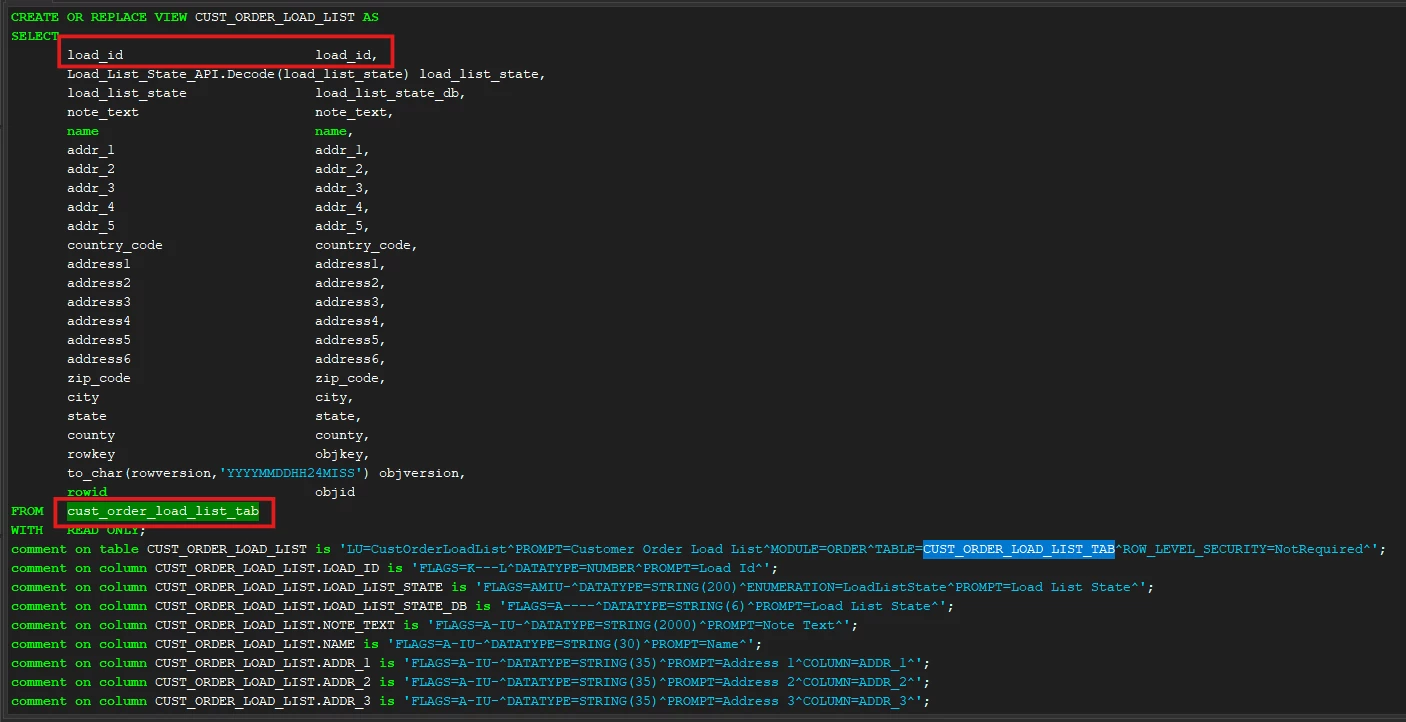
I discussed this issue earlier this year with IFS Product Development Team and I was able to locate the “Load List ID” in the App10 database and in versions up to 24R2 as the “LOAD_ID” column. Up to version 24R2, there was a page called “Customer Order Load List” and a corresponding table named “CUST_ORDER_LOAD_LIST_TAB.”
From IFS Cloud 25R1 onwards, both the page and the table are no longer available. Additionally, the “LOAD_ID” column, which was previously included in the “CUSTOMER_ORDER_LINE_TAB” table until 24R2, has also been removed.
This is a development change introduced from 25R1 onward by the IFS R&D team. The Load List functionality is now fully managed through the Shipment functionality. A Load List ID is only relevant after picking and shipment planning, and it is no longer considered part of normal customer order follow-up.
If this resolves your question, please mark it as the best answer. So that it will be helpful for other peers.
I discussed this issue earlier this year with IFS Product Development Team and I was able to locate the “Load List ID” in the App10 database and in versions up to 24R2 as the “LOAD_ID” column. Up to version 24R2, there was a page called “Customer Order Load List” and a corresponding table named “CUST_ORDER_LOAD_LIST_TAB.”
From IFS Cloud 25R1 onwards, both the page and the table are no longer available. Additionally, the “LOAD_ID” column, which was previously included in the “CUSTOMER_ORDER_LINE_TAB” table until 24R2, has also been removed.
This is a development change introduced from 25R1 onward by the IFS R&D team. The Load List functionality is now fully managed through the Shipment functionality. A Load List ID is only relevant after picking and shipment planning, and it is no longer considered part of normal customer order follow-up.
If this resolves your question, please mark it as the best answer. So that it will be helpful for other peers.
Previously we had four ways of delivering a customer order:
Customer Order without Shipment
Customer Order with Shipment
Customer Order with Pre-Ship Delivery Note
Customer Order with Load List
The features of option 3 and 4 are covered by the shipment solution (i.e. option 2). To avoid developing and maintaining parallel and overlapping features option 3 and 4 has been obsoleted and replaced by the shipment functionality.
I discussed this issue earlier this year with IFS Product Development Team and I was able to locate the “Load List ID” in the App10 database and in versions up to 24R2 as the “LOAD_ID” column. Up to version 24R2, there was a page called “Customer Order Load List” and a corresponding table named “CUST_ORDER_LOAD_LIST_TAB.”
From IFS Cloud 25R1 onwards, both the page and the table are no longer available. Additionally, the “LOAD_ID” column, which was previously included in the “CUSTOMER_ORDER_LINE_TAB” table until 24R2, has also been removed.
This is a development change introduced from 25R1 onward by the IFS R&D team. The Load List functionality is now fully managed through the Shipment functionality. A Load List ID is only relevant after picking and shipment planning, and it is no longer considered part of normal customer order follow-up.
If this resolves your question, please mark it as the best answer. So that it will be helpful for other peers.
Regards,
Nikila Dissanayake
Thank you for the update! I hope the R&D team will consider this requirement in future updates
Previously we had four ways of delivering a customer order:
Customer Order without Shipment
Customer Order with Shipment
Customer Order with Pre-Ship Delivery Note
Customer Order with Load List
The features of option 3 and 4 are covered by the shipment solution (i.e. option 2). To avoid developing and maintaining parallel and overlapping features option 3 and 4 has been obsoleted and replaced by the shipment functionality.
Best Regards
Fredrik
Hi Fredrik,
Our entire business solution is mapped to the Customer Order delivery since we don’t have a shipment and handling unit requirement. Consequently, with the new version, we will need to find an alternative for loading.
Previously we had four ways of delivering a customer order:
Customer Order without Shipment
Customer Order with Shipment
Customer Order with Pre-Ship Delivery Note
Customer Order with Load List
The features of option 3 and 4 are covered by the shipment solution (i.e. option 2). To avoid developing and maintaining parallel and overlapping features option 3 and 4 has been obsoleted and replaced by the shipment functionality.
Best Regards
Fredrik
Hi Fredrik,
Our entire business solution is mapped to the Customer Order delivery since we don’t have a shipment and handling unit requirement. Consequently, with the new version, we will need to find an alternative for loading.
However, thank you for the update!
Regards
Yukthila
Hi,
I think and hope you should be able to achieve the same (and even more) by using the shipment functionality.