Solved

Create Custom Field

  • Jan 19, 2023 12:09 PM UTC
  • 3 replies
  • 421 views

Forum|alt.badge.img+5

Hi,

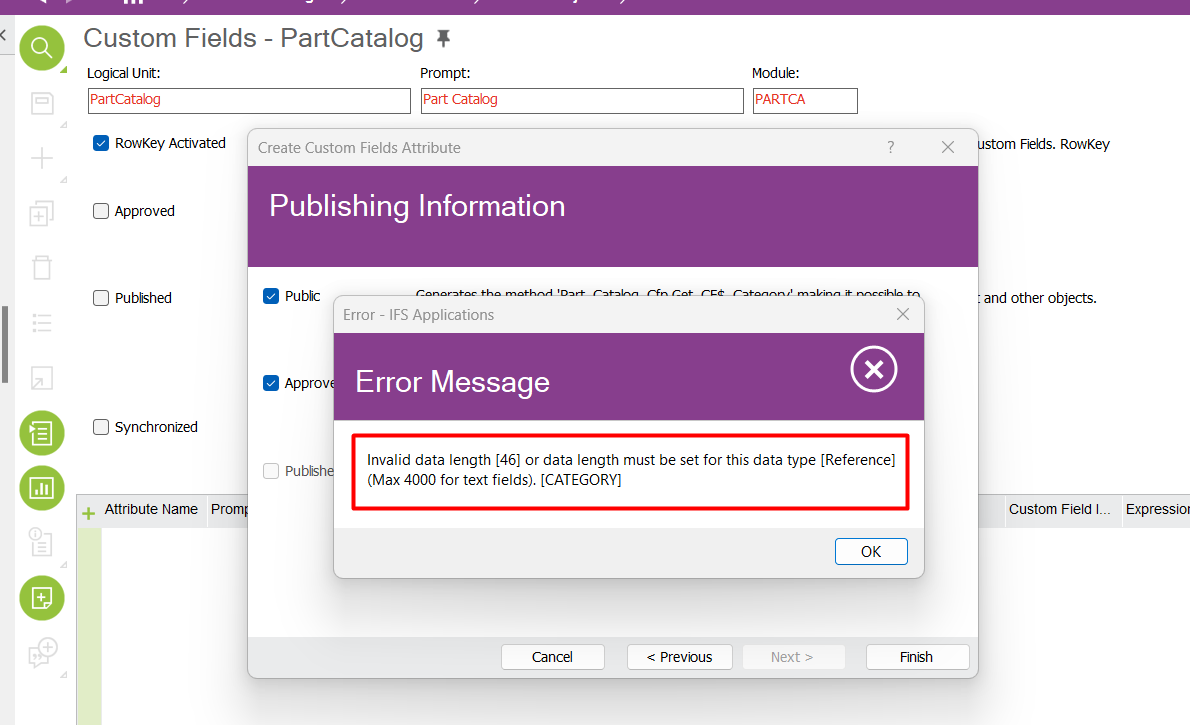
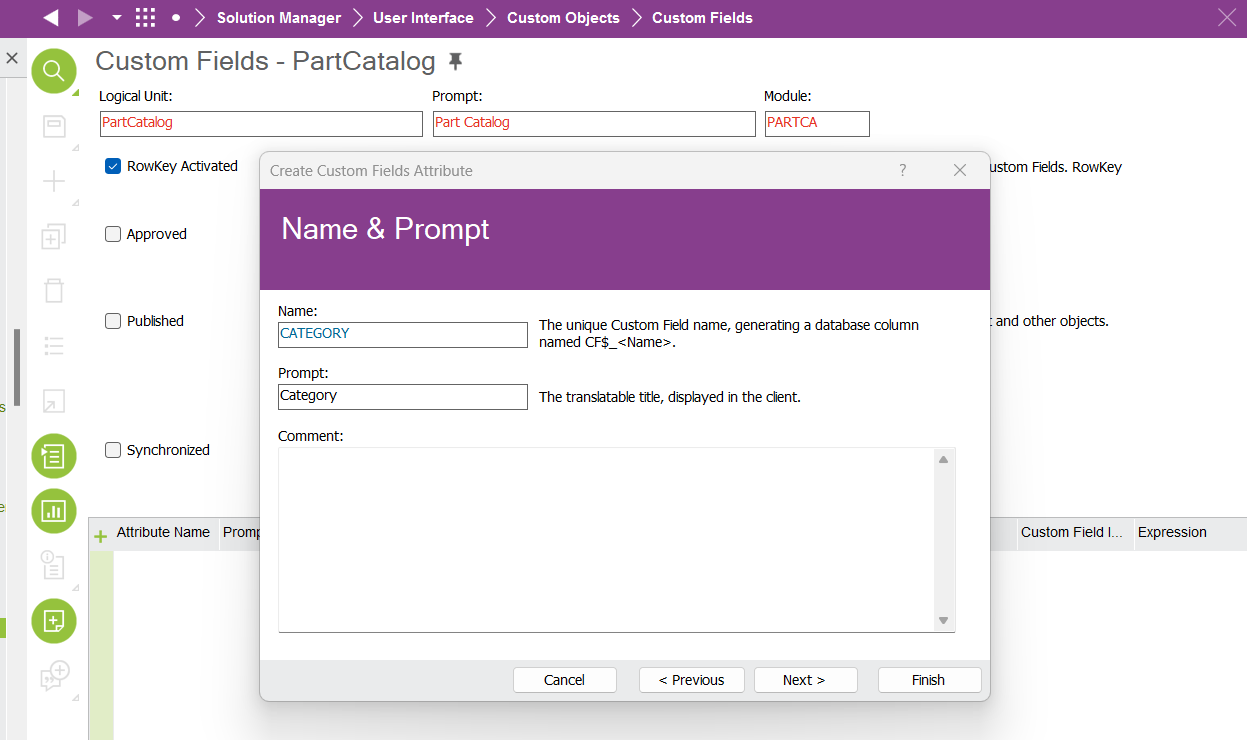
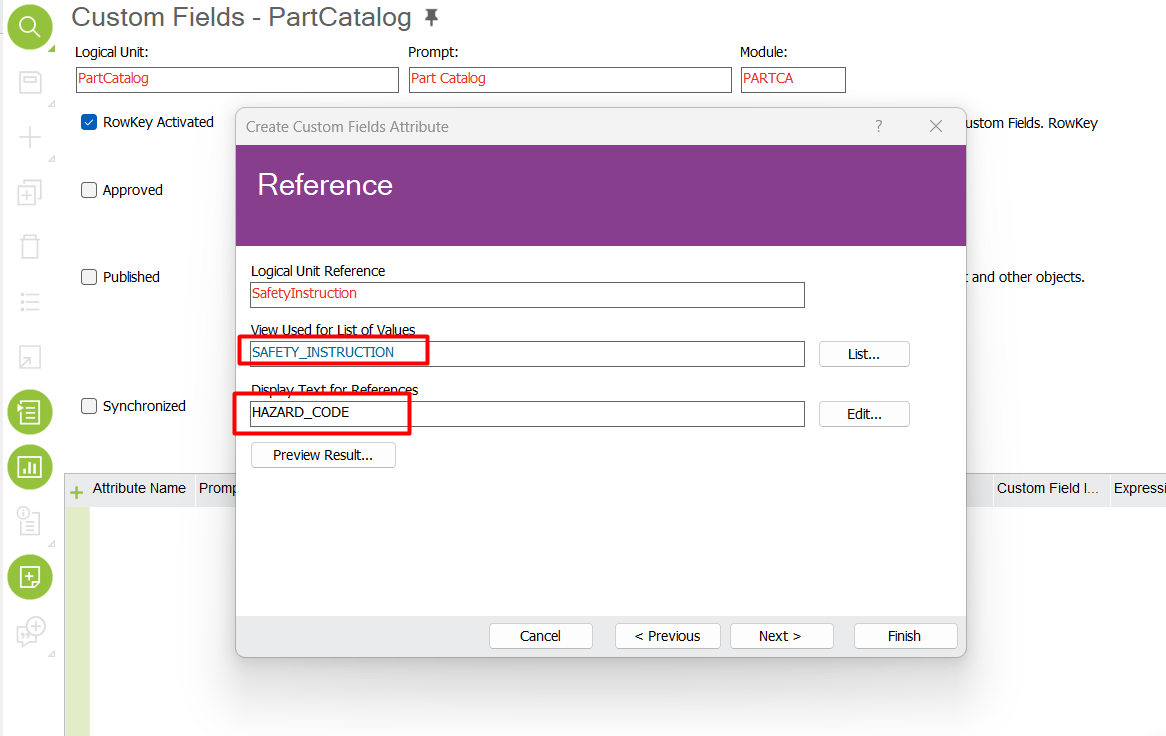
I want to create a custom field on the part screen. This field will be fed from the SAFETY INSTRUCTION view. but i am getting error. I request your valuable support.

“Invalid data length or data length must be set for this data type [Reference] Max 4000 for text field. Category.”


Best answer by fatih.temiz

We caught a bug here. It is necessary to go to the data type screen and change the length again.
View original

3 replies

Forum|alt.badge.img+5
  • Author
  • Sidekick (Customer)
  • Answer
  • Jan 19, 2023 1:23 PM UTC
We caught a bug here. It is necessary to go to the data type screen and change the length again.

Forum|alt.badge.img+9
  • Hero (Customer)
  • Aug 30, 2023 3:41 PM UTC

Good afternoon @fatih.temiz 😊


I am having the same error creating a custom field with a reference from a Shop Order Operation View.
Can you please explain where exactly you went?
And what exactly did you change?

Thanks in advance,
Carlos Mendes


Forum|alt.badge.img+1
  • Do Gooder (Partner)
  • Feb 16, 2024 7:09 AM UTC

Hi, 

Even I am facing the same issue currently  for a different screen,

Can you provide the solution over here if you have any?


Thanks in Advance,

Rishab