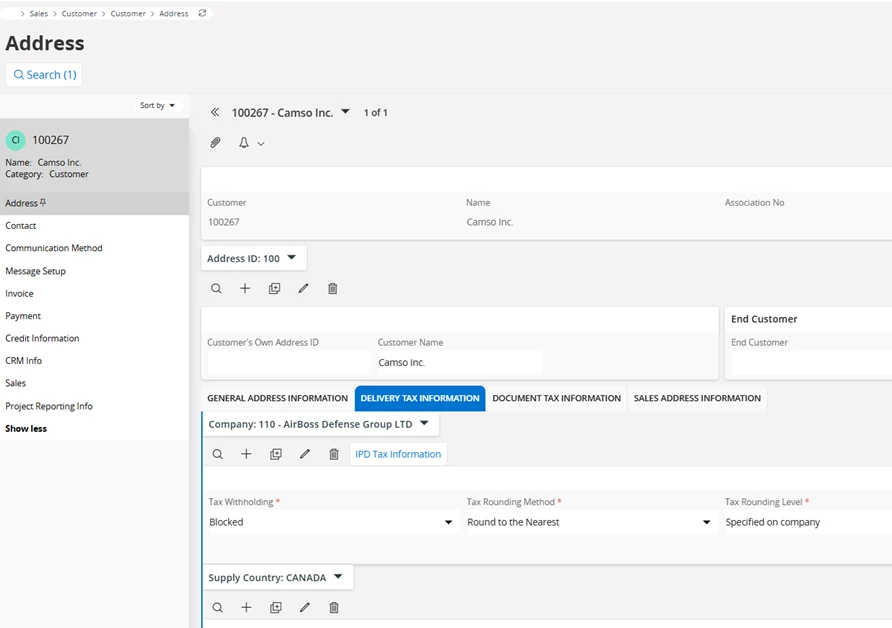
Sales > Customer > Customer > Address > Delivery Tax Information tab
Customer Invoice address 100
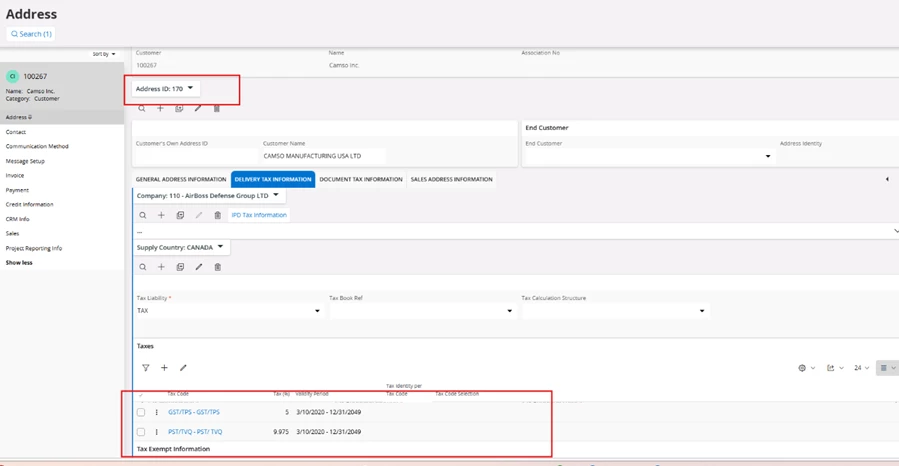
Customer address 170 has 2 tax codes
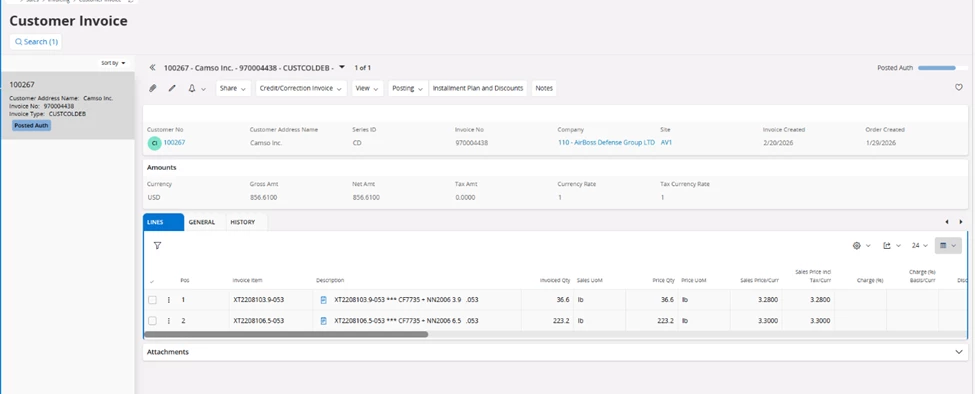
Sales > Invoicing > Customer Invoice
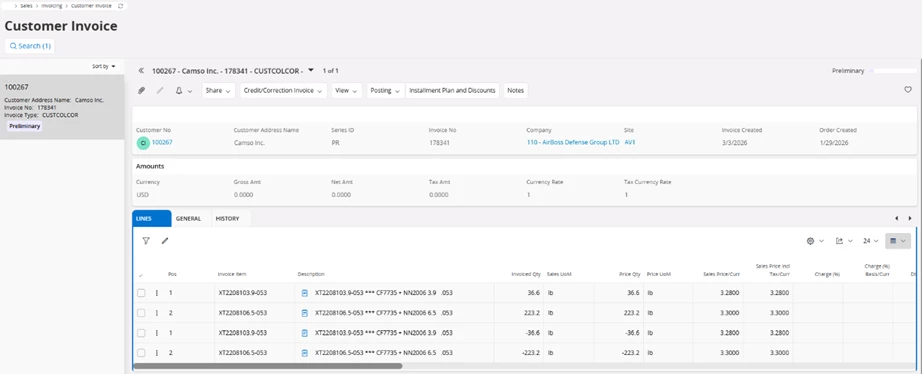
Original Invoice 970004438 was created with N tax code
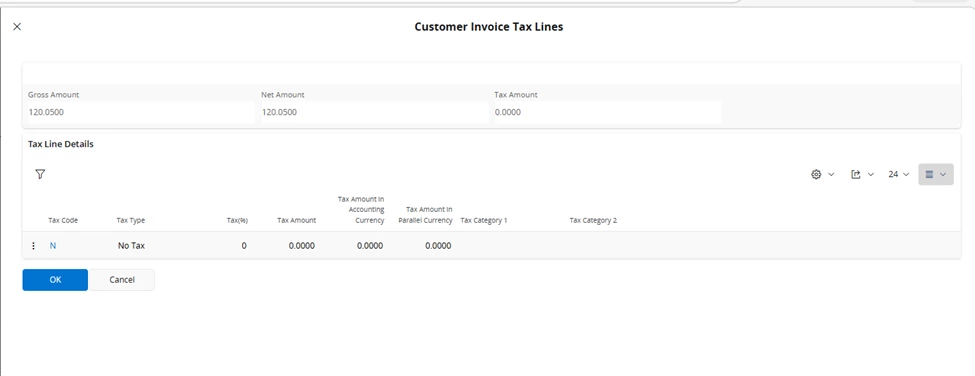
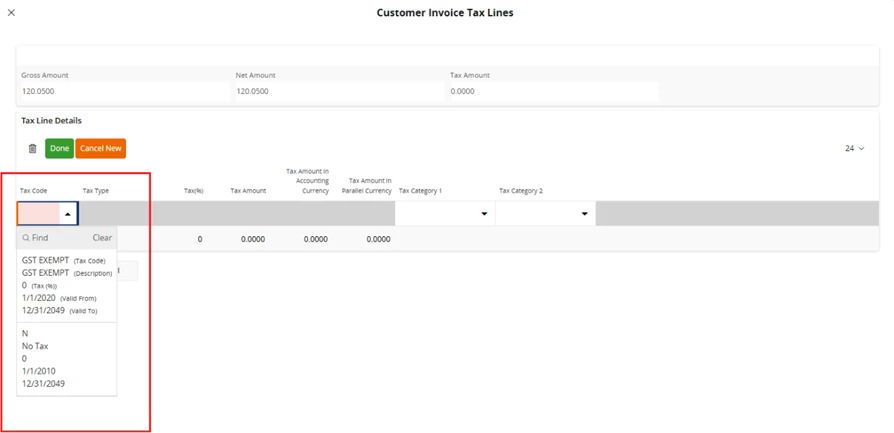
The problem is this customer needs 2 tax codes per line, and we have created a correction invoice.
When we go to tax lines, we are not able to see all the tax codes to choose the correct one. In the dropdown it shows just these 2 tax codes.
The question is What we need to do to find all the tax codes and create the correction invoice with the correct tax codes?