


Question

Call Center Access

  • Oct 29, 2026 3:54 PM UTC
  • 2 replies
  • 19 views

Forum|alt.badge.img+11

We recently upgraded to IFS Cloud 25R1. 

Our sales people occasionally enter Call Center cases as type Customer instead of Global.  We just had this issue and I can’t figure out how to give myself access to this case in order to change the Case Type.

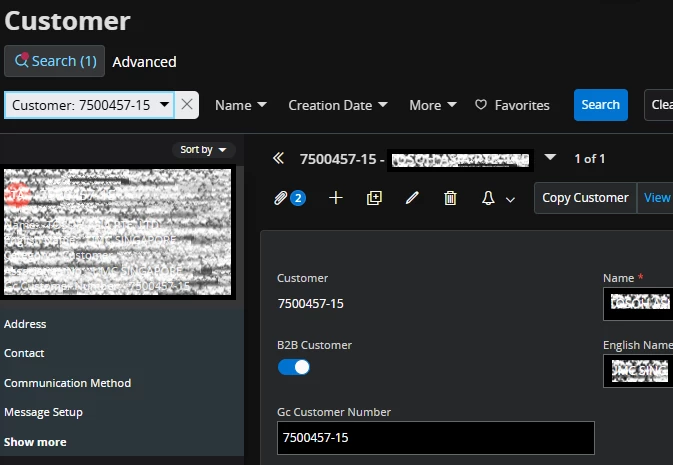
I set the Customer to B2B Customer
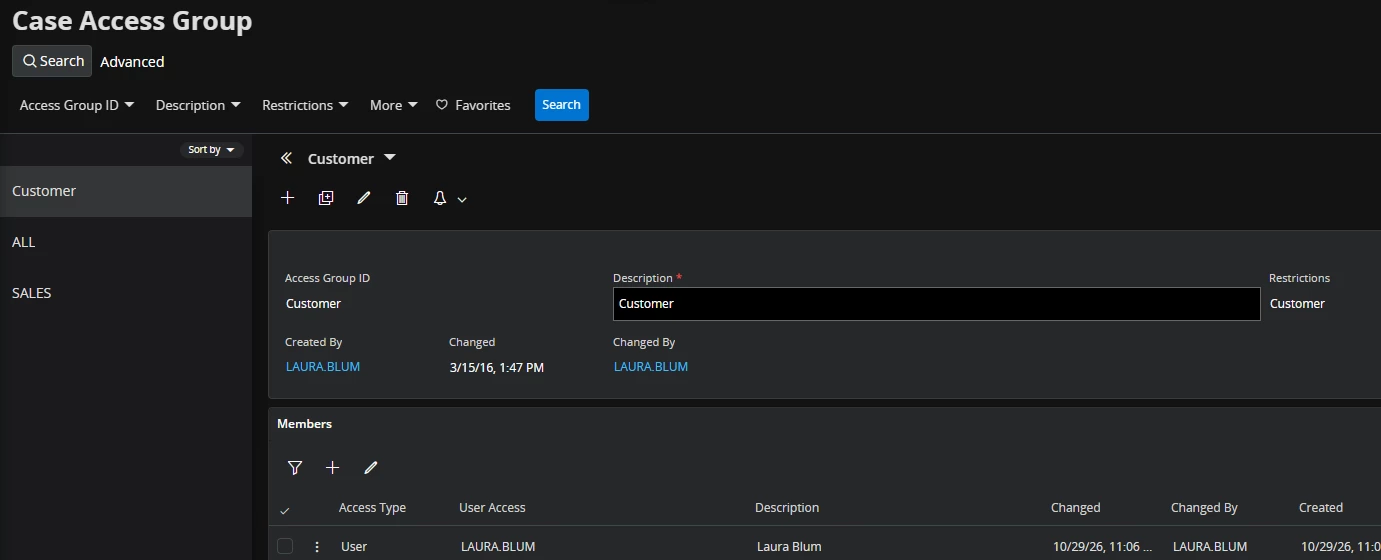
I added myself to the Case Access Group 
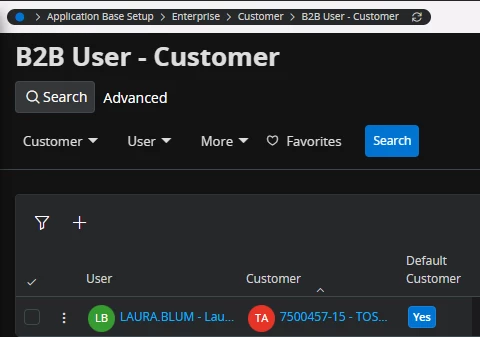
I assigned the customer to myself in B2B User-Customer 
But I still can’t see the case.

I have verified through the backend that the case does exist.

What am I missing?

2 replies

Forum|alt.badge.img+5
  • Do Gooder (Employee)
  • Nov 13, 2026 1:18 PM UTC

Hi ​@TosohLBlum,


I have tried to find a way to change this myself, or even see a case with case type “customer” wit another user than the one creating without any success. Would it be possible for youto raise a support case for this to have the team investigate this further?

In the meantime, would it be possible to ask the creators of these cases to change the case types? Because they should at least be able to. Also make sure that there is another default Case Type defined (such as Global) to at least minimize the risk of this happening again, if that is not already the case. 


There might be a way to do this in another way, but at least I cannot find it.


/Daniel


Forum|alt.badge.img+11
  • Author
  • Hero (Customer)
  • Nov 13, 2026 3:53 PM UTC

Hi ​@TosohLBlum,


I have tried to find a way to change this myself, or even see a case with case type “customer” wit another user than the one creating without any success. Would it be possible for youto raise a support case for this to have the team investigate this further?

In the meantime, would it be possible to ask the creators of these cases to change the case types? Because they should at least be able to. Also make sure that there is another default Case Type defined (such as Global) to at least minimize the risk of this happening again, if that is not already the case. 


There might be a way to do this in another way, but at least I cannot find it.


/Daniel

I ended up logging on as the sys admin and changing it.  Then, since we only use Global, I went to the page designer and removed the Case Type so the user can’t change the default which is Global.