Question

Surveys for MWO Not Syncing to Laptop

  • Nov 5, 2026 6:45 AM UTC
  • 2 replies
  • 9 views

  • Do Gooder (Partner)

- It happens with any task in IFS. On each job if there is a hazard they have to fill it out
- Adds 4-5 hazards > they sync to the cloud > manager can see them > They don't sync to the desktop > then the user has to re-do the hazards on the computer again

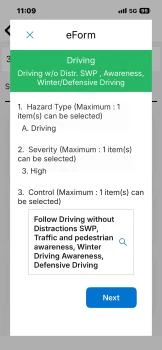
Hazards selected on Mobile:
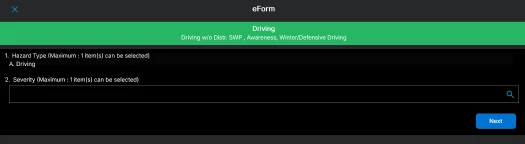
Hazards not showing up on laptop:
 

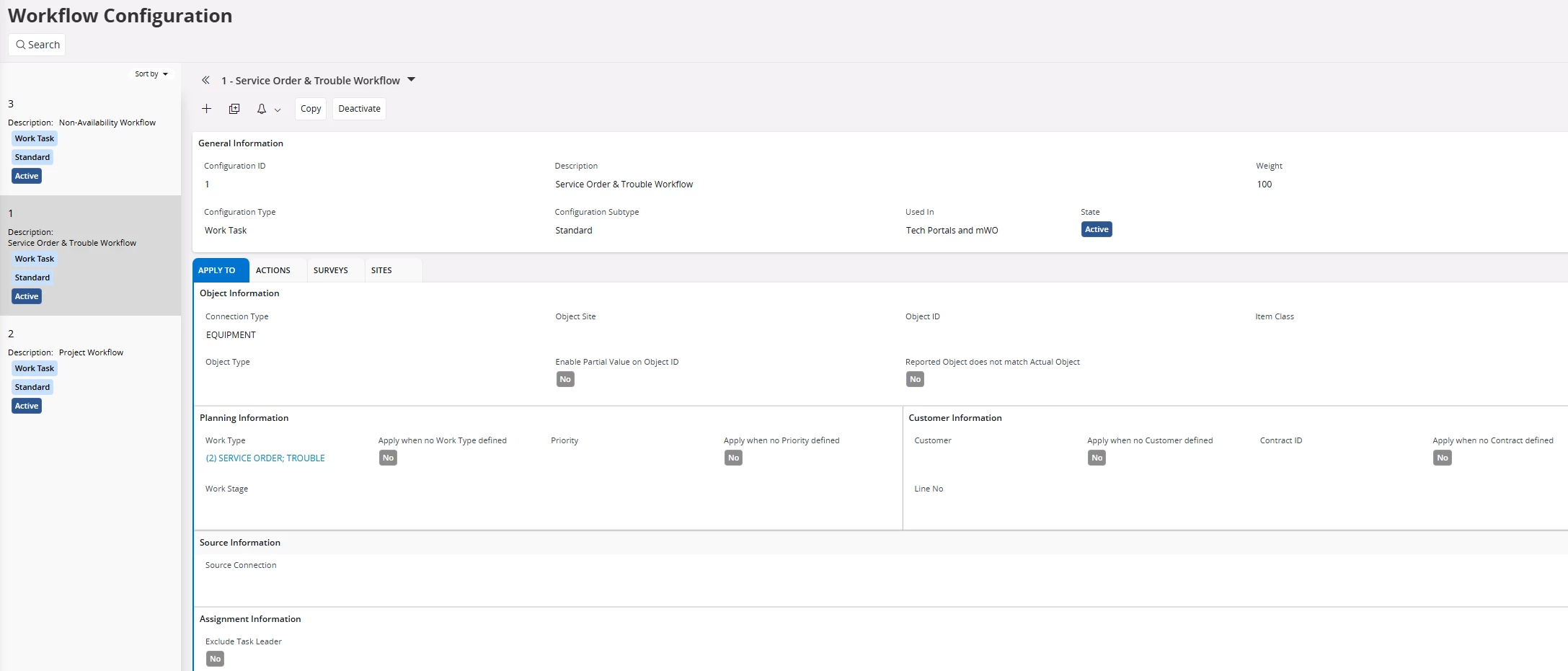
Workflow configurations:
Push notifications enabled:

 

What is the reason for the sync issue? What settings needs to be set up for the users to see the survey answers in their laptops?

Thank you.

2 replies

JOOLSE
Hero (Employee)
Forum|alt.badge.img+11
  • Hero (Employee)
  • Nov 5, 2026 7:46 AM UTC

I am not sure what goes wrong. But have I understood it correctly that the customer do the hazard on the mobile device and then when they go in into IFS Cloud it is not there, so the synching is not working between the mobile phone and IFS Cloud. If it is this case I suggest you report a case to IFS Support, so they and ultimately we can have a closer look at what goes wrong. It is hard to say without a proper investigation.

Or do they use several devices and can’t see a hazard on the other device. I this second case it is due to that the eform is temporary for the device and is sent when it is ready

/Johan


skullk
Hero (Employee)
Forum|alt.badge.img+11
  • Hero (Employee)
  • Nov 5, 2026 8:02 AM UTC

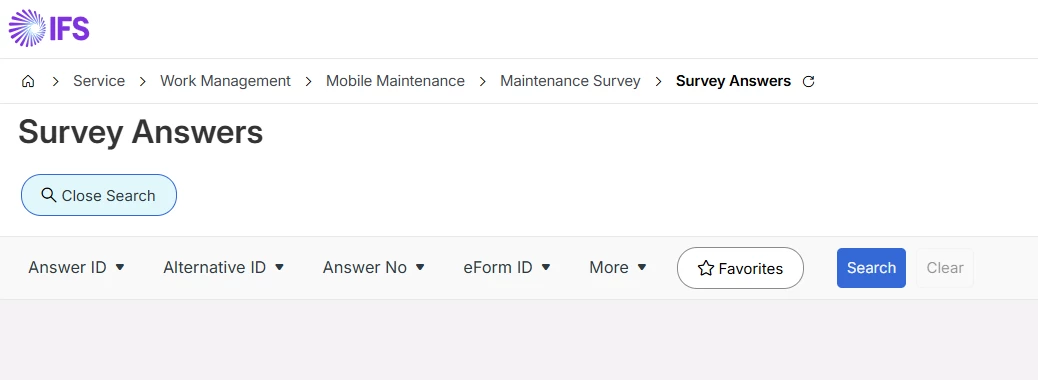
Can you see the survey answers in IFS Cloud (path below)? Which IFS Cloud track are you using?