


We are having a problem where we are unable to generate request as something has change in the Recurring Service Program that requires the schedule to be regenerated. We have a database task that runs to create the request. The issue is if the schedule needs regenerated a request is not created and there is no visibility to the issue until it is discovered at a later date.
In a test environment I put a RSP into a state of "Regenerate the Schedule" by toggling the "Floating Schedule" on and Off.
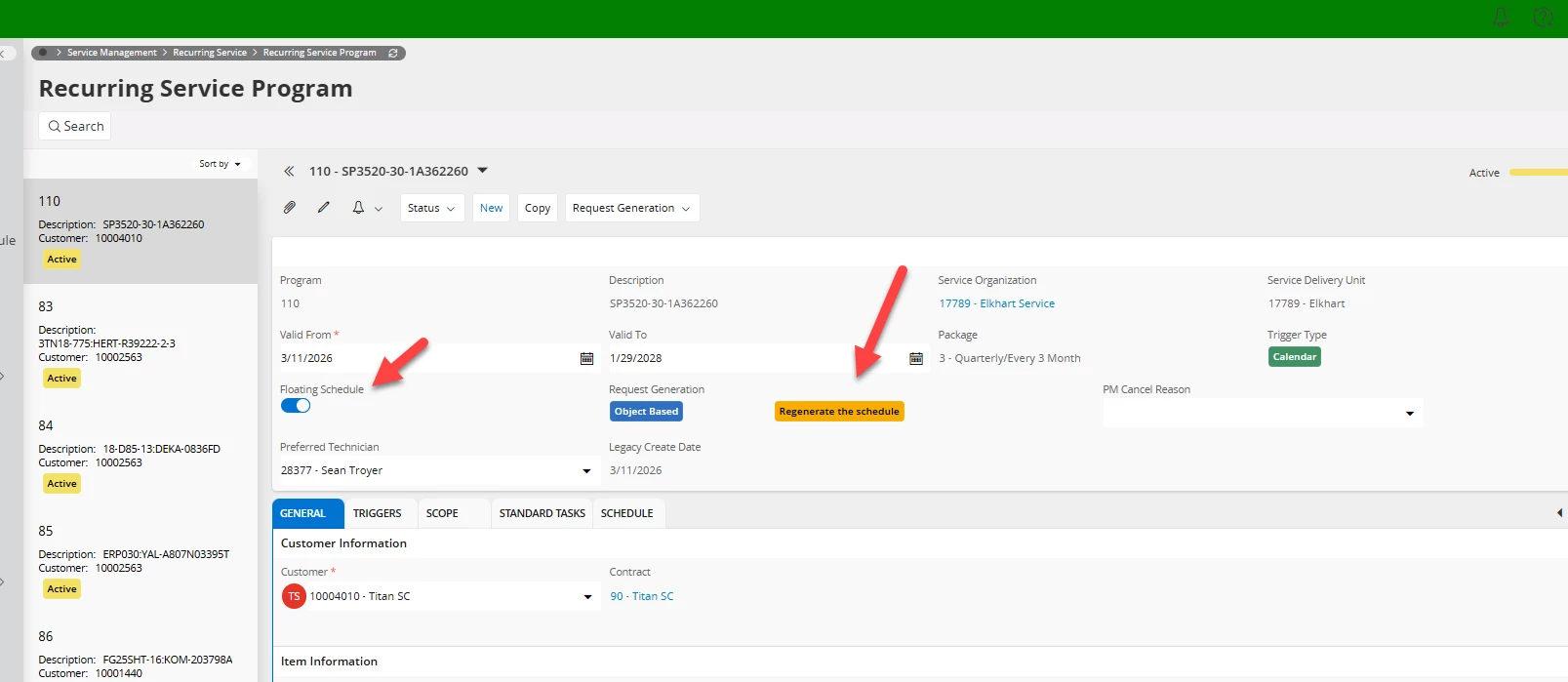
There doesn't seem to be an overview with that information.
I attempted to find “Regenerate the Schedule” in the view: RECURRING_PROGRAM_SCHEDULE and when I created a query for that view, there doesn't appear to be a column that suggests we need to Regenerate the schedule.
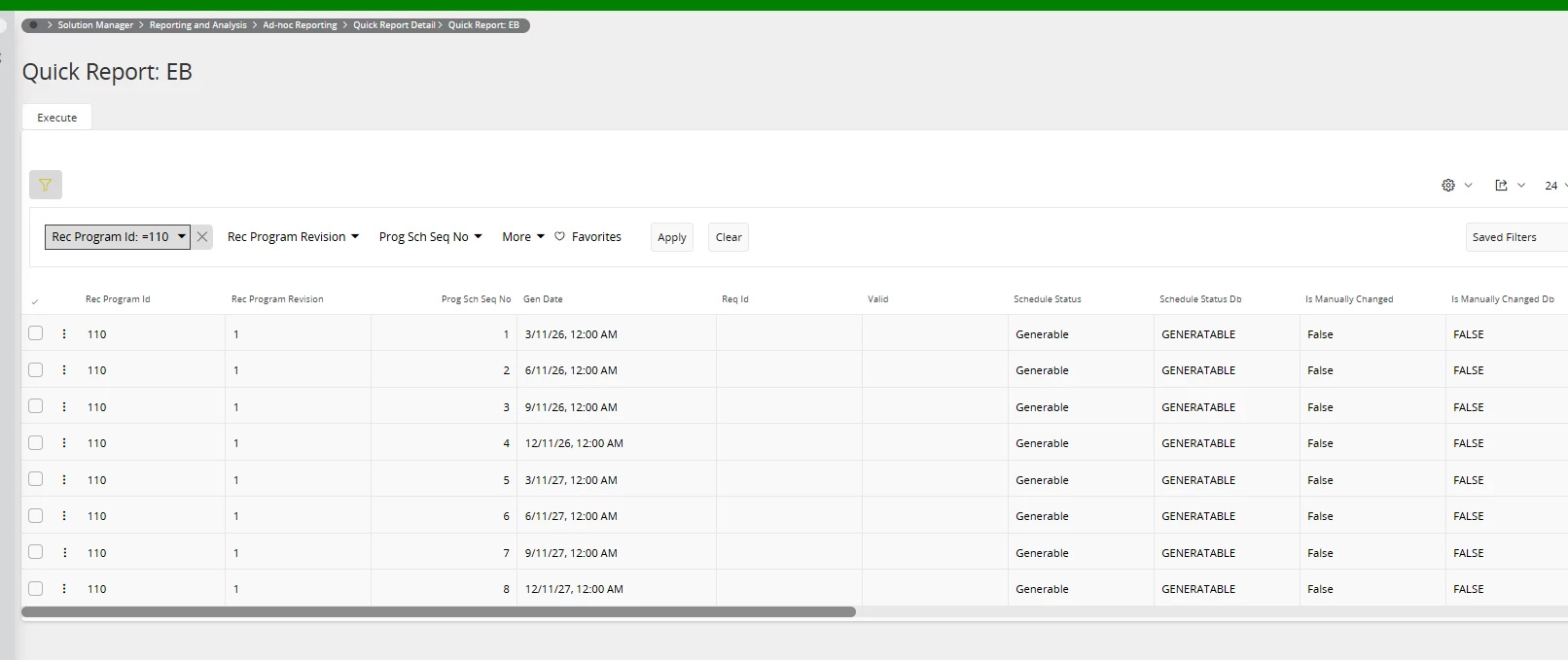
Is there an easy way to know whether we need to Regenerate the Schedule for a particular RSP without searching one by one through thousands of RSPs?
Is there an overview or lobby element we can view to see this information?
There doesn’t appear to be a database task we can run to Regenerate the Schedules for Recuring Service Programs (RSPs).
We are on Version 24R2.
Thank you, Ed