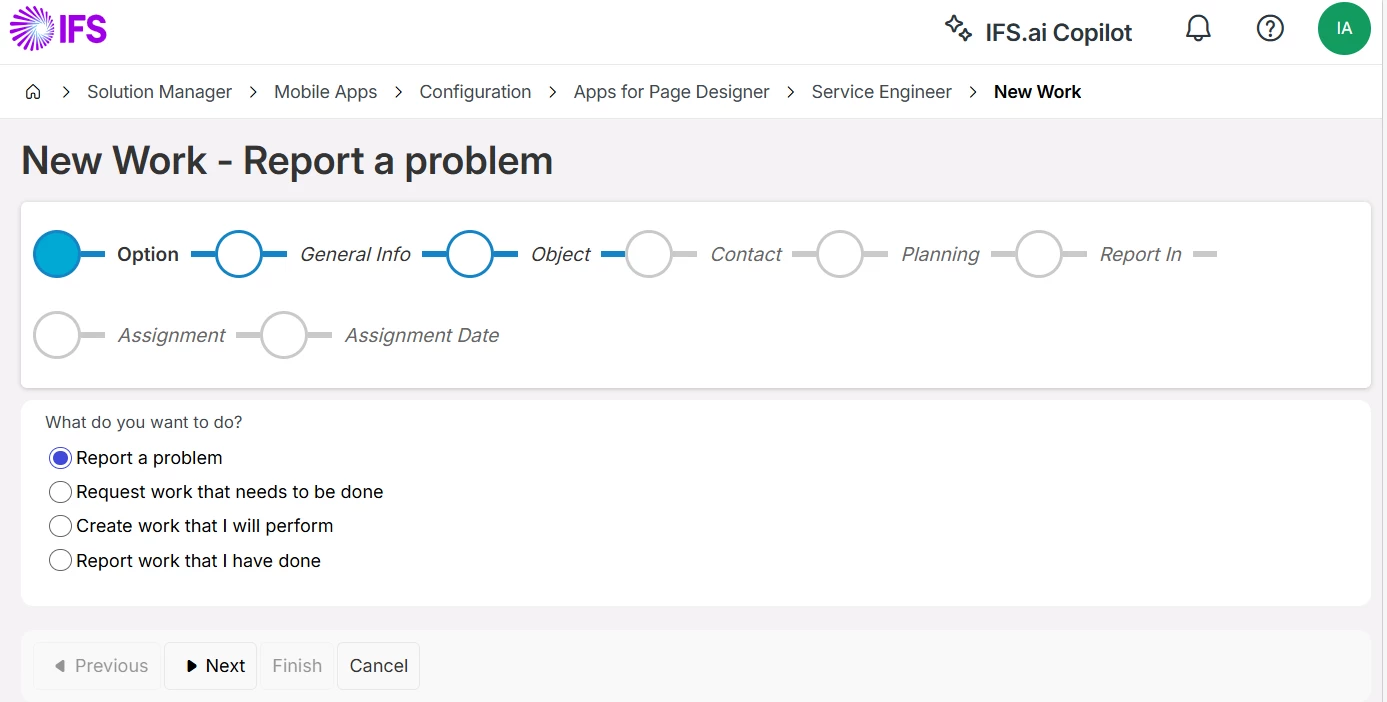
I am looking for the following options in MWO - Service Classic but they do not appear. I have added all the security grants for ServiceEngApp 25 but it only gives me view to add new service request which is linked the request management. Is there anything I am missing?
Thanks,
George.
Best answer by anmise
Hi,
I am looking for the following options in MWO - Service Classic but they do not appear. I have added all the security grants for ServiceEngApp 25 but it only gives me view to add new service request which is linked the request management. Is there anything I am missing?
Thanks,
George.
Go to Application Parameters in IFS Cloud and change the parameter “SERVICE_REQUEST_FOR_NEW_WORK” to FALSE.
I am looking for the following options in MWO - Service Classic but they do not appear. I have added all the security grants for ServiceEngApp 25 but it only gives me view to add new service request which is linked the request management. Is there anything I am missing?
Thanks,
George.
Go to Application Parameters in IFS Cloud and change the parameter “SERVICE_REQUEST_FOR_NEW_WORK” to FALSE.