Question

Mobile Work Order QR Code Reader and App Permissions

  • May 9, 2023
  • 5 replies
  • 89 views

Forum|alt.badge.img+10

Are there specific App Permissions that need to be set in order to use the QR Code Reader with the desktop version of the mobile work order application?


5 replies

Alexander Heinze
Ultimate Hero (Employee)
Forum|alt.badge.img+23

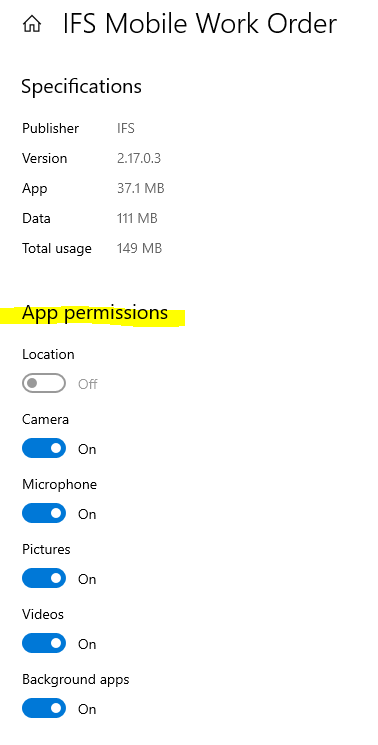
Camera should be sufficient. What do you see when you try to scan a code?


Forum|alt.badge.img+10
  • Author
  • Sidekick (Customer)
  • May 10, 2023

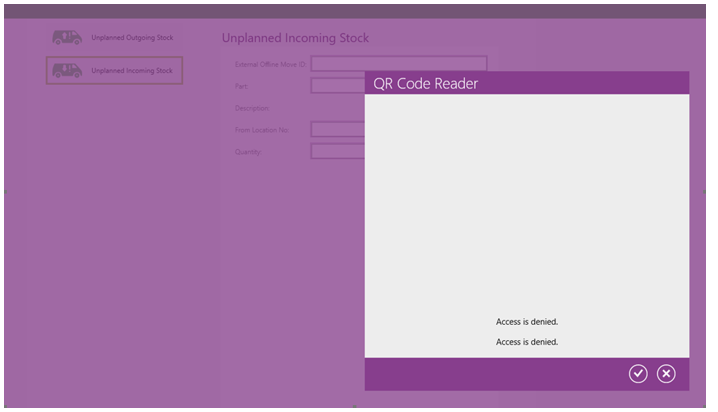
I don’t actually scan codes myself. But our techs have reported receiving the following error:


Alexander Heinze
Ultimate Hero (Employee)
Forum|alt.badge.img+23

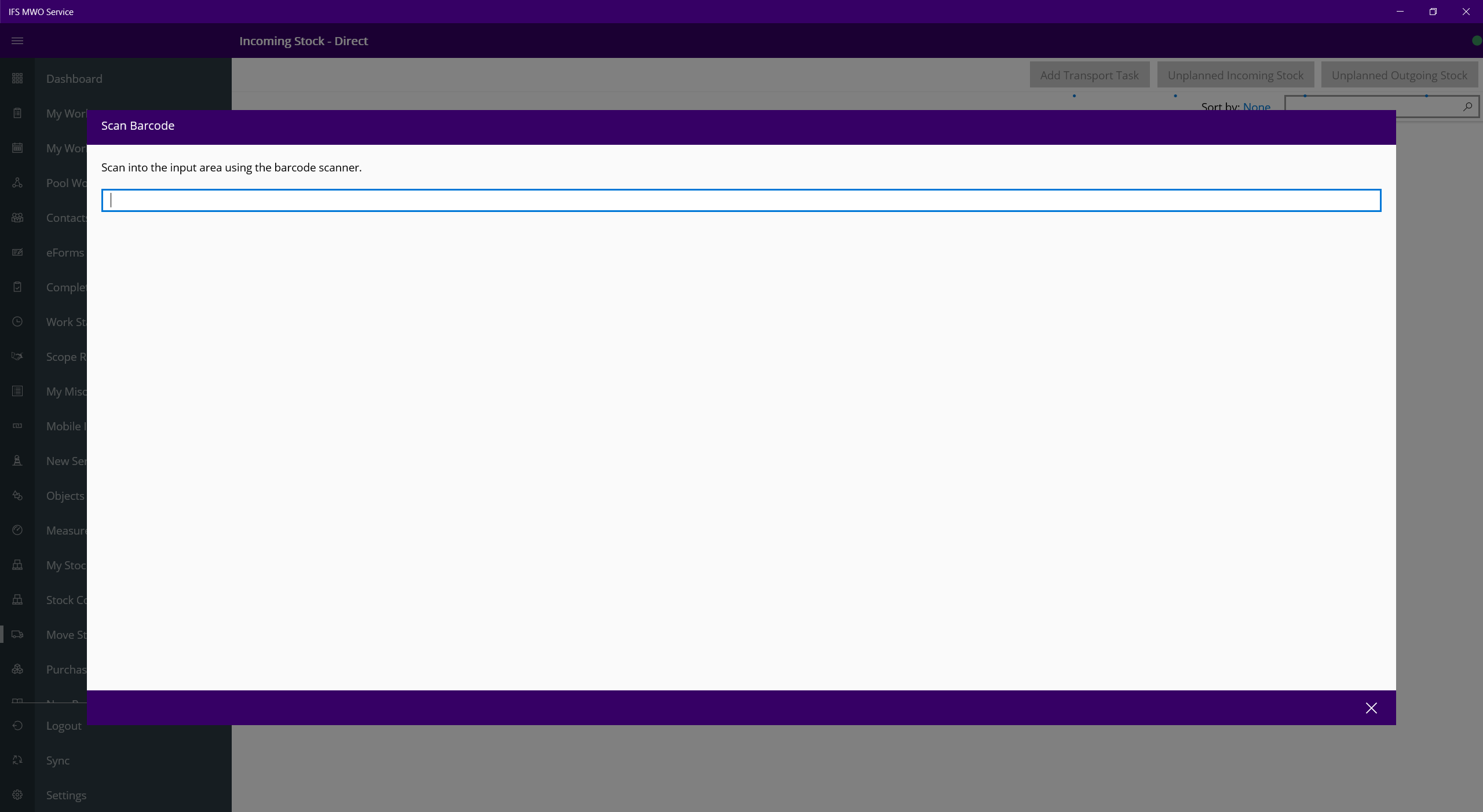
Tried this in my app and don’t get a camera picture nor an error...

All available permissions are granted to the app. On Android it works.


Forum|alt.badge.img+10
  • Author
  • Sidekick (Customer)
  • May 12, 2023

thank you. I have one more question, what is the Background Apps permission option for? 


Alexander Heinze
Ultimate Hero (Employee)
Forum|alt.badge.img+23

The app is always allowed to run in the background—receive info, send notifications, and stay up to date—even when you’re not actively using it. However, it might use more power as a result.