Hi everyone
I have currently IFS MWO Maintenance set in French and I wish to swap to English
I can’t find the setting
Here is my current version – it is connected with IFS Cloud 21R2
Help appreciated
Thank you
Yoni



 +5
+5Hi everyone
I have currently IFS MWO Maintenance set in French and I wish to swap to English
I can’t find the setting
Here is my current version – it is connected with IFS Cloud 21R2
Help appreciated
Thank you
Yoni
Best answer by James Ashmore
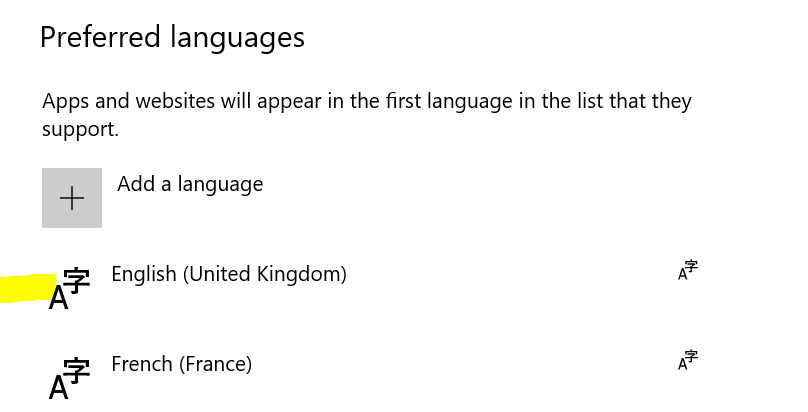
You need to do to 2 things. First you need to ensure the device language is set to English. You then need to ensure you User/Person record in Solution Manager has English set as the default language. You should then see the MWO app in English for your user.
Cheers
James
Enter your E-mail address. We'll send you an e-mail with instructions to reset your password.