Question

IFS MWO iOS App – Customer Signature Not Visible in Printed Service Report

  • January 7, 2026
  • 4 replies
  • 57 views

Forum|alt.badge.img+6

Hi Team,

We are facing an issue in the IFS MWO iOS mobile application.

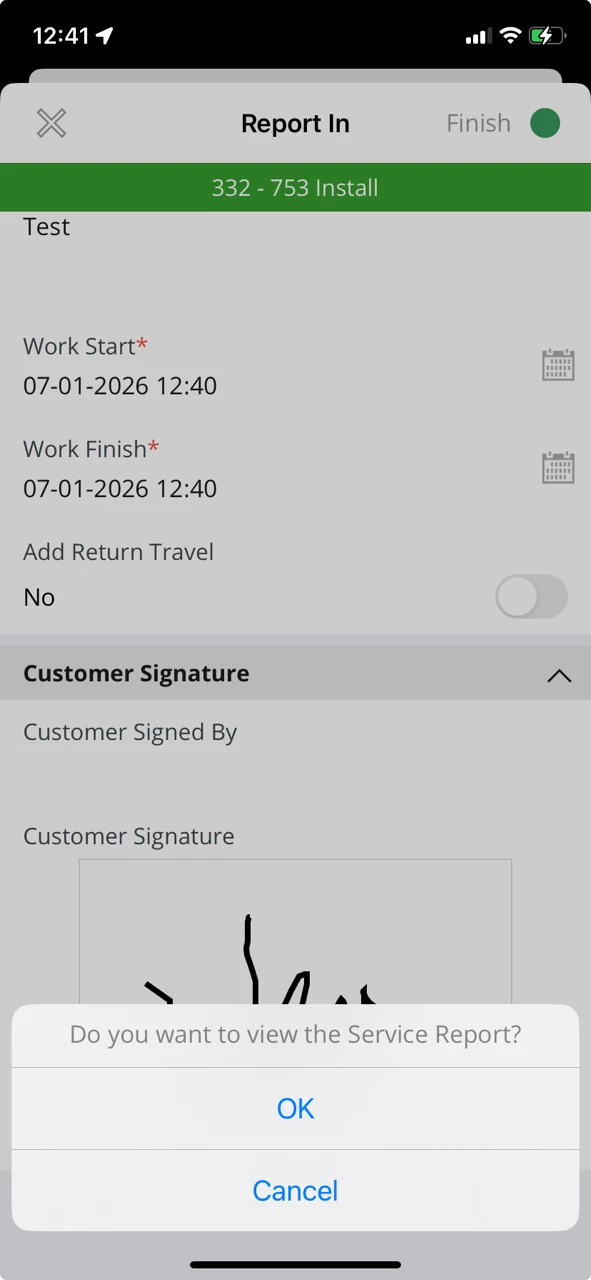
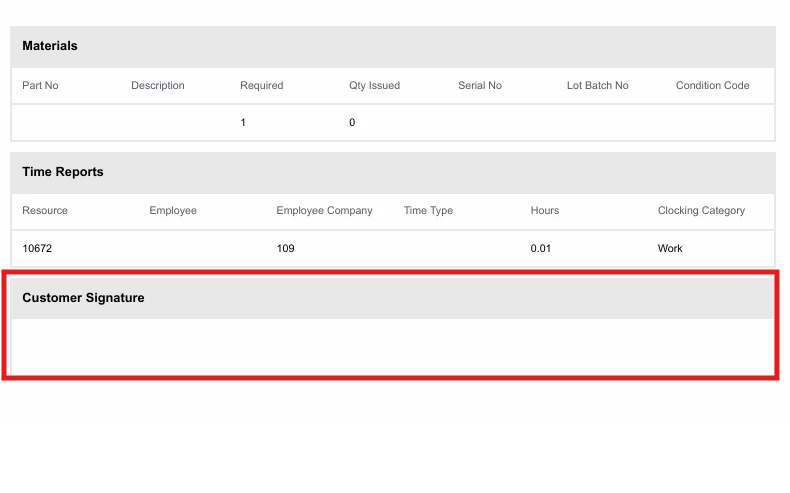
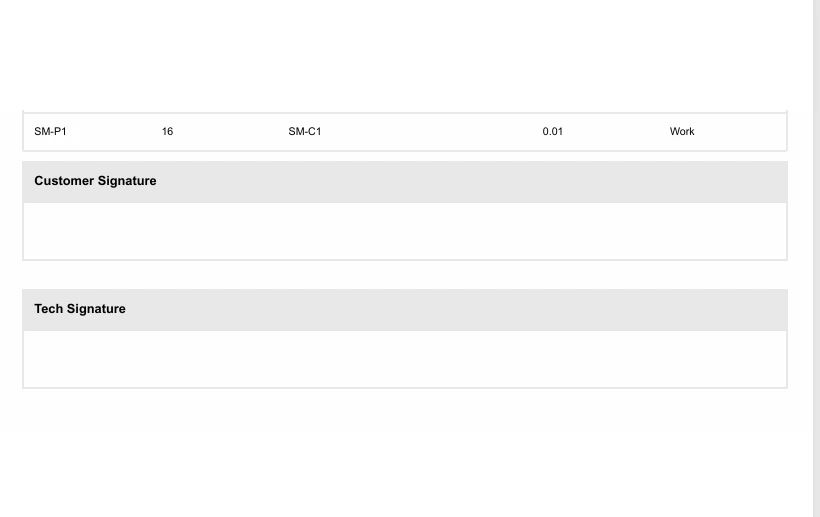
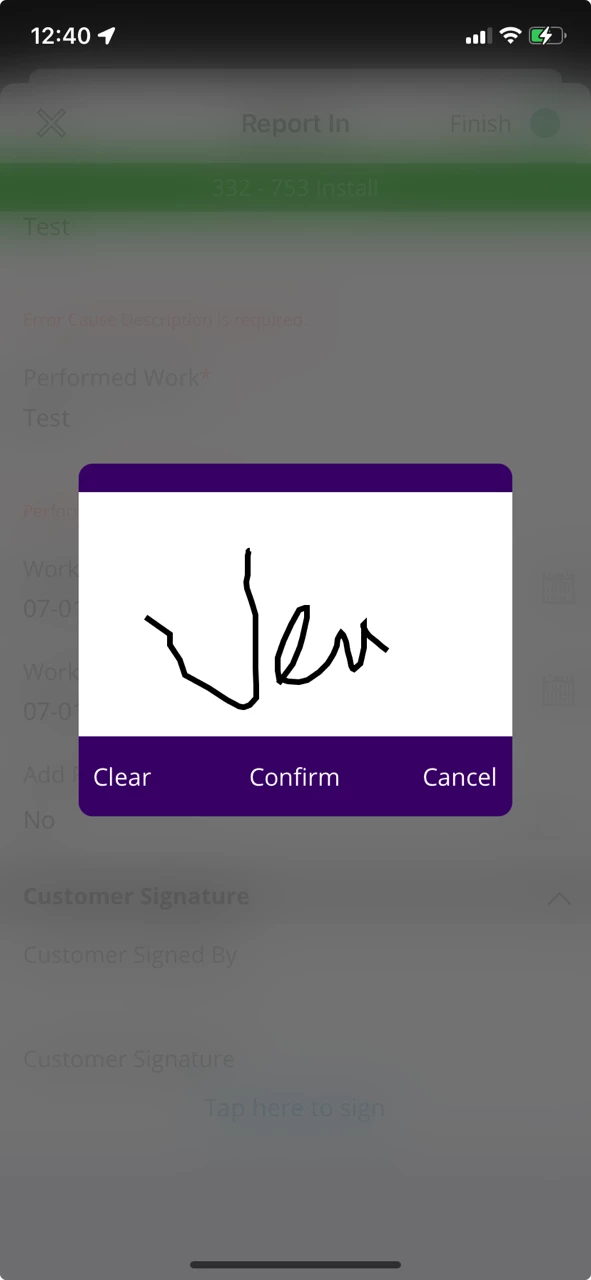
While completing a work order, the customer signature is captured successfully in the iOS app, but when we print or generate the Service Report, the Customer Signature section appears blank / not visible.

Note:
The same functionality is working correctly in the Windows mobile application.
The issue occurs only in the iOS app.

  • Platform: iOS (MWO App) / Client version: 24.1.19.20251203093724.0

  • Issue: Signature not shown in printed/exported Service Report

  • Observation: Signature is visible in the app but missing in the output report (PDF/print)

Has anyone faced this issue before?

Attached screenshot for reference.


Thanks in advance for your support.

venkat

4 replies

Marcel.Ausan
Ultimate Hero (Partner)
Forum|alt.badge.img+22
  • Ultimate Hero (Partner)
  • January 7, 2026

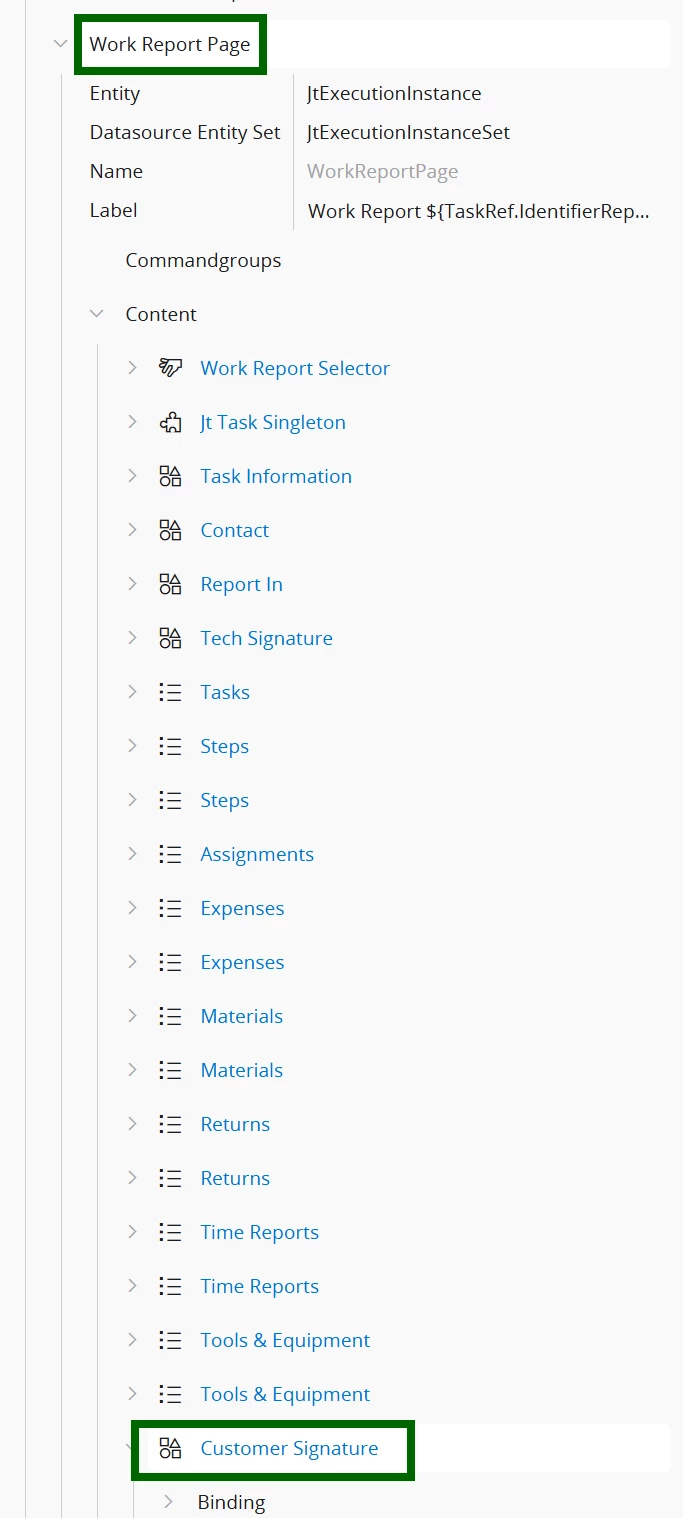
@venkatesh can you check if someone messed up with the layout?

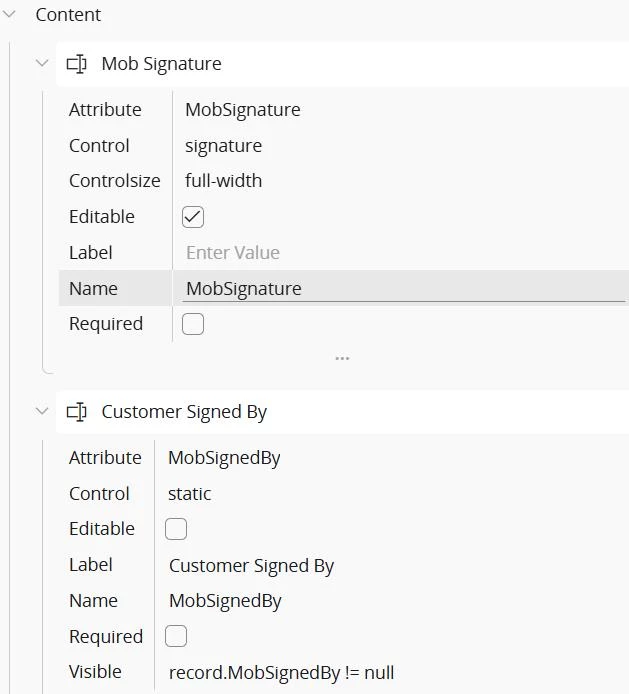
Open Page Designer from below location:

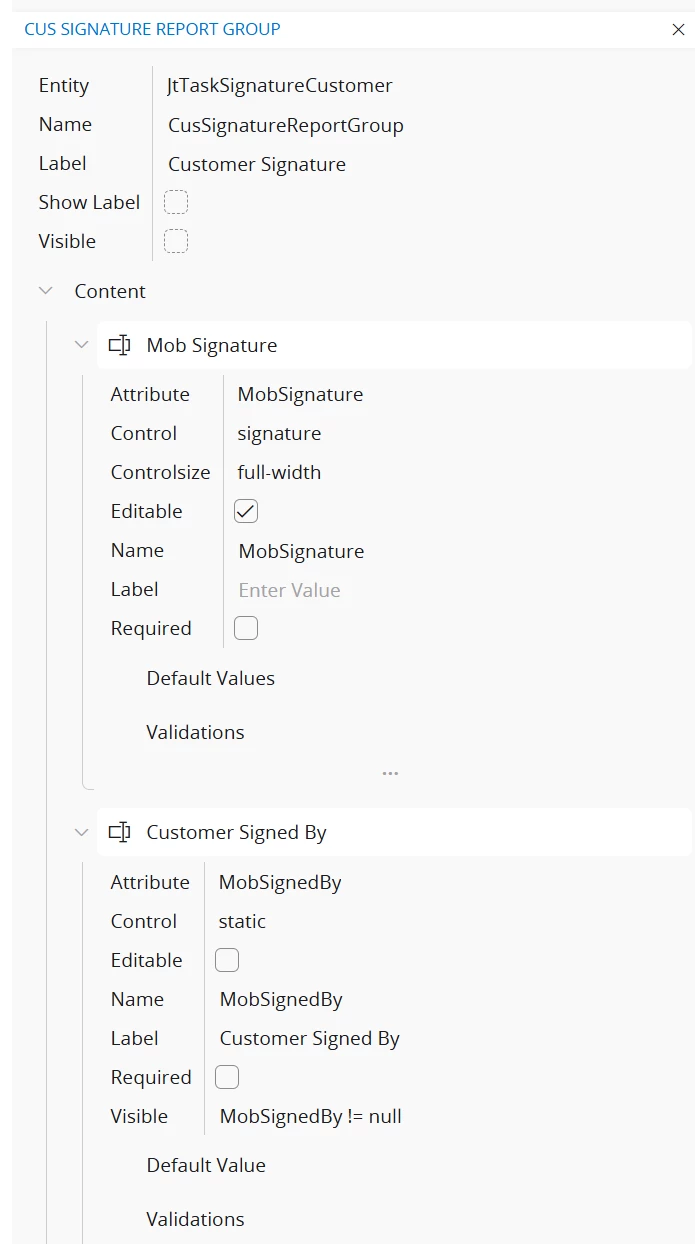
Go to All Elements - Apges → Work Report Page → click on Customer Signature group:


Check if you have the 2 fields:


Forum|alt.badge.img+6
  • Author
  • Sidekick (Partner)
  • January 7, 2026

Hi ​@Marcel.Ausan 

Thanks for the reply 

We have not modified the layout.


The layout is standard and unchanged.

Also, this is working correctly on:

  • Windows  app

  • Android app

The issue occurs only on the iOS MWO app, where the customer signature and technician signature is not visible in the printed/exported service report.


Thanks

Venkat


Marcel.Ausan
Ultimate Hero (Partner)
Forum|alt.badge.img+22
  • Ultimate Hero (Partner)
  • January 7, 2026

@venkatesh then most probably a ticket with IFS Support will be needed.


Alexander Heinze
Ultimate Hero (Employee)
Forum|alt.badge.img+23
  • Ultimate Hero (Employee)
  • January 7, 2026

I remember seeing the same issue on my iPad, and it got resolved with 25.1.0. You may want to file a ticket and ask if it was also fixed for earlier versions of IFS Cloud.