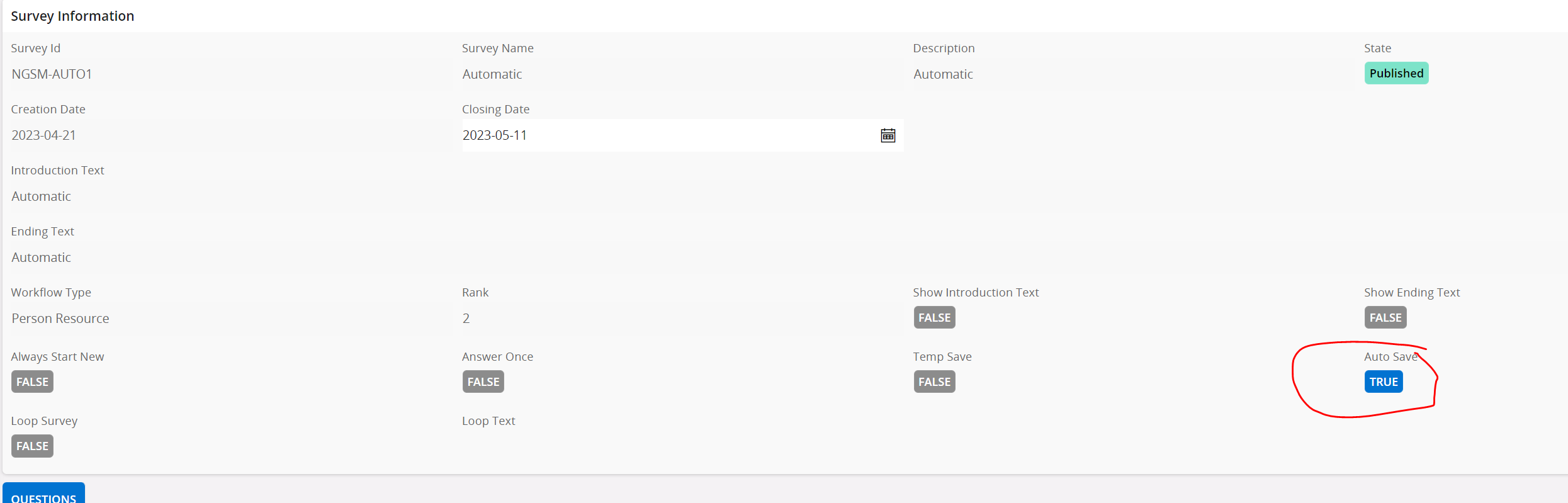
This pop up always occurs on the eForms I’m working on attached to request management:
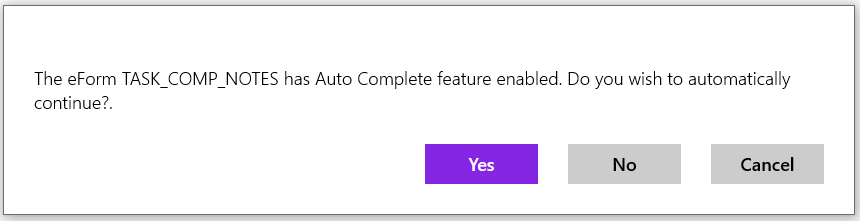
How do we disable these pop ups and go straight into the survey?



 +13
+13This pop up always occurs on the eForms I’m working on attached to request management:
How do we disable these pop ups and go straight into the survey?
Enter your E-mail address. We'll send you an e-mail with instructions to reset your password.