Question

Any way to Copy a Task Card with all subtasks, sign-offs and resource requirements?

  • February 11, 2026
  • 2 replies
  • 8 views

Forum|alt.badge.img

We have 1200 Task Cards for a prototype work that we want to revise and update. Those Task Cards may have up to 20 subtasks.

 We have a problem that the Task Card ID it self now has the prototype ID in it. So we want to edit this text.In addition we want to be able to make revisions  of a Task Card for other reasons also.


The only way we’ve found to edit the Task Card ID is to duplicate the Task Card, leaving us with an almost empty Task Card, where we need to manually add all requirements, sign-offs and subtasks.


And if we try to edit the Task Card, we aren’t allowed to edit the Task Card ID (understandable) or the Task Card Revision (?). We can change the Revision Date, but not the revision number.


Are there any standard way to revise a Task Card, giving us a new Task Card with a new Revision Number? We are now considering data migration.


Our version is 25R1.3.


Br,

Øystein

2 replies

VivekBhandiwad
Hero (Partner)
Forum|alt.badge.img+8
  • Hero (Partner)
  • February 12, 2026

@oyandresen :  Consider the option of Preparing the data in Excel and remigrating it ( IFS data migration ) , with different Revision/Task Card numbers. This may be your best option, considering the volume. 


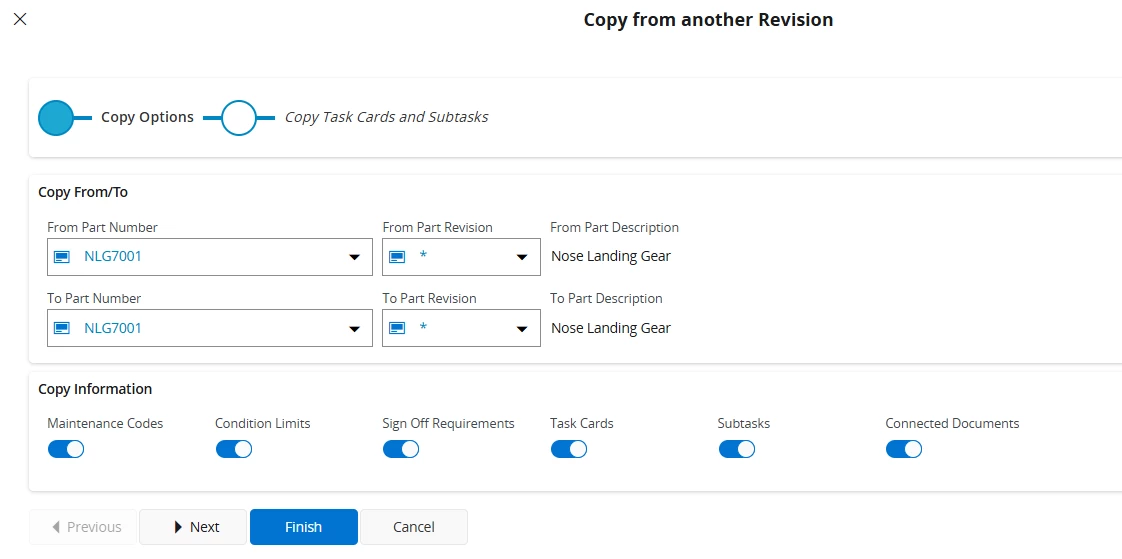
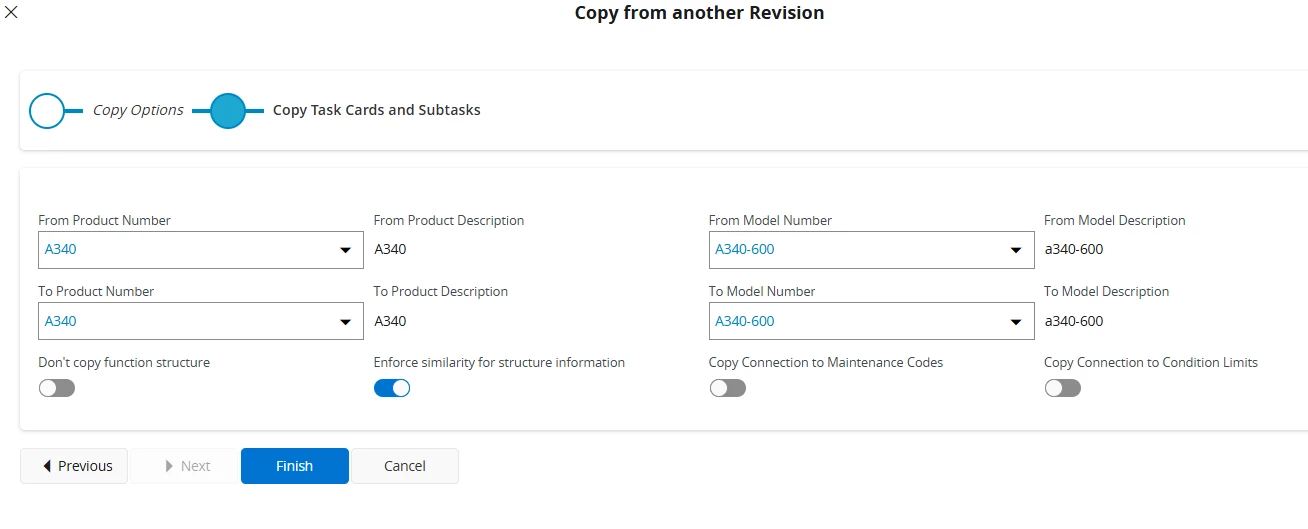
IFS Std does provide the option for Copy From another revision, however this works only if you are copying from one part revision to another.  The option is available from the Task card screen itself. 


Forum|alt.badge.img
  • Author
  • Do Gooder (Customer)
  • February 12, 2026

Hi Vibhin,

Thanks for the reply.

I’ve seen the possibility to copy to another Part revision, but was hoping for the same functionality to copy to another Task Card revision. But understand that it’s currently not a feature in IFS.


I guess we’ll look into setting up data migration for this, like you also propose.


Br,

Øystein