Question

Total Project Control Total

  • March 17, 2026
  • 6 replies
  • 23 views

Forum|alt.badge.img+2

I’m building a report and trying to determine the correct source for the project budget value.

Right now the report uses the Estimated column from the Activities table, but that doesn’t always match the value shown in:

Project Management > Budgeting and Forecasting > Analysis > Project Budget Control Summary

From what I understand, the Control Total on that page represents the true project budget.

Does anyone know which table/field stores the Control Total, or the correct relationship path from Projects to the Control Total value so it can be used in reporting?


6 replies

Forum|alt.badge.img+2
  • Author
  • Do Gooder (Customer)
  • March 17, 2026

to add onto this, I can see in the query builder the table labeled “ProjectTotal” with an entity called “Actual Costs” which may be what I’m looking for? Not sure!


Abdul
Superhero (Partner)
Forum|alt.badge.img+20
  • Superhero (Partner)
  • March 17, 2026

Hi ​@TWilson,

There is a standard getter function available in Project_Budget_Control_Rules_API to get ControlTotal value.

Getter Function -  PROJ_BUDGET_CONTROL_RULES_API.Get_Control_Total(COMBINATION_ID)

Please check if this can help. 


Regards

Abdul Rehman


Forum|alt.badge.img+2
  • Author
  • Do Gooder (Customer)
  • March 17, 2026

How would I go about using this getter function? 


jbush0419
Do Gooder (Customer)
Forum|alt.badge.img+3
  • Do Gooder (Customer)
  • March 17, 2026

Hi @TWilson,

Abdul is spot on — Proj_Budget_Control_Rules_API.Get_Control_Total(combination_id) is exactly what drives the Control Total column on the Budget Control Summary page. Good answer, Abdul.

To answer your follow-up about how to use it: it's a standard IFS "getter" function (a public read-only function on an API package). You call it in SQL by passing the combination_id from the proj_budget_control_rules_tab table. Each row in that table represents one budget control rule for a specific combination of project, sub-project, activity, cost element, and code parts.

Here's how you'd query the control totals per budget control rule for a given project:


pl/sql

select
pbcr.combination_id
,pbcr.project_id
,pbcr.sub_project_id
,pbcr.activity_seq
,pbcr.project_cost_element
,Proj_Budget_Control_Rules_API.Get_Control_Total(pbcr.combination_id) as control_total
,Proj_Budget_Control_Rules_API.Get_Consumed(pbcr.combination_id) as consumed
,Proj_Budget_Control_Rules_API.Get_Control_Total(pbcr.combination_id)
- Proj_Budget_Control_Rules_API.Get_Consumed(pbcr.combination_id) as remaining
from ifsapp.proj_budget_control_rules_tab pbcr
where pbcr.project_id = '&PROJECT_ID'

That gives you the same breakdown you see on the Budget Control Summary page in IFS.

One thing to watch out for :   Get_Control_Total returns the control total for a single budget control rule (one combination_id), not the entire project. If you just need the overall project budget total, there's a separate function for that:


plsql

select
Proj_Budget_Control_Rules_API.Get_Total_Budget('&PROJECT_ID') as total_budget
from dual

That one sums the EAC from the active budget forecast across all cost items for the project... which is probably the single number you were originally looking for in your report.

As for the "ProjectTotal" entity you found in Query Builder.. that's showing actual/consumed cost data, not the budgeted control total, so it's a different thing. The budget control rules are where the Control Total lives.

Hope that helps!

-jason


Forum|alt.badge.img+2
  • Author
  • Do Gooder (Customer)
  • March 17, 2026

Gotcha, I assume this means there is no other way to access/reference this data without API user permissions then?


jbush0419
Do Gooder (Customer)
Forum|alt.badge.img+3
  • Do Gooder (Customer)
  • March 17, 2026

@TWilson - 

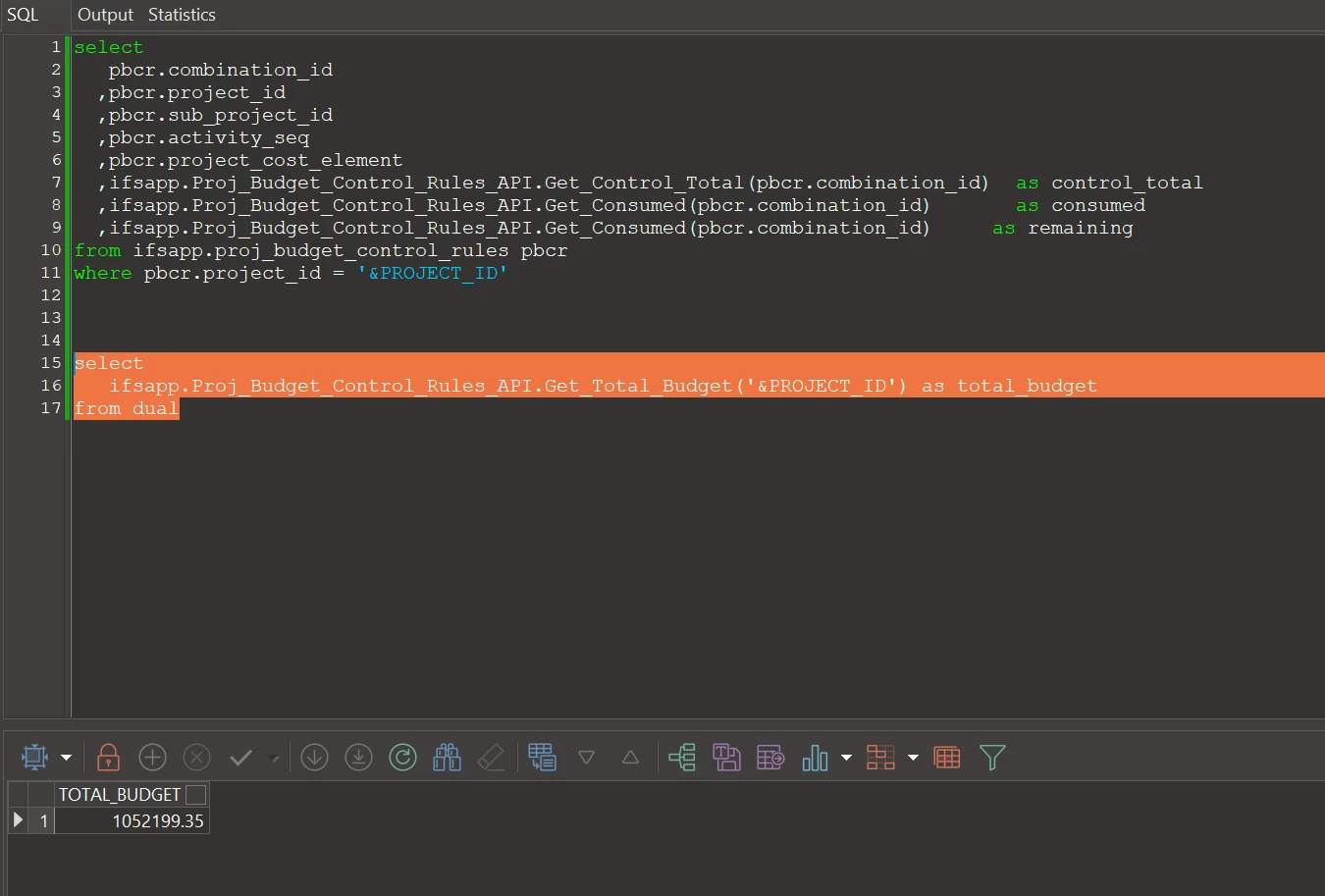
I wrote that SQL without actually running it so I missed something if you were running it in PL/SQL Developer (or whichever IDE you use) - here’s what works in my system:
 

select
pbcr.combination_id
,pbcr.project_id
,pbcr.sub_project_id
,pbcr.activity_seq
,pbcr.project_cost_element
,ifsapp.Proj_Budget_Control_Rules_API.Get_Control_Total(pbcr.combination_id) as control_total
,ifsapp.Proj_Budget_Control_Rules_API.Get_Consumed(pbcr.combination_id) as consumed
,ifsapp.Proj_Budget_Control_Rules_API.Get_Consumed(pbcr.combination_id) as remaining
from ifsapp.proj_budget_control_rules pbcr
where pbcr.project_id = '&PROJECT_ID'

and 
 

select
ifsapp.Proj_Budget_Control_Rules_API.Get_Total_Budget('&PROJECT_ID') as total_budget
from dual

In PL/SQL Developer:


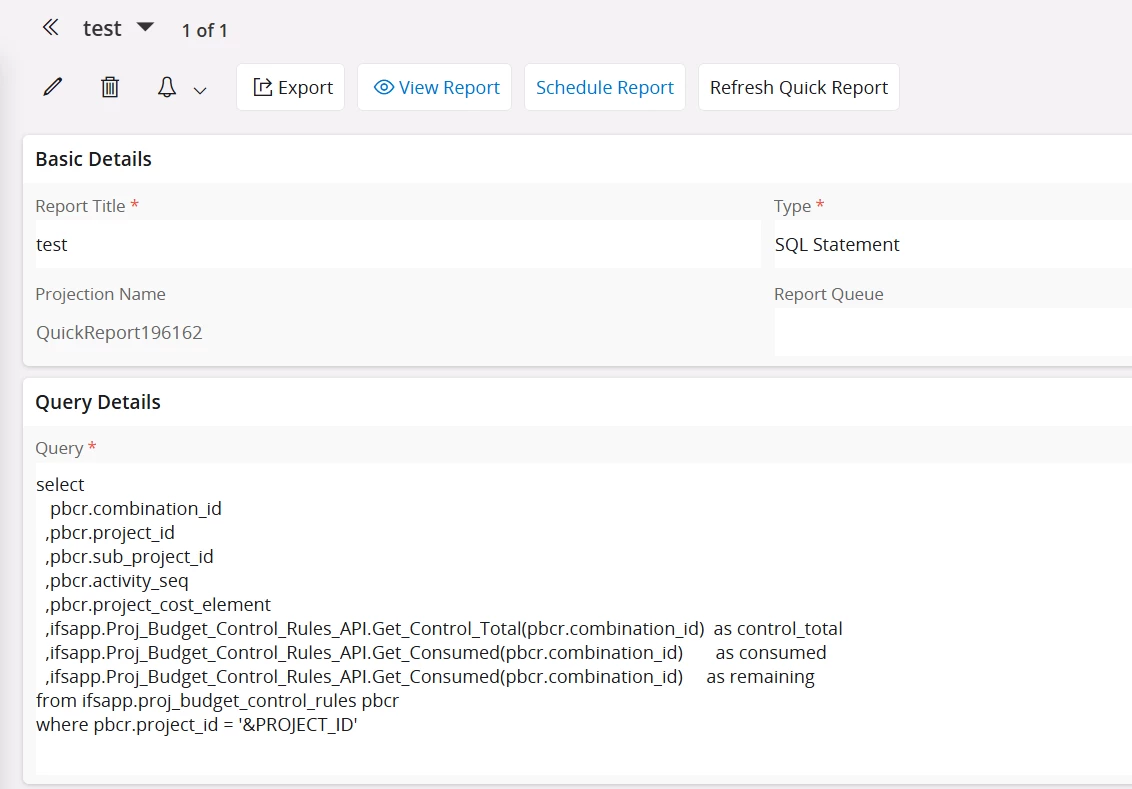
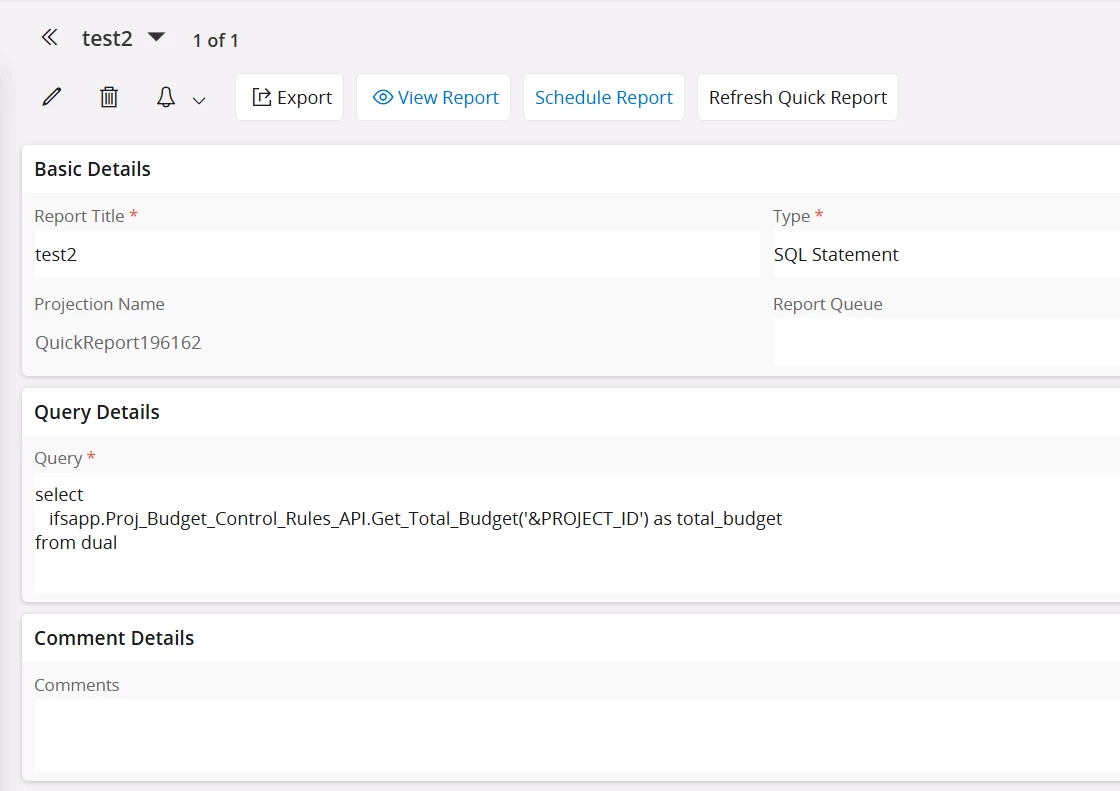
that would work as a Quick Report as well: 
 

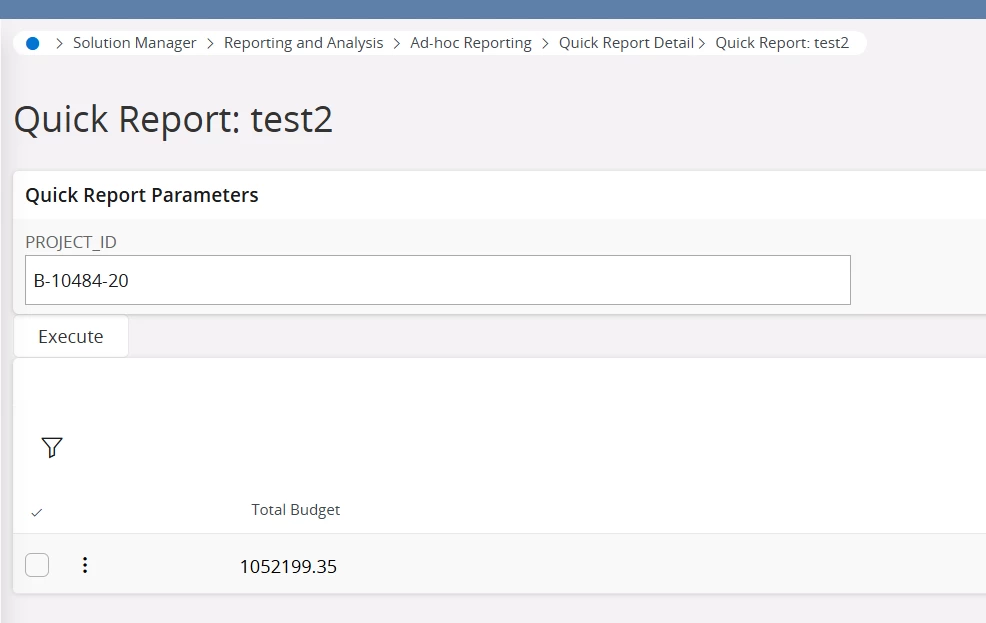
and:


I realize that this is IFS Cloud, but it should be the same in Apps10

I hope that gives you what you are looking for!


-jason