



Does anyone have a simple explanation of what the Filter and Grouping does, please?
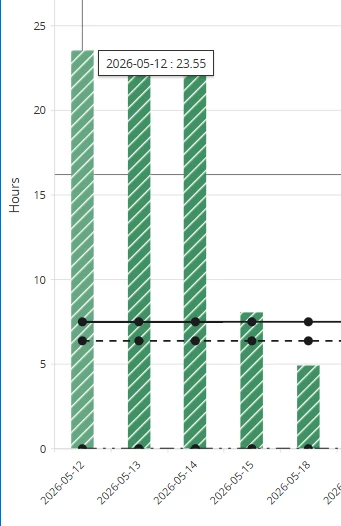
I naively anticipated (having filtered on all “open” projects) the chart would split the ‘stack’ (a la Excel Stacked Column) to show total hours per project - one colour per project?
Or is that not the intent?
- I’m not clear what “Projects exists as parameter” indicates
Filter and Grouping on Projects
This table is used to group and filter on multiple projects and highlight them in the Resource Analysis page. The Project Group Text is used to describe the selected projects and will be shown in the Resource Analysis.
If multiple projects should be added to the filtration and grouping, there are different ways to filter the projects shown in the list:
- All Projects
If this is selected, all projects will be shown. - Projects exist as parameter
If this is selected, only projects that already entered to the list will be shown. - Projects not exist as parameter
If this is selected, only projects that are not already entered to the list will be shown.
For example, if we have Project 1, Project 2, and Project 3. Project 1 and Project 2 will be added to the filter and grouping list, whilst Project 3 will not. - HOW?
- If All Projects has been selected - Project 1, Project 2, and Project 3 will be shown.
- If Projects exist as parameter has been selected - Project 1 and Project 2 will be shown.
- If Projects not exist as parameter has been selected - Project 3 will be shown.
Thanks
Linda

