Question

Project Posting Error - "There was a posting error transferring the transaction to the cost voucher using ..."

  • September 4, 2026
  • 2 replies
  • 27 views

Forum|alt.badge.img+19

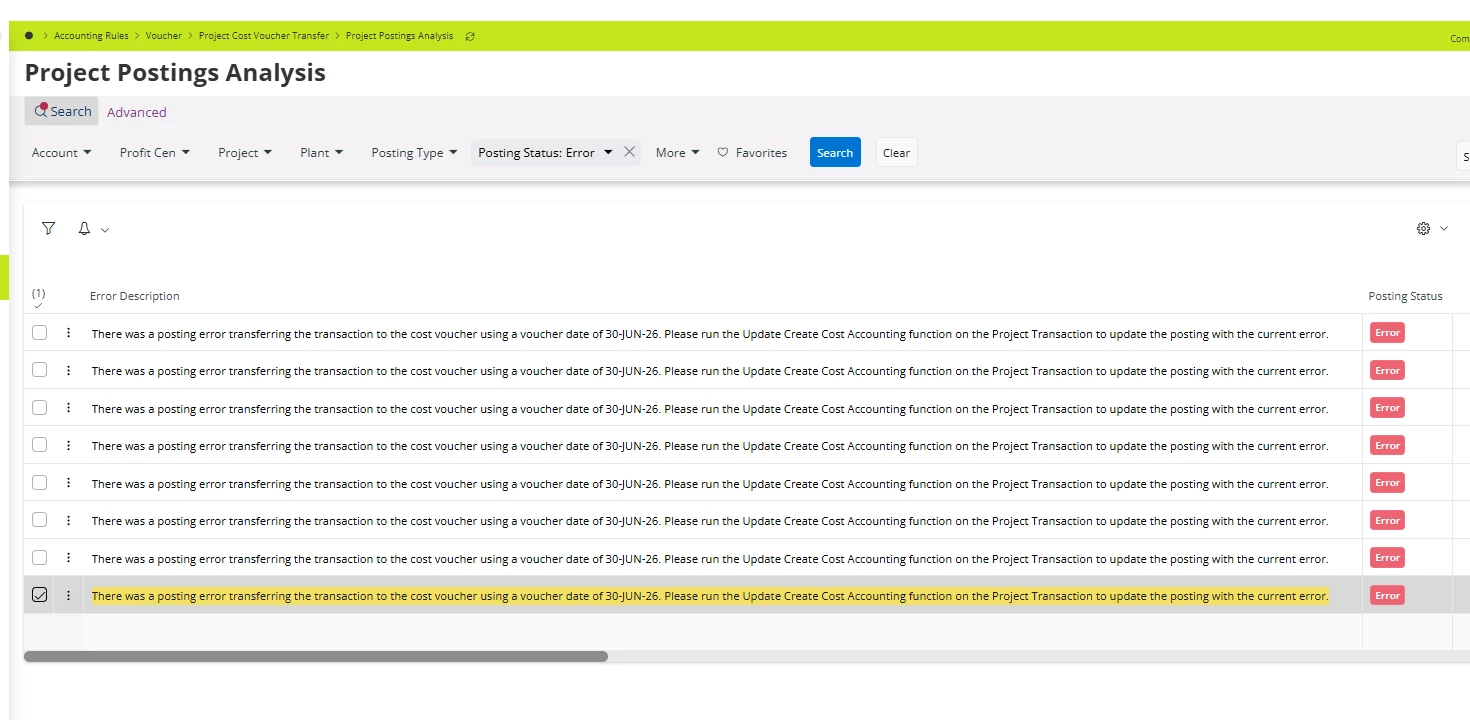
We have this error in Project Posting Analysis. Running the suggested Update Create Cost Accounting does not change anything.

Error - There was a posting error transferring the transaction to the cost voucher using a voucher date of 30-JUN-26. Please run the Update Create Cost Accounting function on the Project Transaction to update the posting with the current error.

Basics are checked i.e. periods, code part values etc. 
 

2 replies

PRODQ
Superhero (Customer)
Forum|alt.badge.img+18
  • Superhero (Customer)
  • September 7, 2026

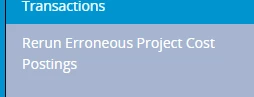
Have you tried running this first?


Also, perhaps check if the period is still open and/or the various start/finish/valid to dates on the Project and Activities cover the date from 30 Jun to today. 


Linda


Jinal
Sidekick (Partner)
Forum|alt.badge.img+5
  • Sidekick (Partner)
  • September 18, 2026

Hi Vimukthi,

This error rarely comes down to periods or basic code parts alone — a few other things to check:

1) Activity/Project date ranges, not just the accounting period.
Even if the accounting period is open, this error can fire when the Project or Activity's Start/Finish/Valid-to dates don't cover the transaction date (30-JUN-26). Worth confirming those specifically.

2) Code String Completion on the account/code parts.
Even when posting control setup looks fine, a missing Code String Completion value tied to the account being hit throws exactly this kind of vague transfer error.

3) Combination Rules for the User Group.
If the transaction owner's User Group has a Combination Rule that doesn't allow the account/code part combination being posted, you get this same generic failure instead of a clear "combination not allowed" message.

4) Voucher Type/Series authorization level.
Confirm the User Group is tied to a Voucher Type with a valid Voucher Series set to Authorization Level "Enter and Approve" — a mismatch here can silently block transfers.

5) Full error detail and re-running the postings.
In Cloud, drill into the transaction from Project Transaction Analysis and check the record's Accounting section — that usually surfaces more detail than the summary message shown in the analysis grid. Once the root cause is fixed, explicitly re-run the erroneous postings task rather than relying on Update Create Cost Accounting alone — that function often doesn't reprocess already-errored lines on its own.

Since periods and basic code part values are already ruled out, #2 and #3 are the ones most likely to be the culprit here.