


Hi everyone,
I have a requirement to enable Project History Logging for multiple projects simultaneously, specifically to run as a Scheduled Database Task at the start of each month.
The goal is to automate a "snapshot" of project status for monthly reporting across the entire portfolio (or a subset of projects) without manual intervention. After exploring the standard functional paths in IFS Cloud, we’ve hit a few roadblocks.
Please see the following methods I’ve attempted already,
-
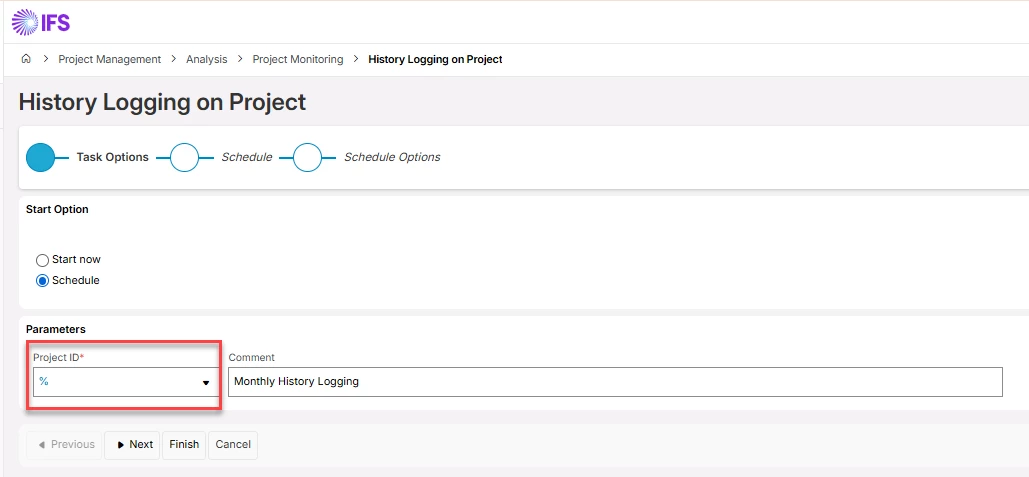
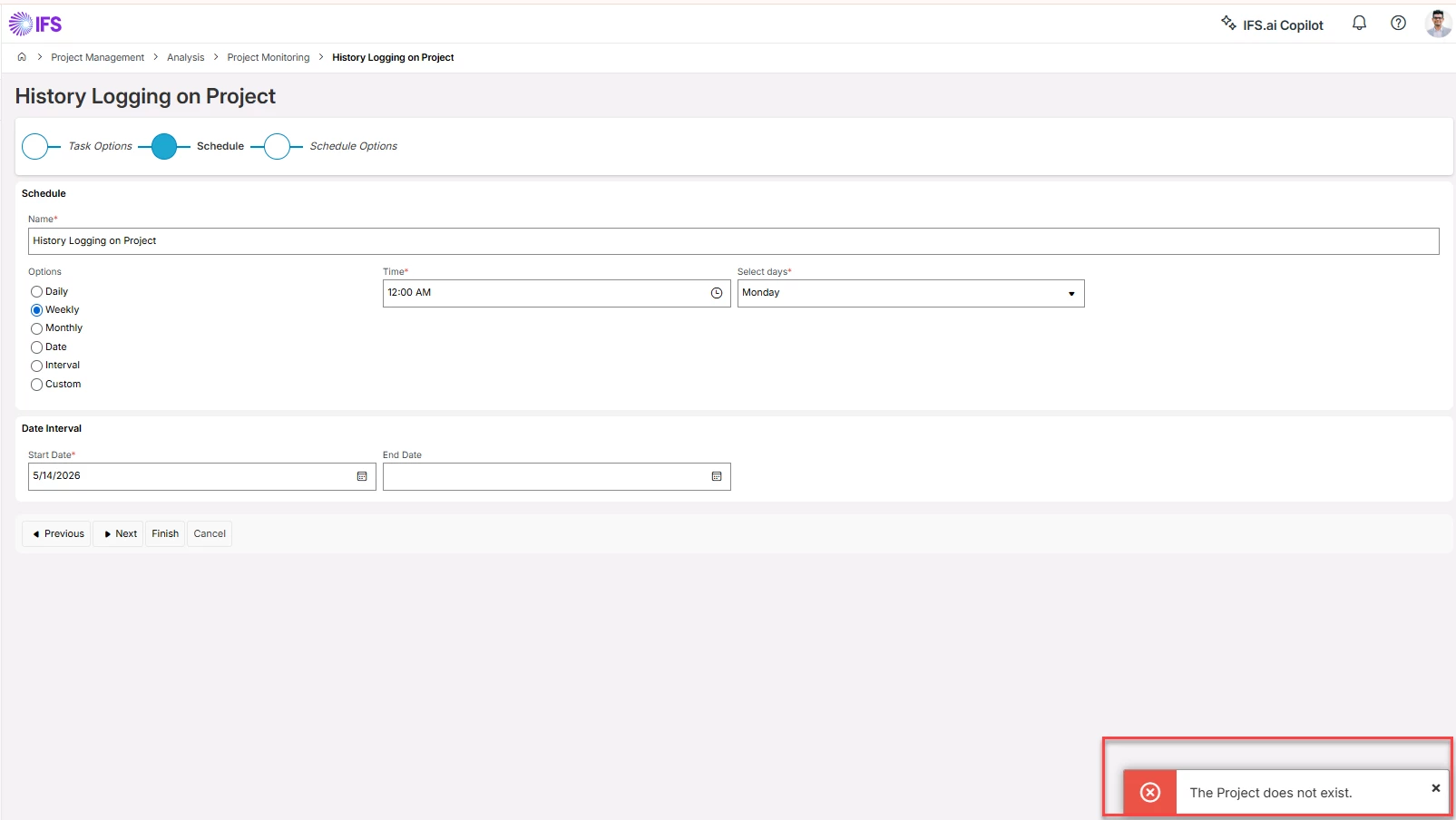
Method #1: The History Logging Assistant We tried using a wildcard % in the Project ID field within the History logging on Project assistant. As suspected (given the assistant's name), it returned an error as it seems to be designed for single-project execution.
-
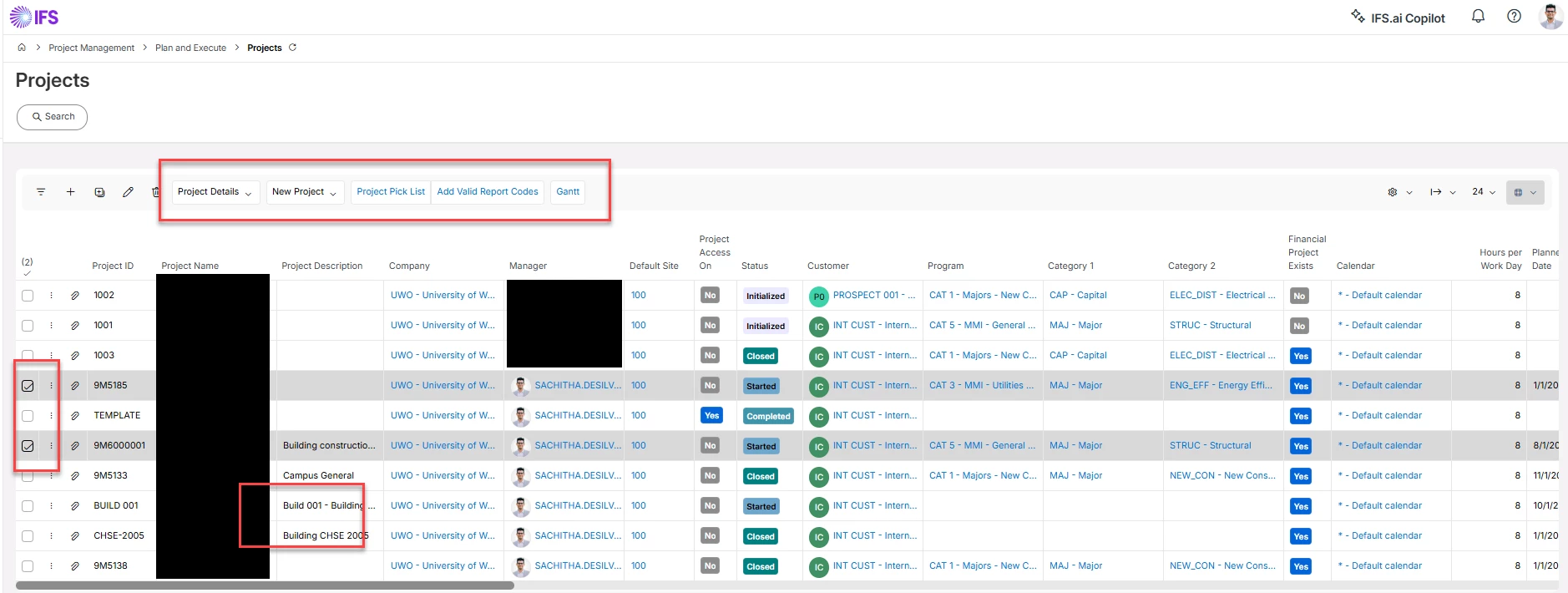
Method #2: Projects Overview Page I’ve attempted to multi-select projects in the Projects overview screen to trigger a mass history log. However, the "Project History" option is unavailable in the command menu when multiple rows are selected.
Is there any other out of the box "Project Bulk History Log" schedule and/or has anyone successfully implemented a workaround for this?
Cheers!
Sachitha