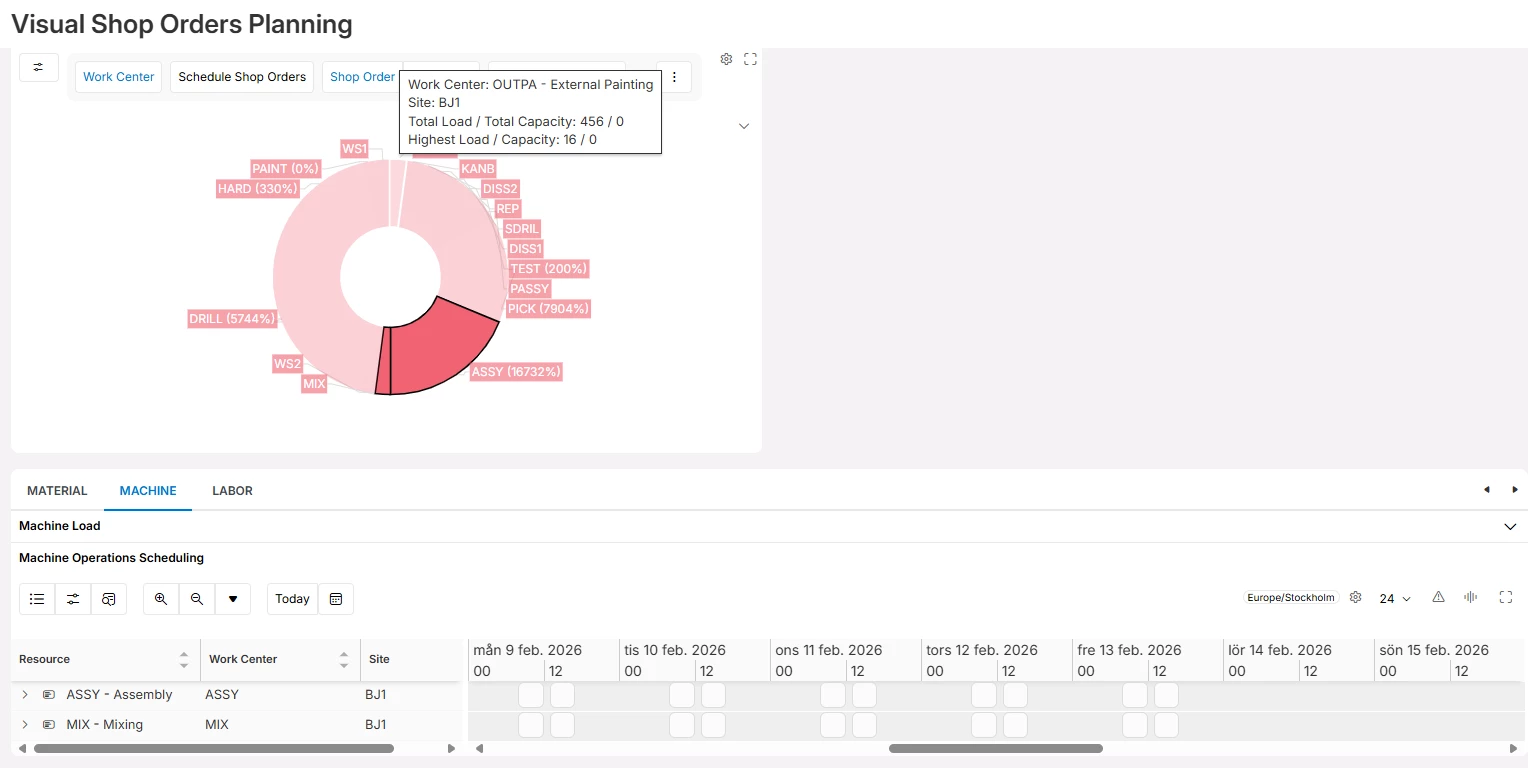
I have a couple of clients in 25R1 that are using or want to use Visual Shop Order Operations Planning to drag and drop operations from a workcenter to another workcenter; However, we are finding a few oddities:
- We have resources within a workcenter that are blocked yet the resources still appear in the Gannt chart. Why?
- The calendar has definite time periods per day that the operations can be assigned . However, Gannt chart still shows the full 24 hours. Can we filter out th enon-working time and if so, how?
- How can I filter out particular work centers so I don’t even see them as them on the Gannt.chart even though the work center is active?
Thanks!