


Question

Product Structure Notes are transferred to Shop Order Notoes

  • February 24, 2026
  • 2 replies
  • 41 views

Forum|alt.badge.img+2

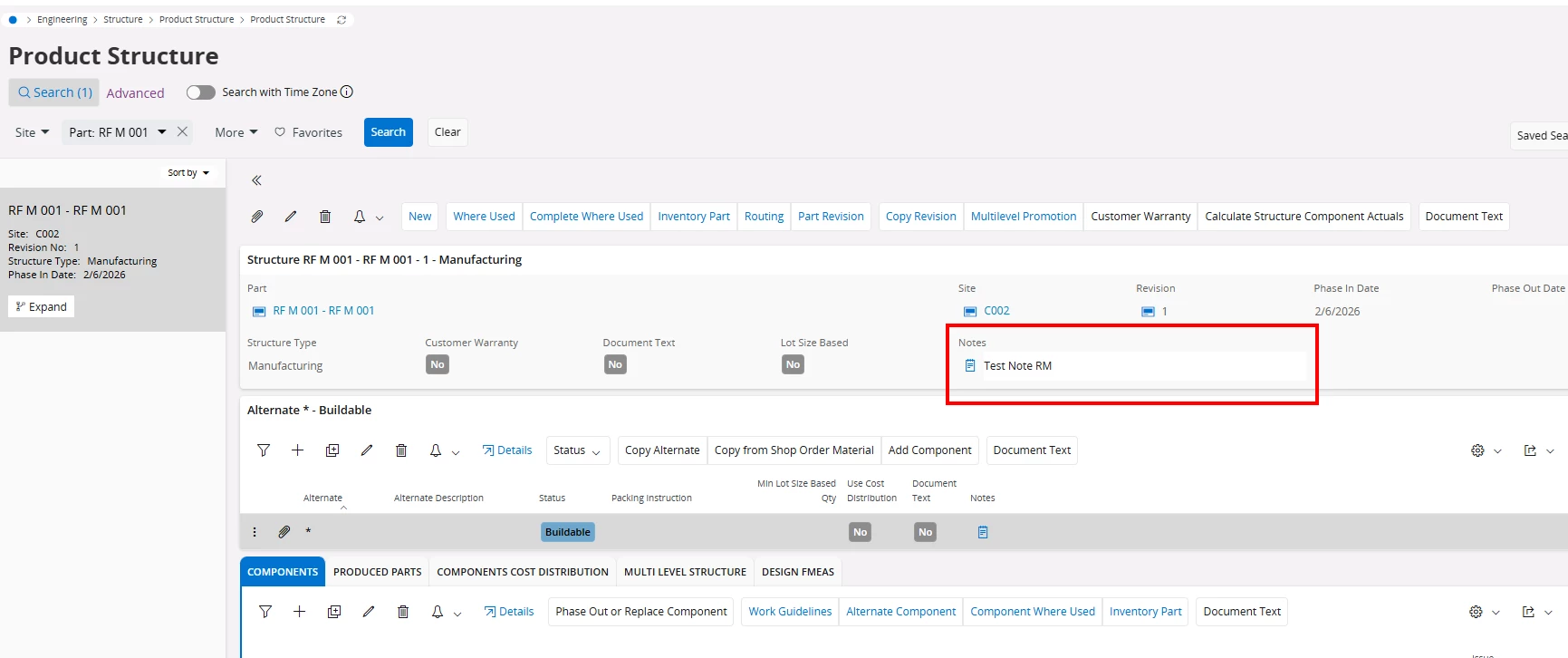
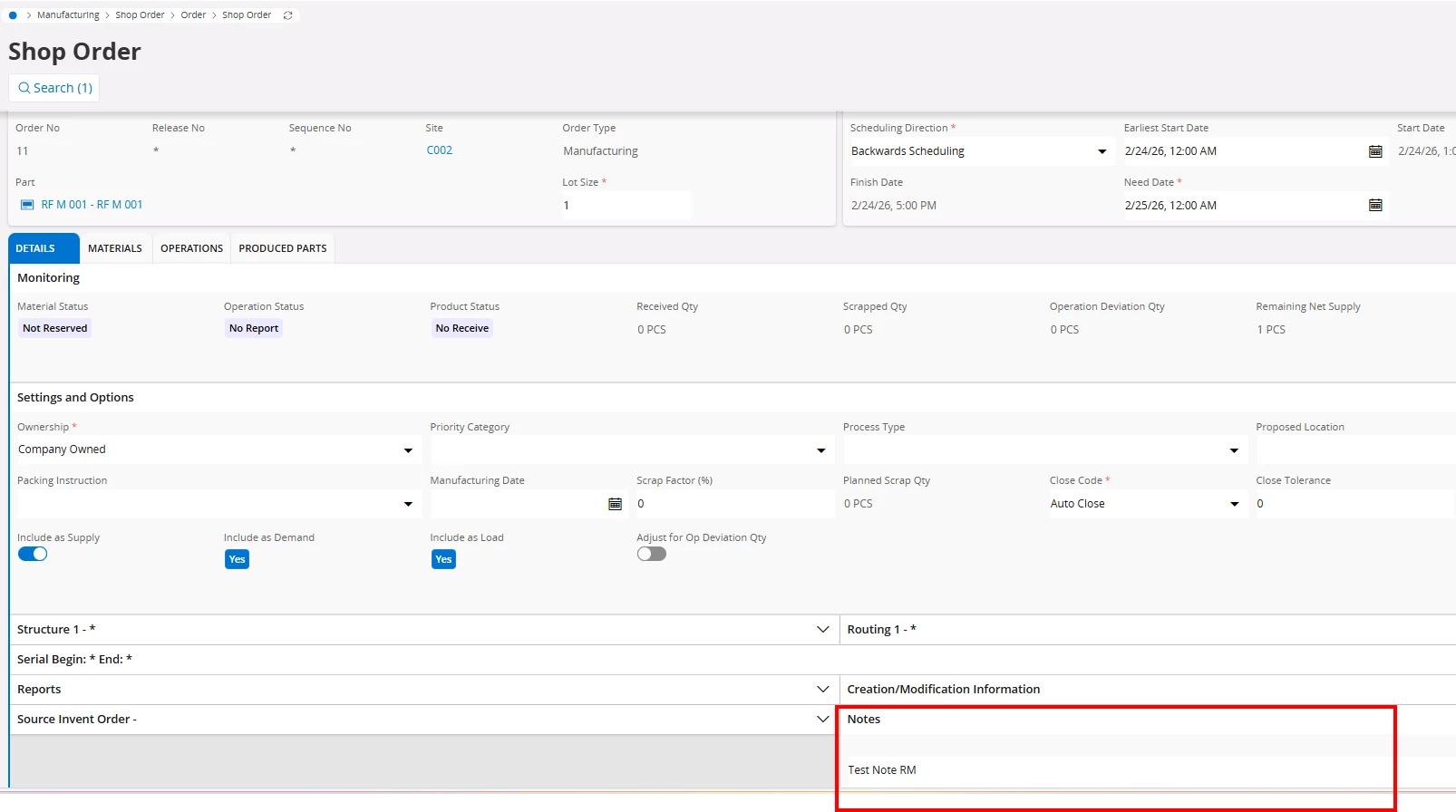
When a product structure (With components) header has notes and the components are Buildable, the notes are added to the shop order header as soon as the part is added and the shop order header is saved. 

Product Structure Header
 

Shop Order Notes
 

This is happening only when components are added to the product structure and it is Buildable. What is the reason for this behaviour? I have seen an explanation for an older version of IFS which states that

“Notes on the Product Structure Header are added hoping it contains common information related to the Specific Revision of the product and displayed in the Tracking and History Tab hoping these notes will be useful when manufacturing the product”. 

In Cloud, this is not observed in tracking or History, instead directly transferred to the shop order notes. Please explain. 


Thanks!

2 replies

imkhin
Sidekick (Employee)
Forum|alt.badge.img+8
  • Sidekick (Employee)
  • February 26, 2026

Based on my understanding so far,

In IFS Cloud, when a Product Structure contains components and the structure is marked Buildable, the system automatically transfers the Product Structure Header Notes to the Shop Order Header Notes.

This is intended functionality.

A Buildable product structure indicates that the product is expected to be manufactured according to this structure. Because of this, IFS Cloud ensures that any important notes defined at the product‑revision level are pushed directly into the Shop Order Notes, where they are visible to planners and production operators.

Unlike older IFS versions, which displayed inherited notes on the Tracking/History tabs, IFS Cloud surfaces them directly in the Shop Order Notes to ensure better visibility and prevent missed manufacturing information.
This is why the notes appear automatically once the part is added to the shop order and saved.

If you require further clarification or would like us to investigate this in more detail, please submit a support ticket, and we can review it further with the product team.


Forum|alt.badge.img+2
  • Author
  • Do Gooder (Partner)
  • February 26, 2026

Hi ​@imkhin

Thanks for this detailed explanation. I have a one last question. Is there any possibility to disable this in the standard functionality, without doing a customization?

