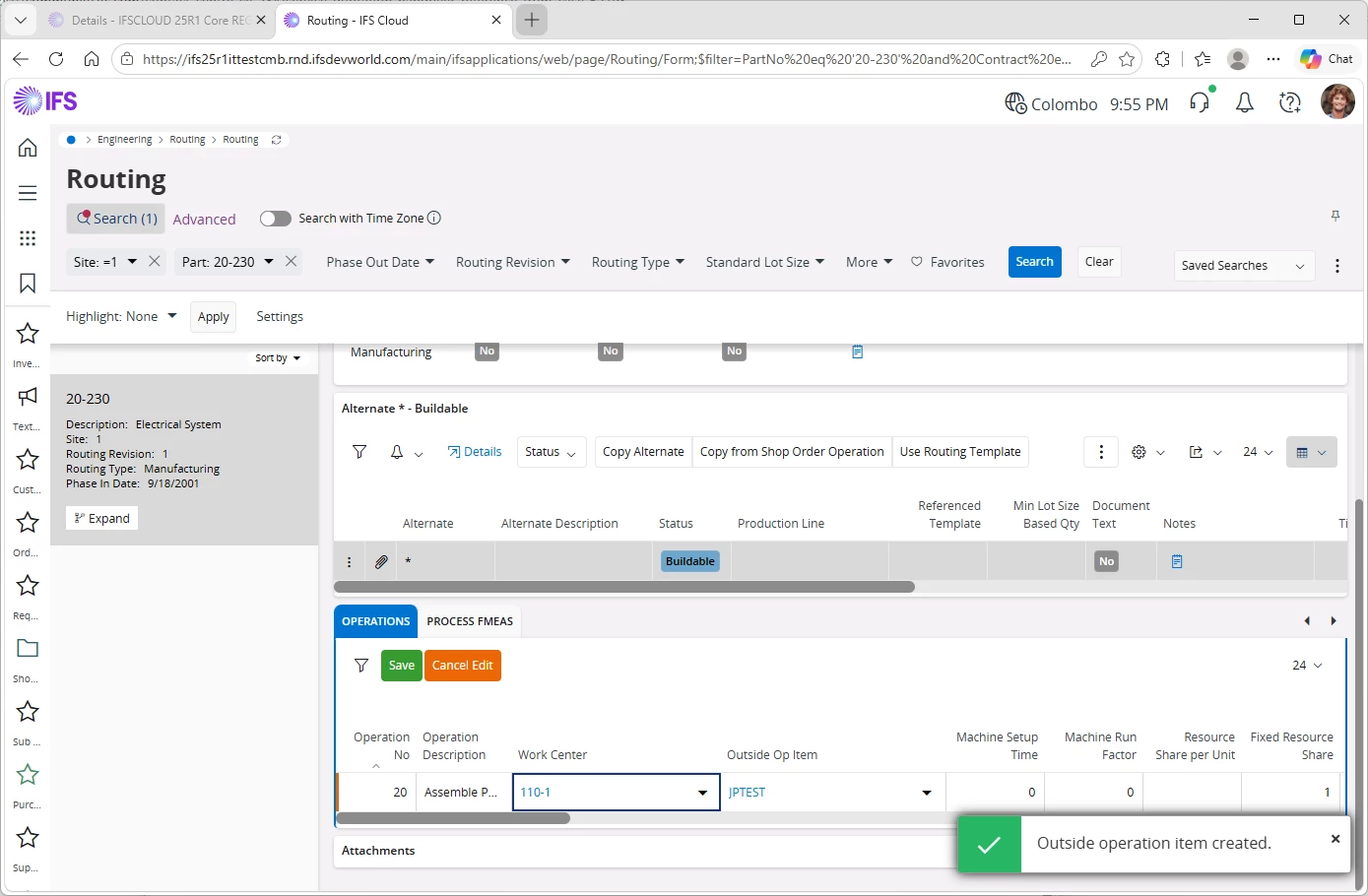
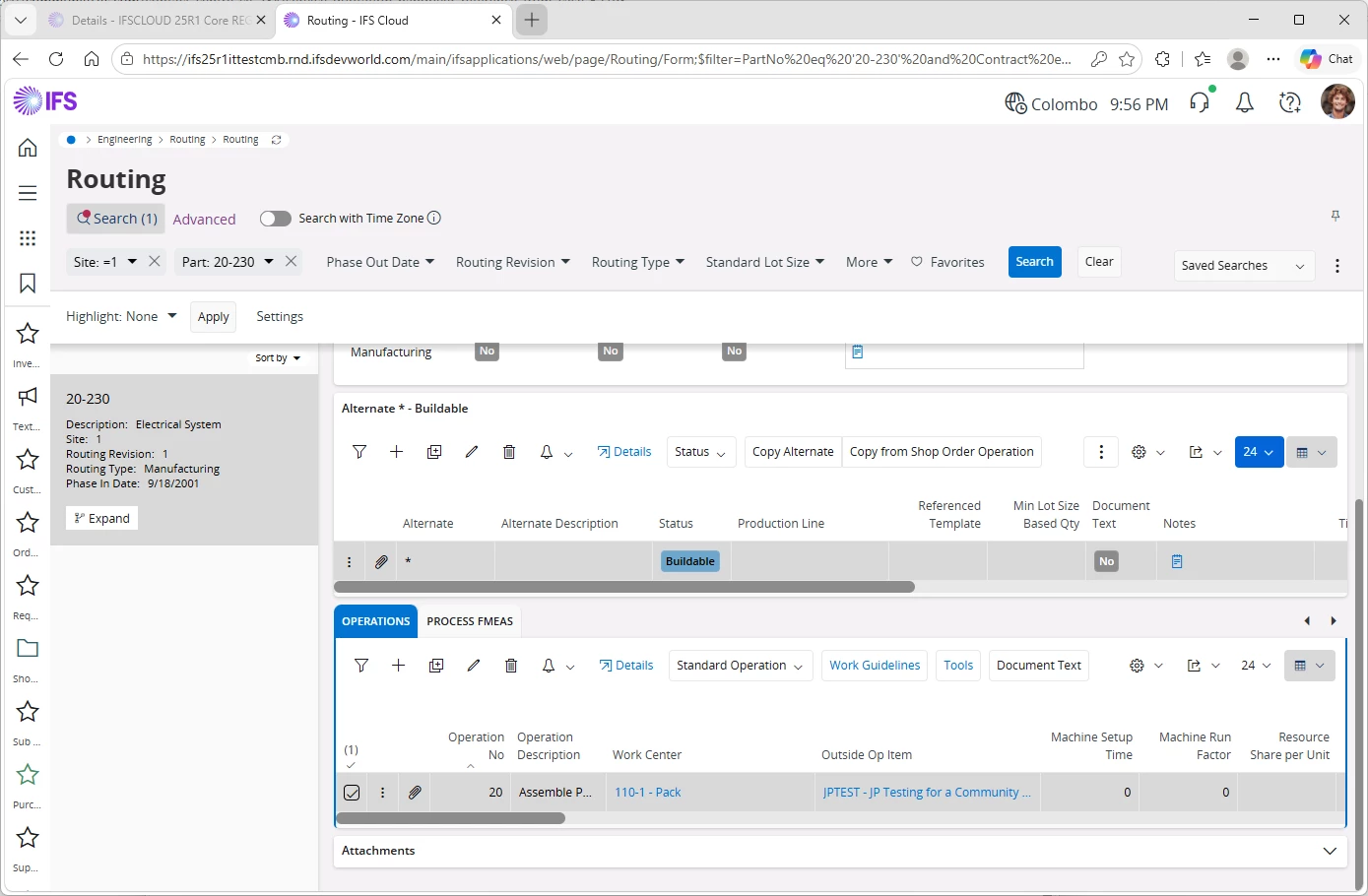
Hi,
When modifying an Outside Operation in Routing, entering a new non-existing Outside Operation Item (OOI) no longer triggers the "Create Outside Operation Item" dialog. Instead, it throws an error.
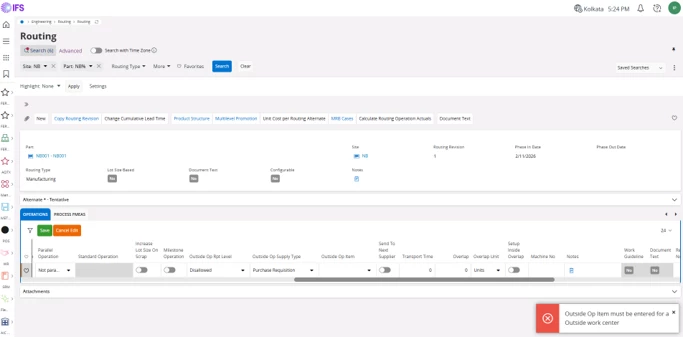
Work around solution as below:
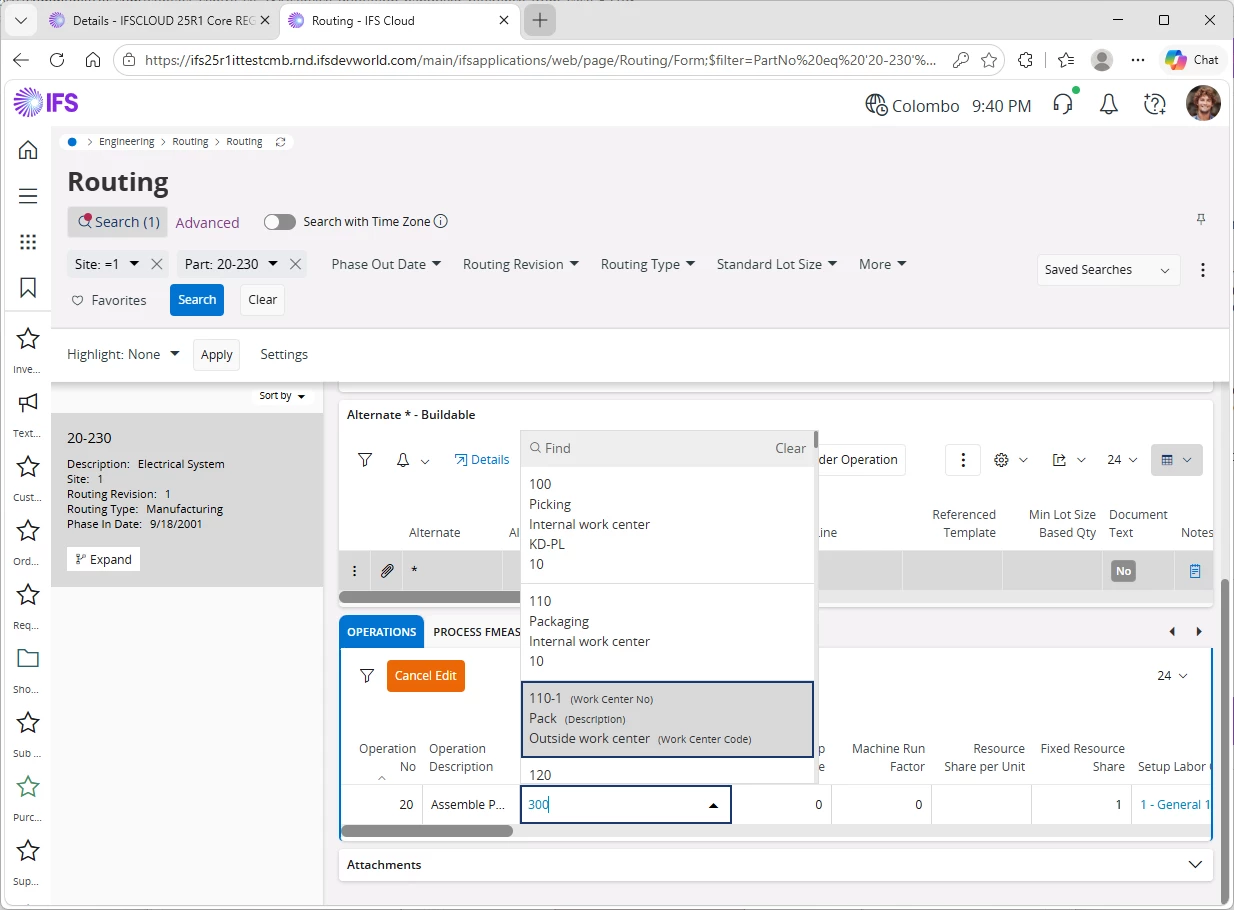
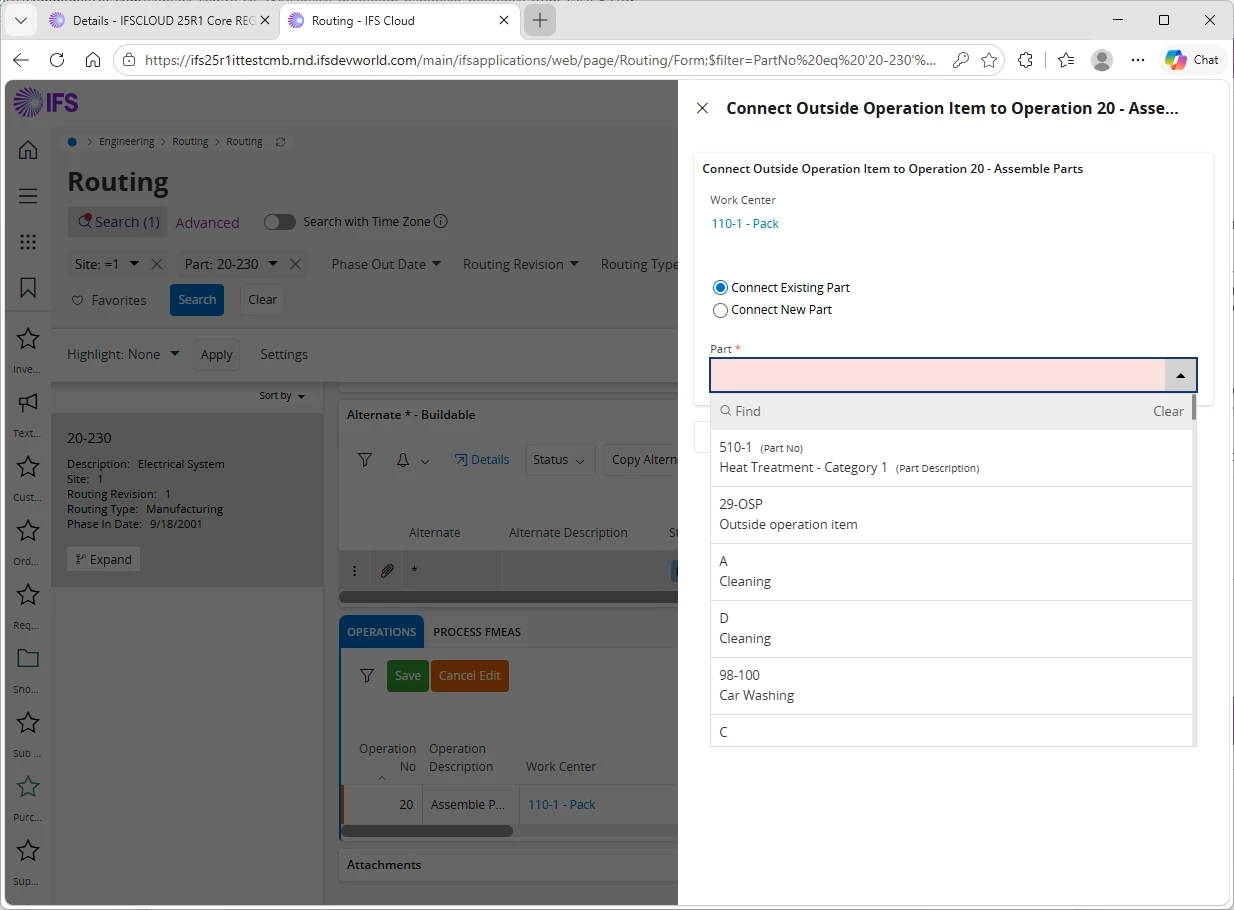
Temporarily change the Work Center from the Outside Operation Work Center to a different Work Center. Close the "Create Outside Operation Item", because the wrong center is selected. Change the Work Center back to the original Outside Operation Work Center. The "Create Outside Operation Item" dialog is then triggered. Continue editing and save the routing.
However, this option was available in APPS10.
Outside Op Item is modified and tried to save. Is there any straightforward method in cloud as well?
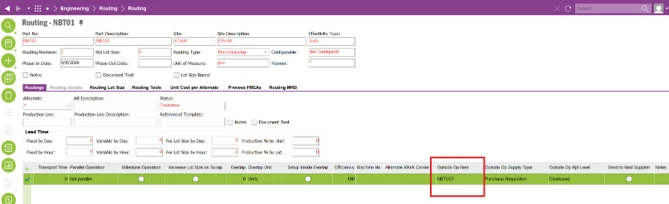
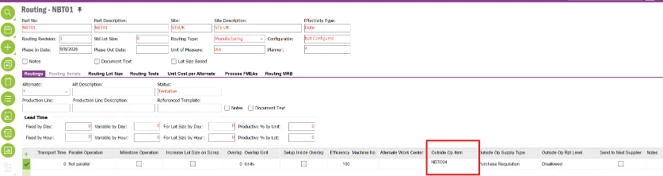
A window will be popped up requesting to create a new Part Number.
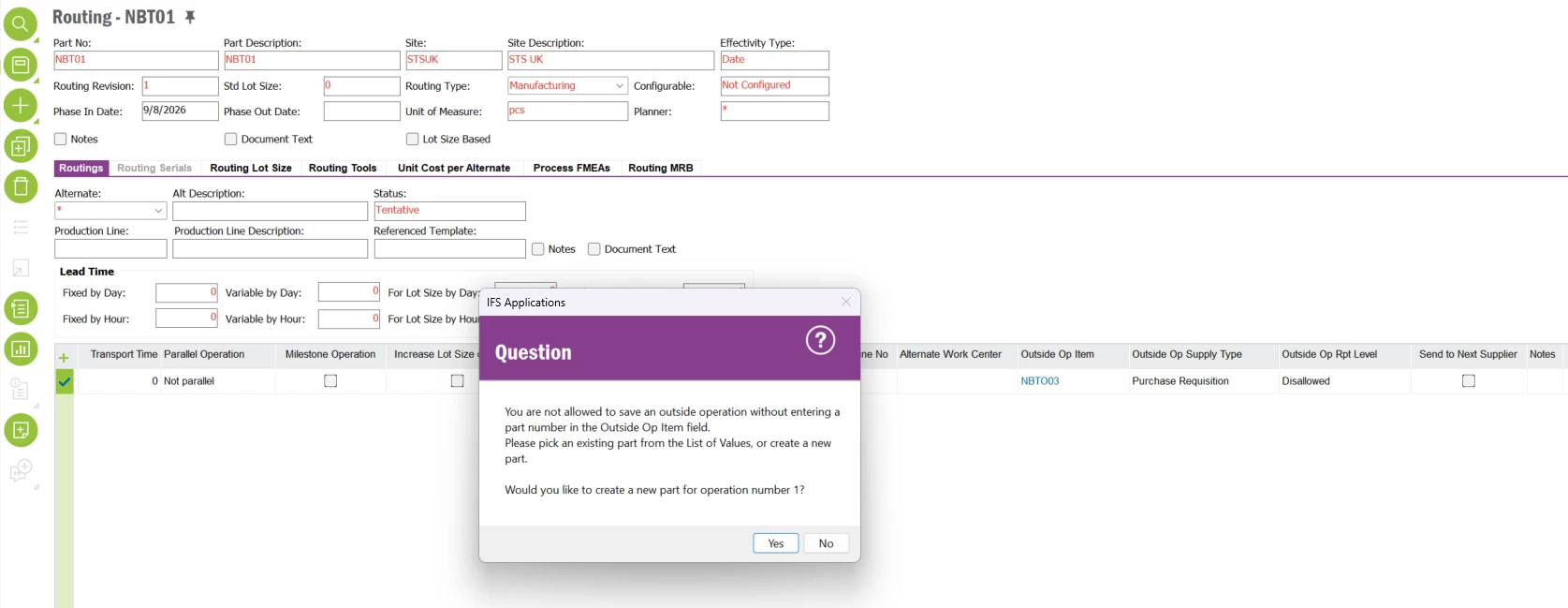
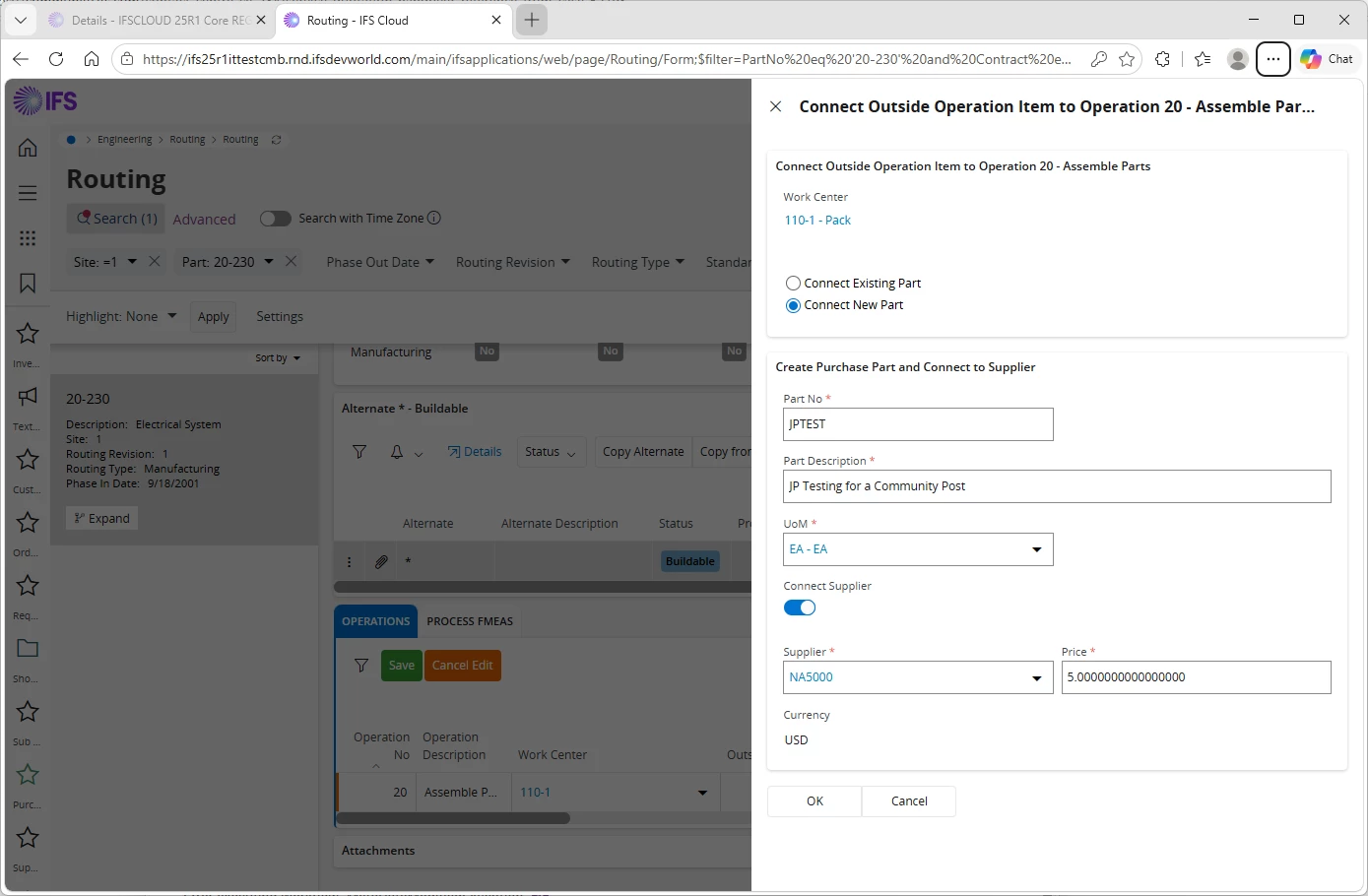
Once proceeded with selecting Yes, it will direct to another window where the user is able to create a new Part.
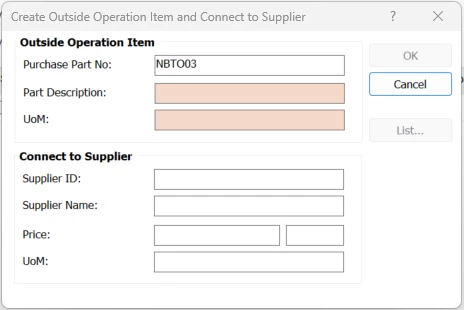
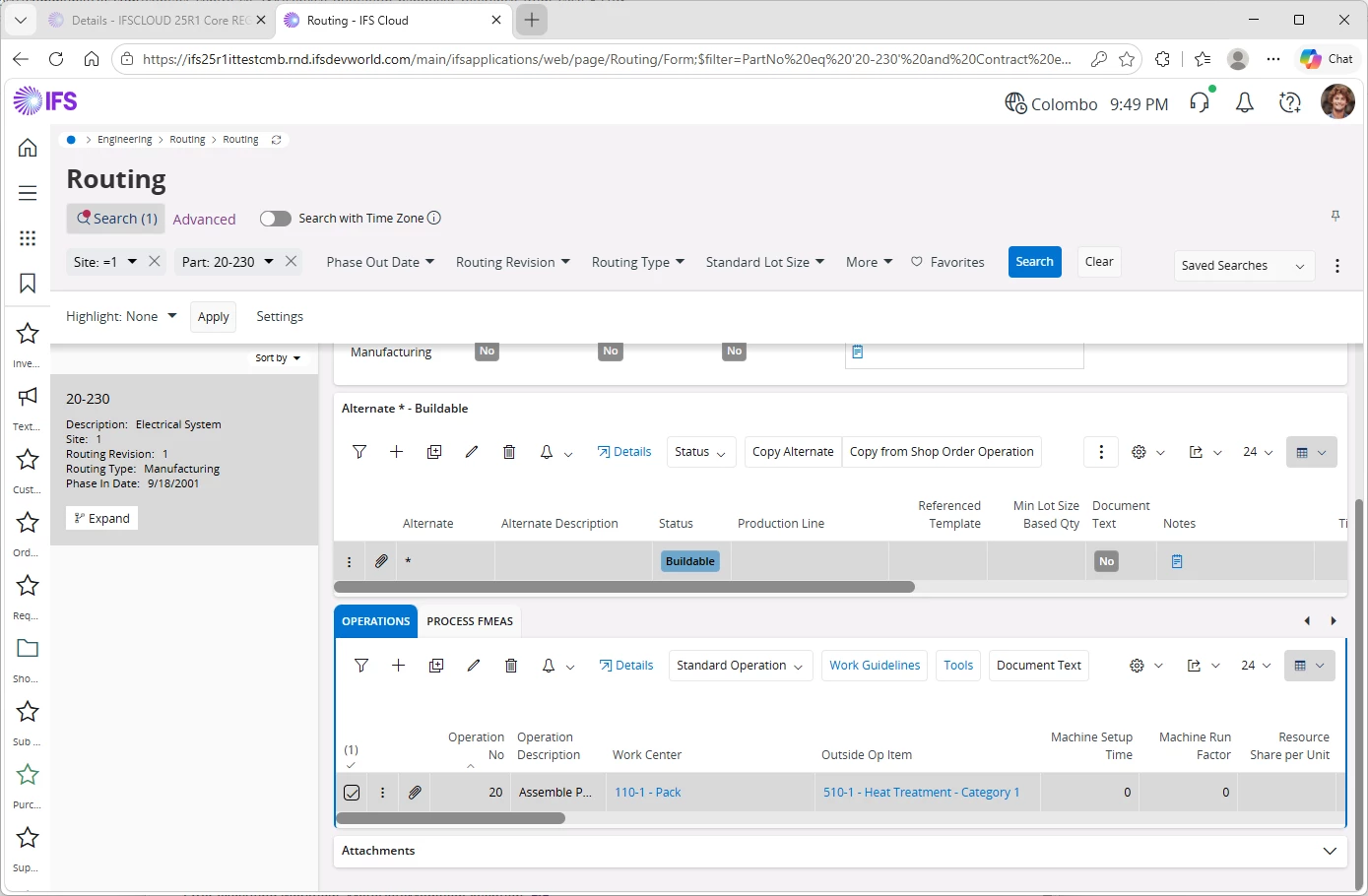
After required data is given, the Outside Op Item will be available in the routing operation.
Thank You.