
We would like to distinguish three manufacturing stages on our Inventory Parts:
Raw Material
Semi-Finished Product
Finished Product
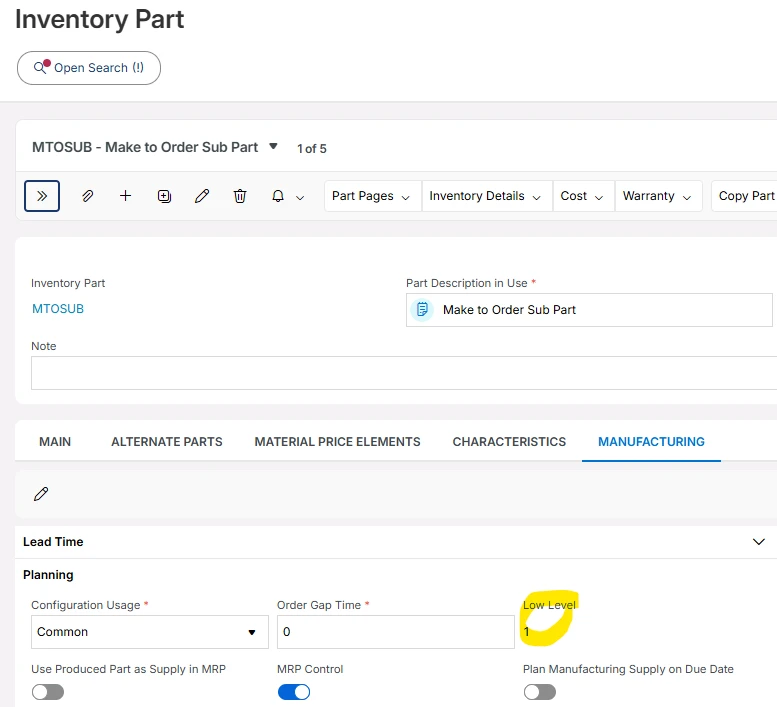
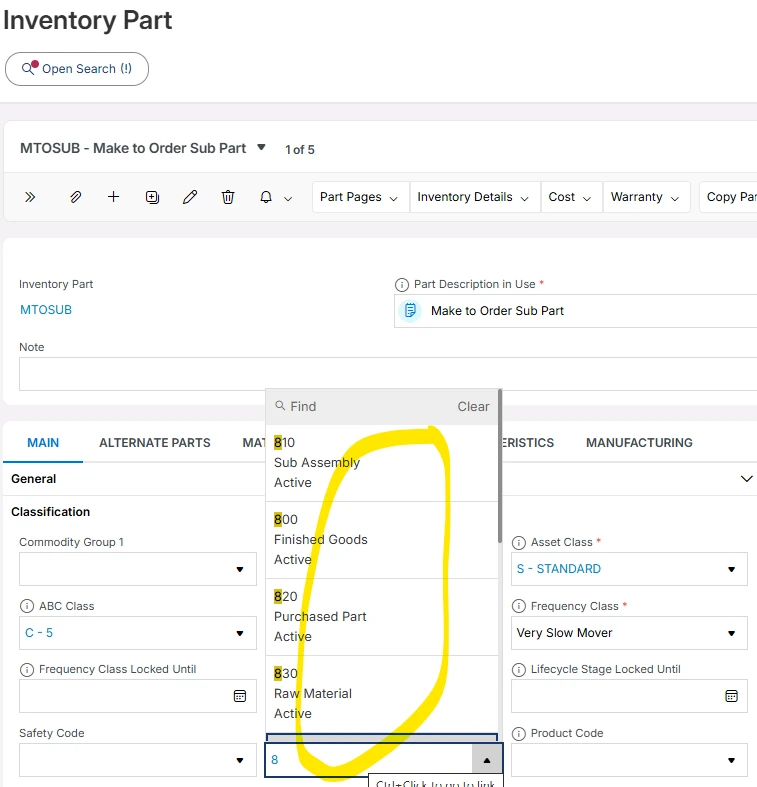
Currently, the standard field Type of Product does not provide a value for Semi-Finished Product.
Before deciding whether to extend the standard classification or create a custom business attribute, we would like clarification on the following points:
Questions
Is the standard field Type of Product in IFS Cloud R25 extensible?
Can a new value such as Semi-Finished Product be added without modifying standard code?
Is this field used by any standard IFS processes or calculations?
MRP
DOP
Shop Orders
Procurement
Customer Orders
Cost Roll-Up
Supply Chain Planning
Reporting or Analytics
Would adding a new value to this field have any impact on:
standard reports,
lobbies,
Aurena pages,
Business Reporter,
integrations,
future upgrades of IFS Cloud?
Does IFS recommend using Type of Product to represent manufacturing stages (Raw Material / Semi-Finished / Finished Product), or is it preferable to create a custom classification attribute for this purpose?
Are there any standard IFS mechanisms or best practices available to classify inventory parts according to their manufacturing stage?
Business Context
Product Families are already used in our company to classify product ranges (Barriers, Gates, Turnstiles, etc.) and therefore cannot be used to distinguish Raw Materials, Semi-Finished Products and Finished Products.
Our objective is mainly reporting, filtering, analytics and business classification, rather than driving planning or execution processes.
Product Version: 25.2.5
Business Impact: Reporting issue

Question
Manufacturing stages
 +1



Enter your E-mail address. We'll send you an e-mail with instructions to reset your password.