

Greetings!
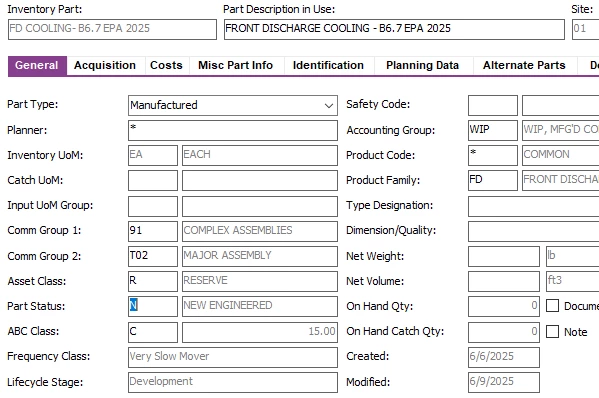
I just created a part number but forgot to add a digit. Is there any way to just edit the part number with out re-creating a brand new one all over again in IFS Apps 10?

Greetings!
I just created a part number but forgot to add a digit. Is there any way to just edit the part number with out re-creating a brand new one all over again in IFS Apps 10?
Best answer by Abdul
Hi
Unfortunately it is not possible.
You need to create new Inventory Part, though you can delete your existing Inventory Part if not used for any transactions yet.
Regards
Abdul Rehman
Enter your E-mail address. We'll send you an e-mail with instructions to reset your password.




