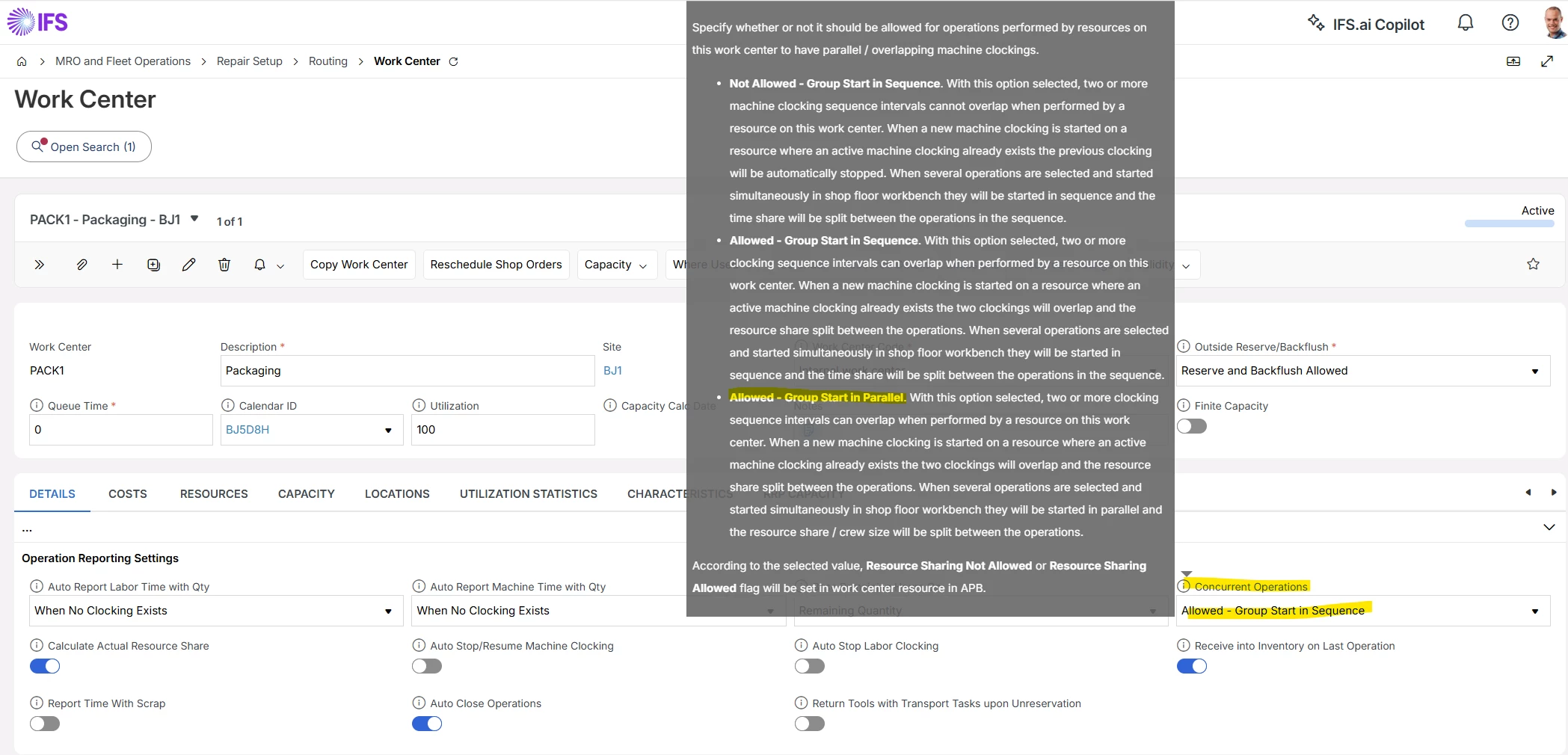
We have noticed a possible change to the way that concurrent OPs functionality works in Cloud 25R1 compared to Apps 10. The change creates an inefficiency with the shop floor. It is apparently a change from Apps 10 but this might just be people remembering differently.
When several OPs are selected on SFW and Start Production is clicked, a clocking is started for both OPs with one clocking seq ID.
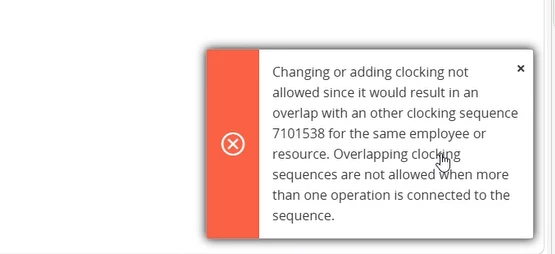
Then, in the same work center, another two OPs are selected and Start Production is clicked again. On the message that pops up regarding concurrent OPs, if you select run in parallel, Cloud stops this and the error message says “Overlapping clocking sequences are not allowed when more than one operation is connected to the sequence”.
If you choose the replace option, the clocking is stopped and a new clocking seq started, this is not a problem.
The error message is only when you want to run the two sequences in parallel.
Has anyone else noticed this and how did you resolve it. Is it a bug or has IFS changed the functionality around concurrent OPs?