Dear All,
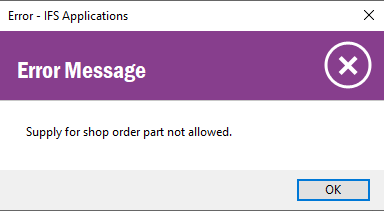
would you help ? I’ve an issued when tried to create shop order the message was shown “Supply for shop order part not allowed”, would you kindly suggest ? Thank you.

 +3
Dear All,
would you help ? I’ve an issued when tried to create shop order the message was shown “Supply for shop order part not allowed”, would you kindly suggest ? Thank you.
Best answer by dameenda
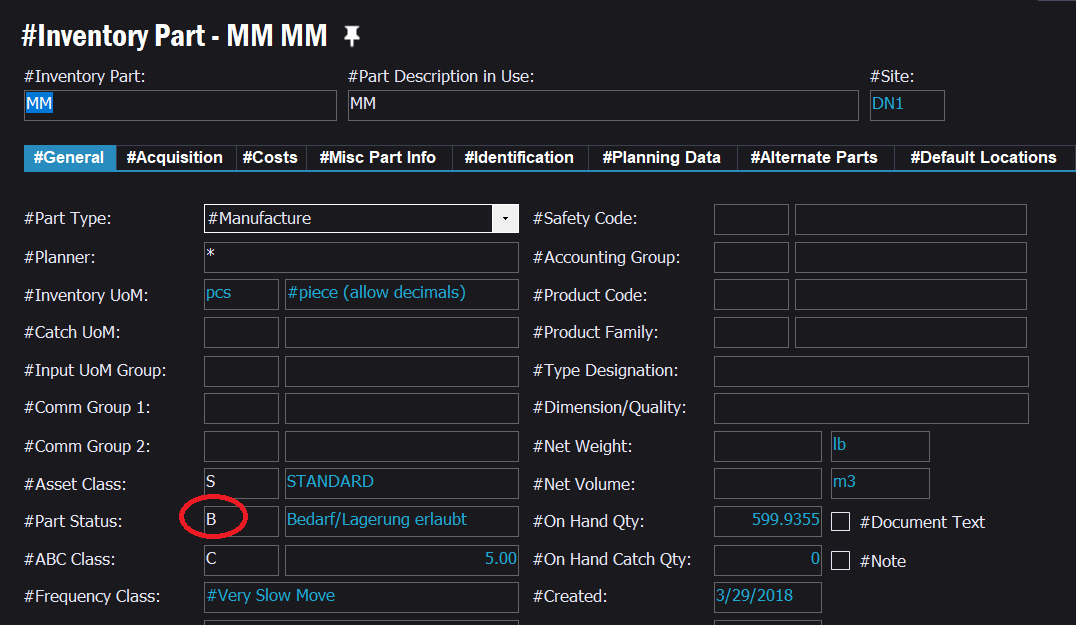
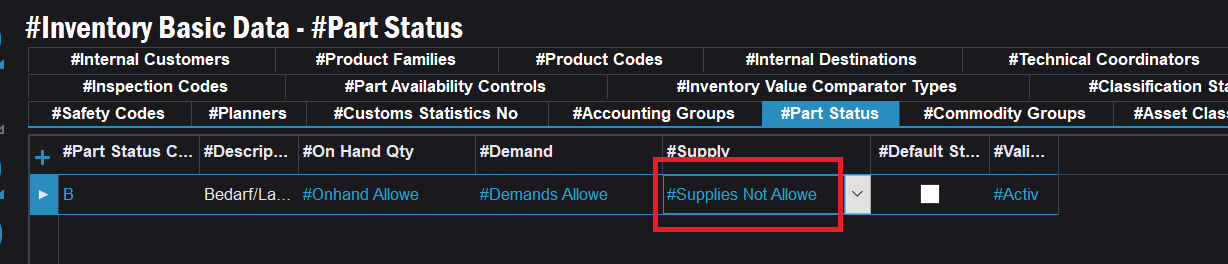
Either change the Value to Supplies Allowed if it is un intentional or put a New Part Status to the Manufactured parent Part which is having “Supplies Allowed” for the Supply Column
Enter your E-mail address. We'll send you an e-mail with instructions to reset your password.