
Question

An error when replacing an obsolete part revision with the new revision in PDM

  • Nov 9, 2026 10:33 AM UTC
  • 7 replies
  • 44 views

Forum|alt.badge.img+4

Hi All,
 

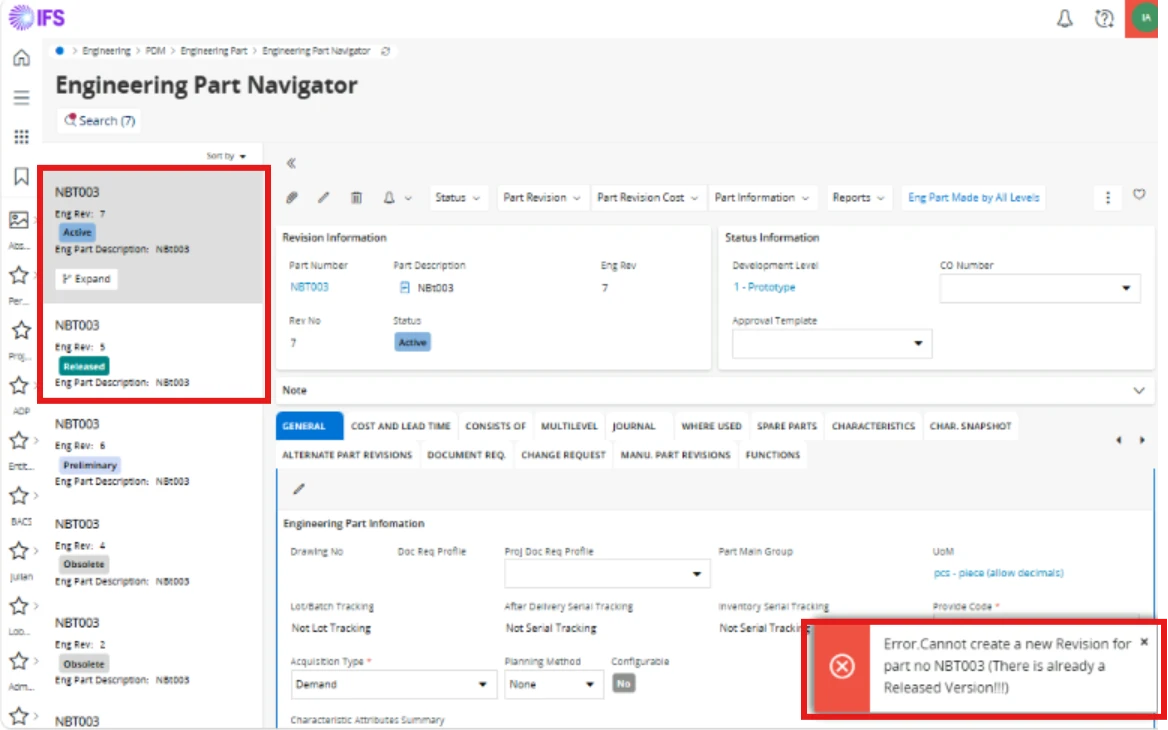
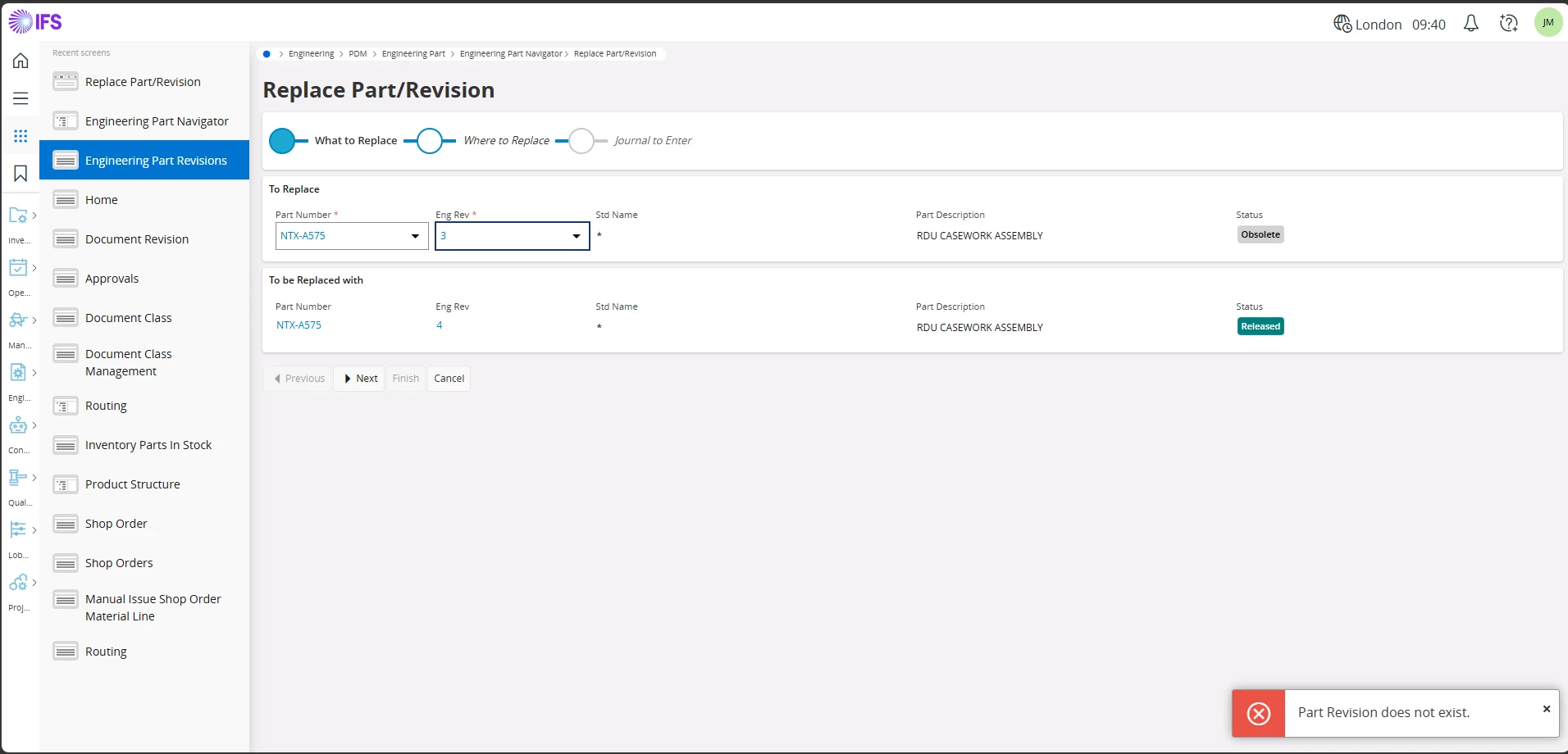
Can anyone explain why the error message "Part Revision does not exist" is displayed when attempting to replace an obsolete Part Revision with a new Active/Released revision in PDM?

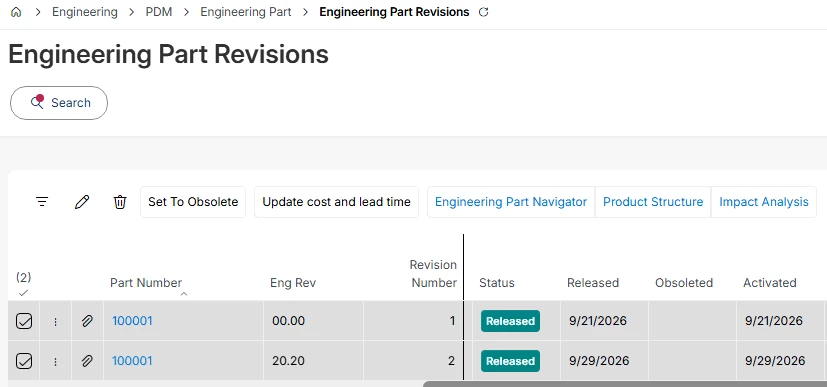
In IFS, a new revision cannot be released until the previous revision has first been set to Obsolete. However, when the obsolete revision is selected during the replacement process, the system displays the error message shown below.

Despite the error, the replacement process can still be completed successfully, and the obsolete revision is correctly replaced with the latest released revision.

I would like to understand why this error message is displayed even though the process completes successfully. 

The version is 25R1
 

7 replies

MikeCH
Superhero (Employee)
Forum|alt.badge.img+13
  • Superhero (Employee)
  • Nov 9, 2026 11:01 AM UTC

Hi ​@XitNipuni,

I think this is a bug, as the error reported here is incorrect (since the revision does exist, if only as obsolete). Please report this to IFS Support.

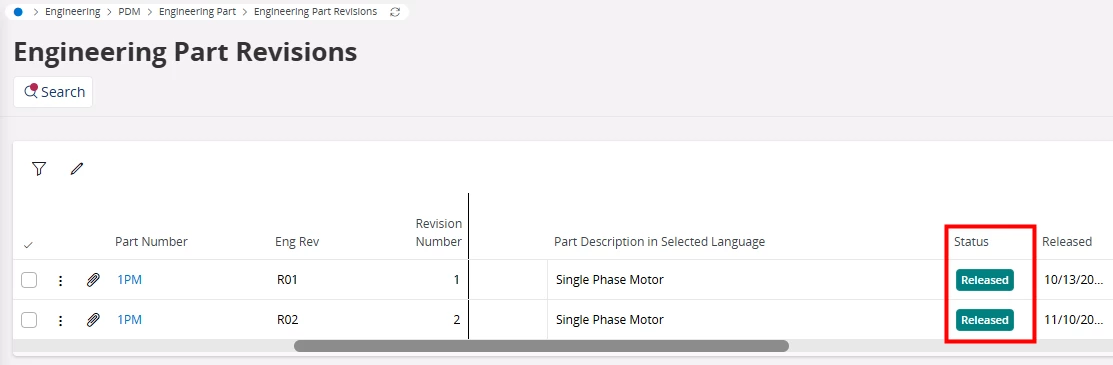
However, I cannot confirm whether it is not possible in the standard system to have two revisions of an Eng Part marked as ‘Released’ at the same time. 🤔 See here:


Forum|alt.badge.img+4
  • Author
  • Sidekick (Partner)
  • Nov 10, 2026 6:31 AM UTC

Hi ​@MikeCH ,

Thank you for the information shared. 
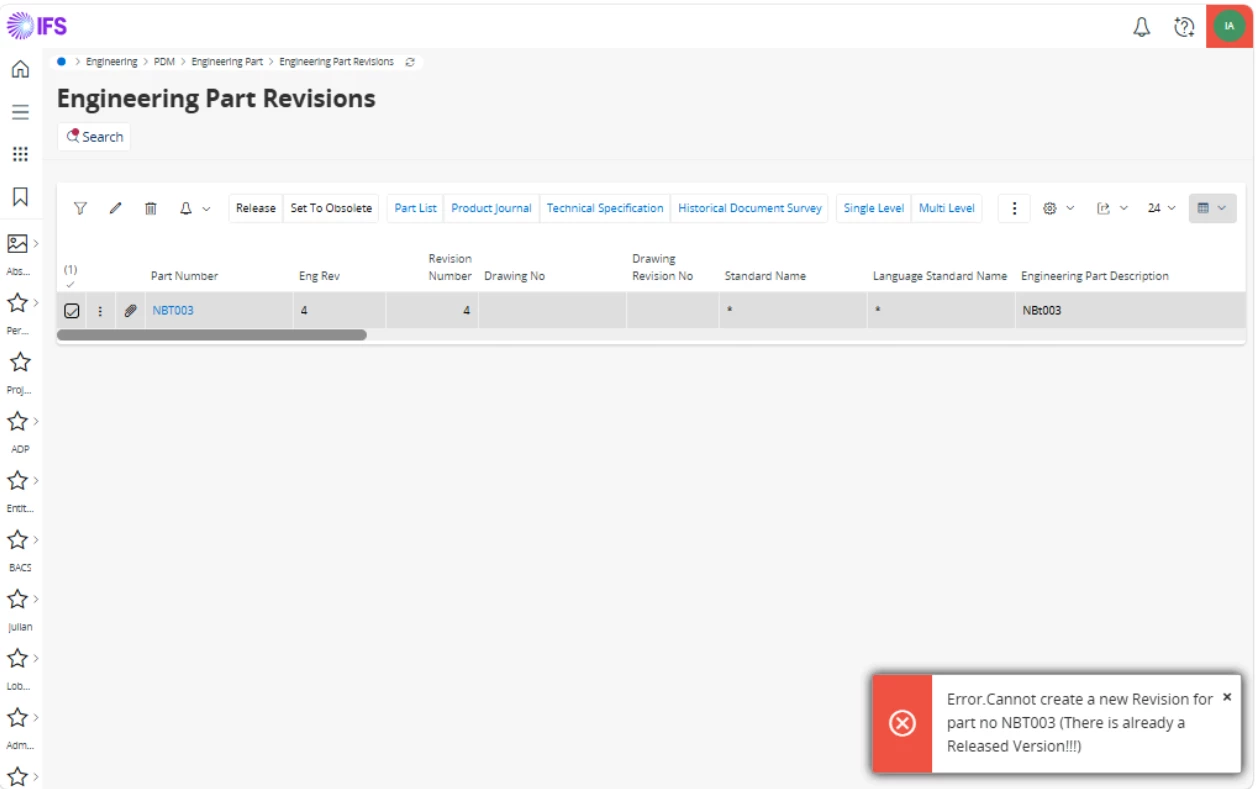
Can I know the IFS version you are using as I am getting below error when I tried to Release a new revision when there is an already released revision exisiting.


MikeCH
Superhero (Employee)
Forum|alt.badge.img+13
  • Superhero (Employee)
  • Nov 10, 2026 7:40 AM UTC

Hi ​@XitNipuni,

The test was carried out in a 25R2 environment. I have now also tested it specifically in a 25R1 environment. It works as standard there too. And it has always worked that way. I assume this is a customer configuration or modification. Please have this checked internally.


MikeCH
Superhero (Employee)
Forum|alt.badge.img+13
  • Superhero (Employee)
  • Nov 12, 2026 3:07 PM UTC

Hi ​@XitNipuni,

Any news on this topic?


Forum|alt.badge.img+4
  • Author
  • Sidekick (Partner)
  • Nov 18, 2026 4:13 AM UTC

Hi ​@MikeCH,

Sorry for the delayed response.
Pls find the attached image with the error which is getting when trying to release a new active revision when there is already a released revision.


MikeCH
Superhero (Employee)
Forum|alt.badge.img+13
  • Superhero (Employee)
  • Nov 18, 2026 8:25 AM UTC

Hi ​@XitNipuni,

As already mentioned, you must check with your IT department to see which of your own customer configurations is being triggered here. On the one hand, as I’ve written, I can release two revisions without any problems. On the other hand, the error message indicates that this is a configured error message (This is not a standard IFS text. The three “!!!" in “There is already a Released Version!!!” are typical for Custom Validation/Event/Trigger on EngPartRevision).


Forum|alt.badge.img+4
  • Author
  • Sidekick (Partner)
  • Nov 18, 2026 9:08 AM UTC

Hi ​@MikeCH ,

Thank you very much for your insights. We will investigate this further with the technical team further.

Regards,
Nipuni Bandara