

Hi All,
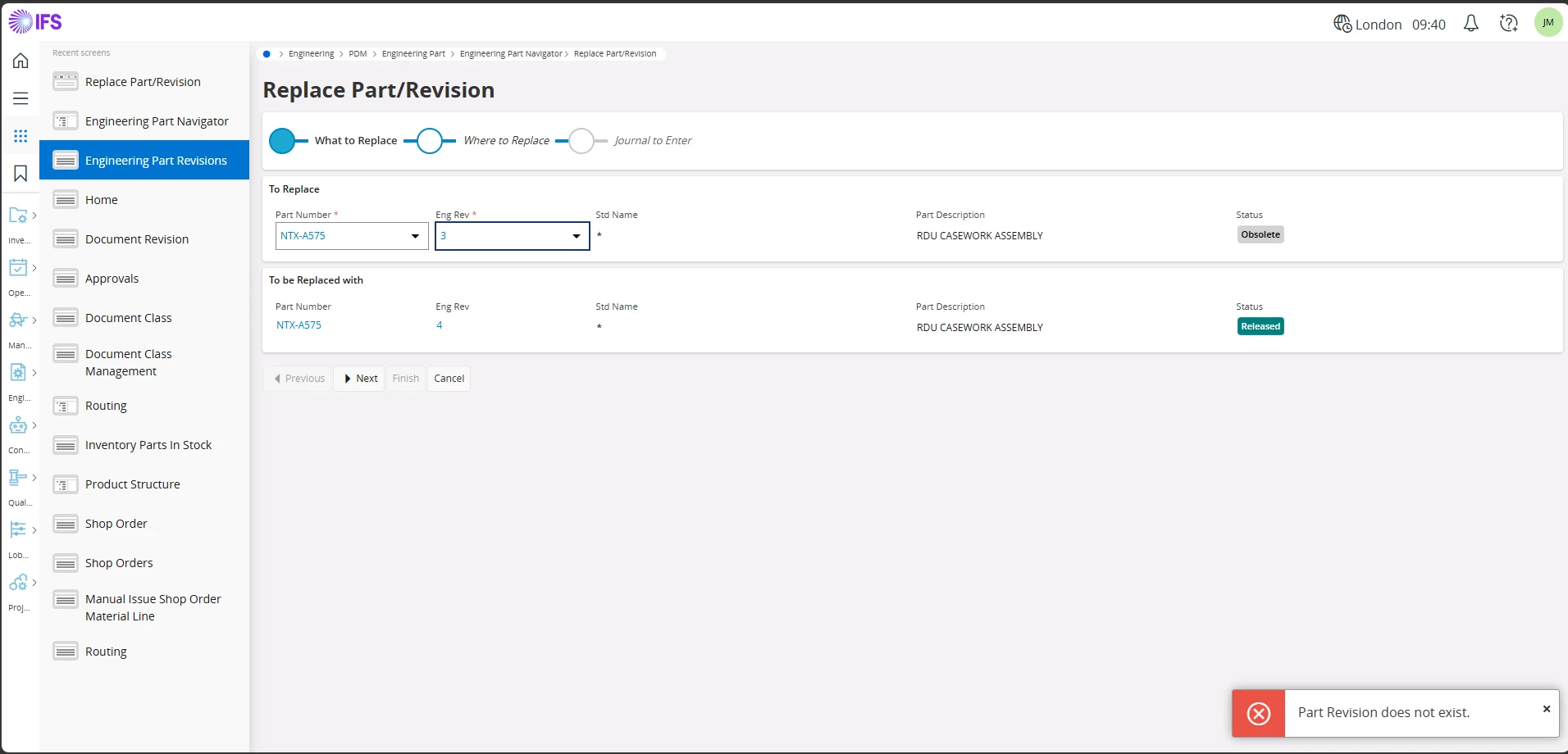
Can anyone explain why the error message "Part Revision does not exist" is displayed when attempting to replace an obsolete Part Revision with a new Active/Released revision in PDM?
In IFS, a new revision cannot be released until the previous revision has first been set to Obsolete. However, when the obsolete revision is selected during the replacement process, the system displays the error message shown below.
Despite the error, the replacement process can still be completed successfully, and the obsolete revision is correctly replaced with the latest released revision.
I would like to understand why this error message is displayed even though the process completes successfully.
The version is 25R1