Solved

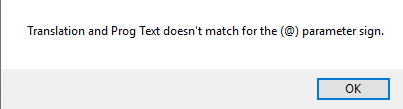
Text Translations @ sing

  • Mar 27, 2020 7:43 AM UTC
  • 6 replies
  • 379 views

hhy38
Superhero (Customer)
Forum|alt.badge.img+16
  • Superhero (Customer)

How can we write @ parameter while writing text translation. Version 9.4


Best answer by hhy38

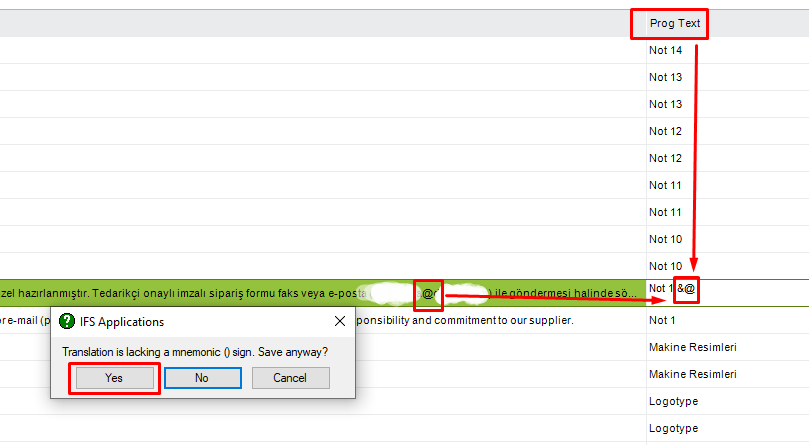
I solved the problem. We have to type “&” to Prog Text. Then, we have to click Yes. After that, the “&” is hiding when we refresh.
 

View original

6 replies

eqbstal
Superhero (Partner)
Forum|alt.badge.img+21
  • Superhero (Partner)
  • Jun 15, 2020 7:21 PM UTC

hhy38,

Have you tried \@ so there will be a slash in front as an escape character?

I take it that Alt+64 is not your intention to have?

Via a small script you might try to update the text. So first enter (at) and save the text.

In the script you would use replace([text translation field], ‘(at)’, ‘@’)

Steve


hhy38
Superhero (Customer)
Forum|alt.badge.img+16
  • Author
  • Superhero (Customer)
  • Jun 29, 2020 6:57 AM UTC

There should be escape character, It was working 3 month ago but I forget the character. “\” does not work here. Do you have any other guess? 


eqbstal
Superhero (Partner)
Forum|alt.badge.img+21
  • Superhero (Partner)
  • Jun 29, 2020 8:13 AM UTC

hhy38,

Ok, I have IFS10 up and running (no IFS9 available at the moment).

I select Translation Manager\Text Translations

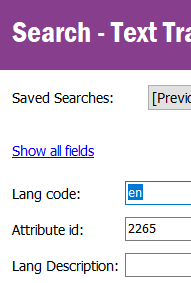
Search for the following:

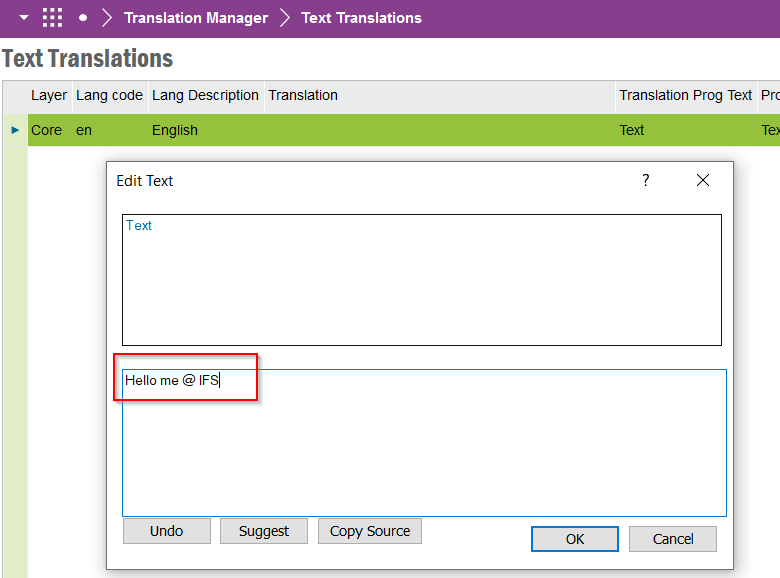
Next I use RMB and select EditText…

I enter something like:

Pressed OK. Pressed F12 to save. No problems.

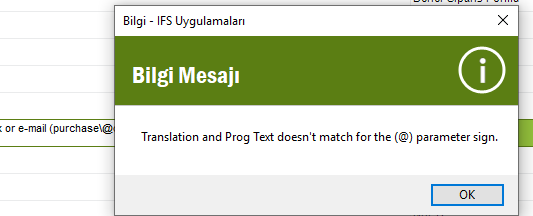
At what moment do you get the message?

Steve


hhy38
Superhero (Customer)
Forum|alt.badge.img+16
  • Author
  • Superhero (Customer)
  • Jun 29, 2020 8:36 AM UTC

@eqbstal I am getting the error while saving. 


hhy38
Superhero (Customer)
Forum|alt.badge.img+16
  • Author
  • Superhero (Customer)
  • Answer
  • Jan 26, 2021 12:28 PM UTC

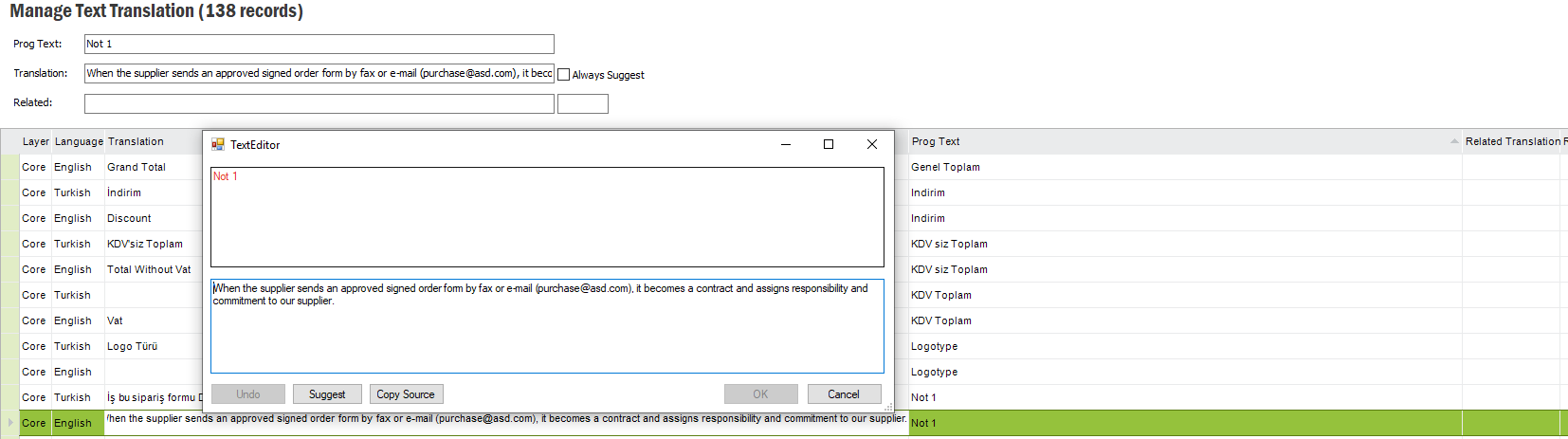
I solved the problem. We have to type “&” to Prog Text. Then, we have to click Yes. After that, the “&” is hiding when we refresh.


eqbstal
Superhero (Partner)
Forum|alt.badge.img+21
  • Superhero (Partner)
  • Jan 26, 2021 1:00 PM UTC

hhy38,

Weird that this & is the escape character. Thanks for sharing the solution. This might/will help others.

Steve