


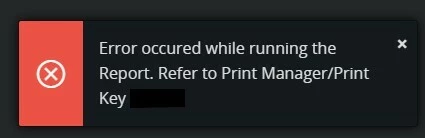
While printing a specific report (Purchase Order), in a specific test environment, I get this message error in a popup:
Error occured while running the report. Refer to Print Manager/Print Key XXXX
Going to the print manager, in the “Message” column, I get this message:
The Print job can not be printed. The selected printer is not mapped to any Print Agent.
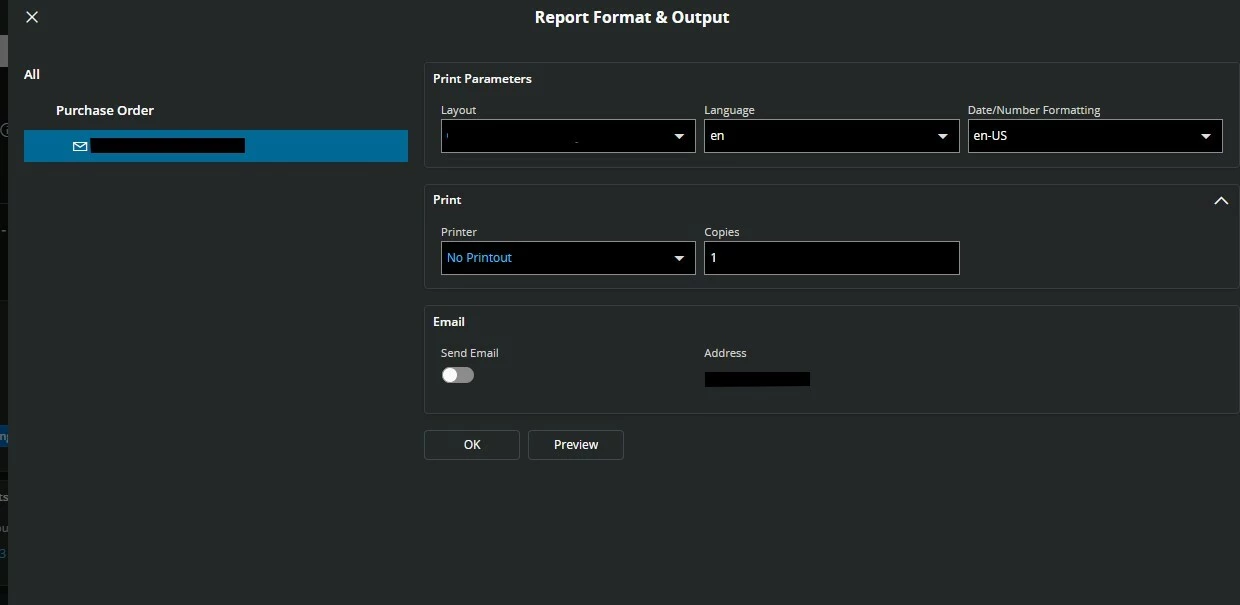
But the selected Printer has a related logical printer. This is my config while trying to print the report:
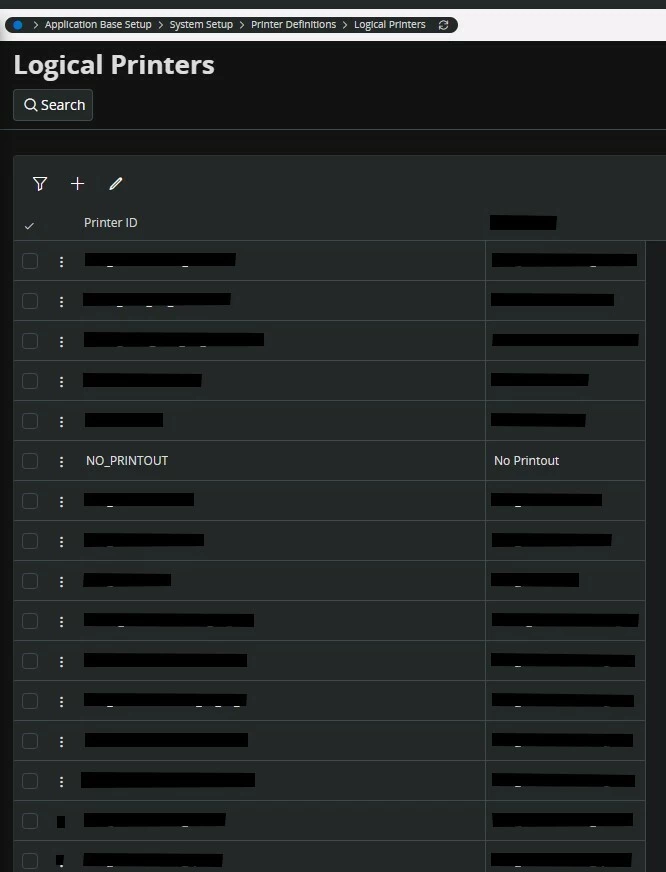
And this is my Logical printer view:
Anyway, in other test and prod environments, with the same configuration I get no error.
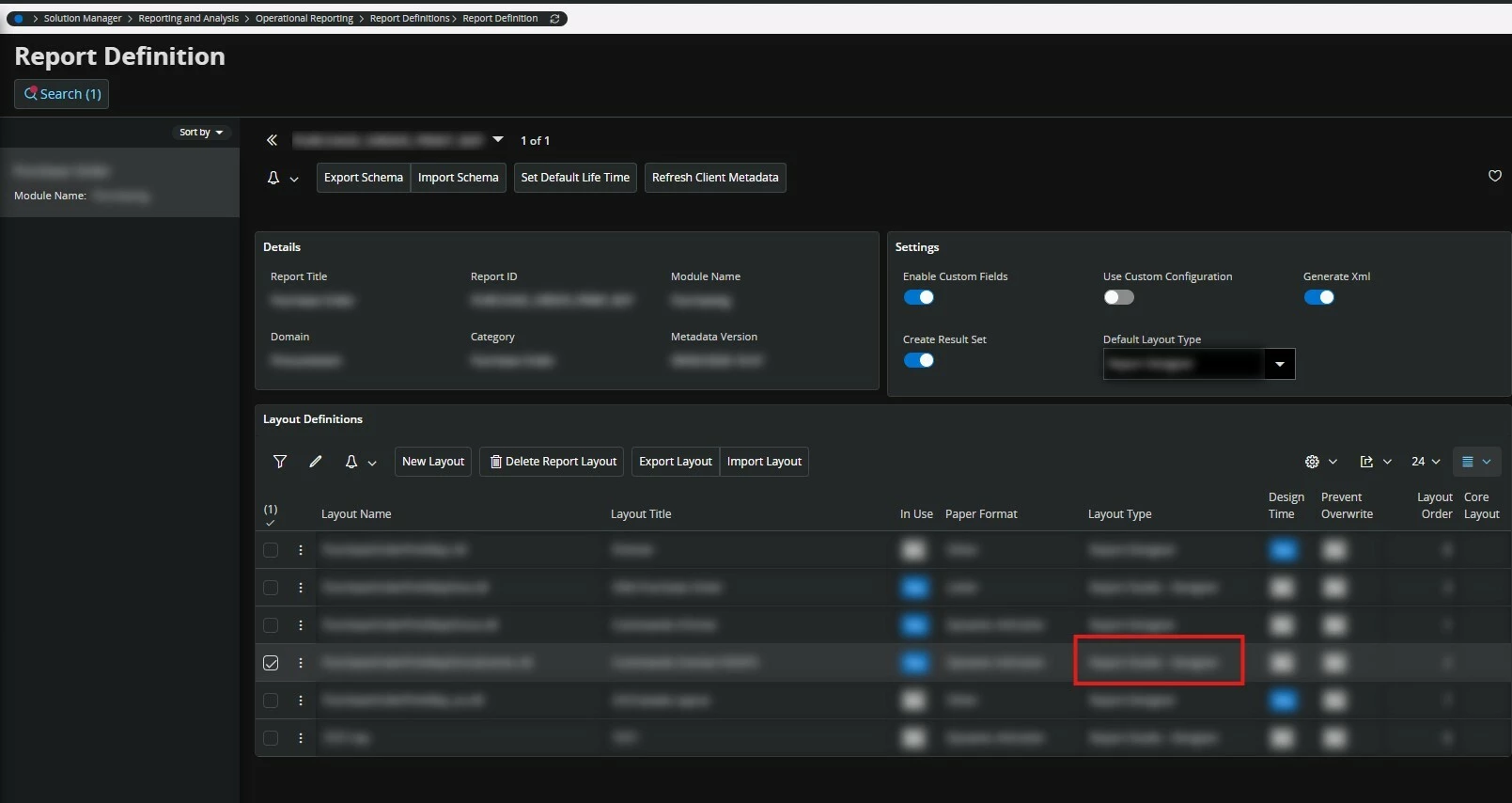
I still do not know what this error is related to, but we managed it by changing the Layout Type from “Report Designer” to “Report Studio - Designer” in the “Report Definition” view.
IFS Version: IFS Cloud 25R1