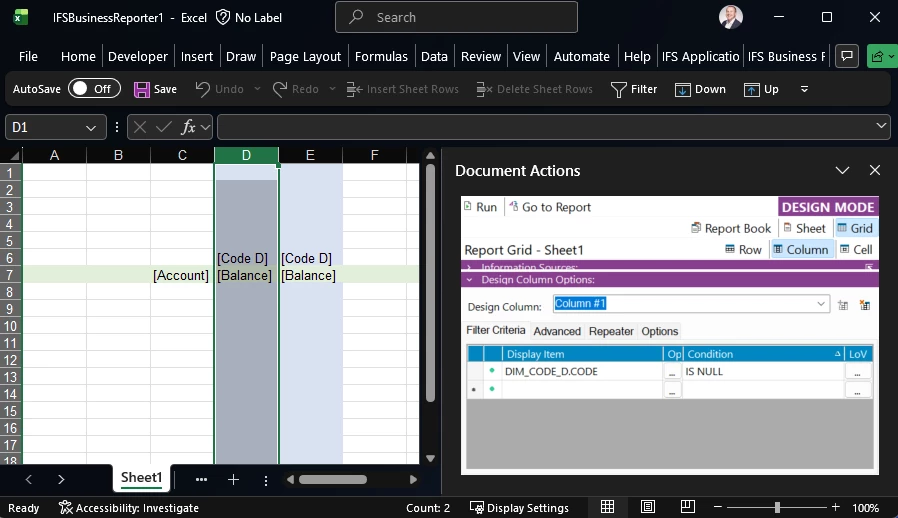
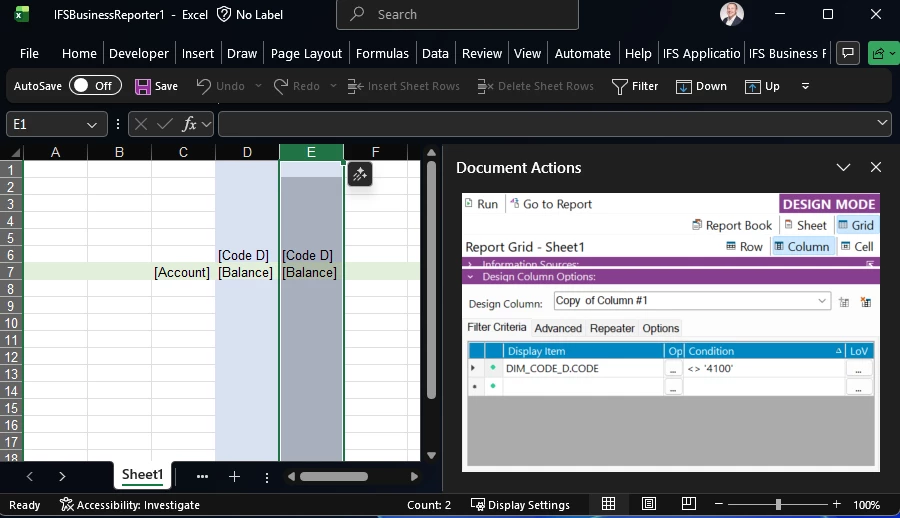
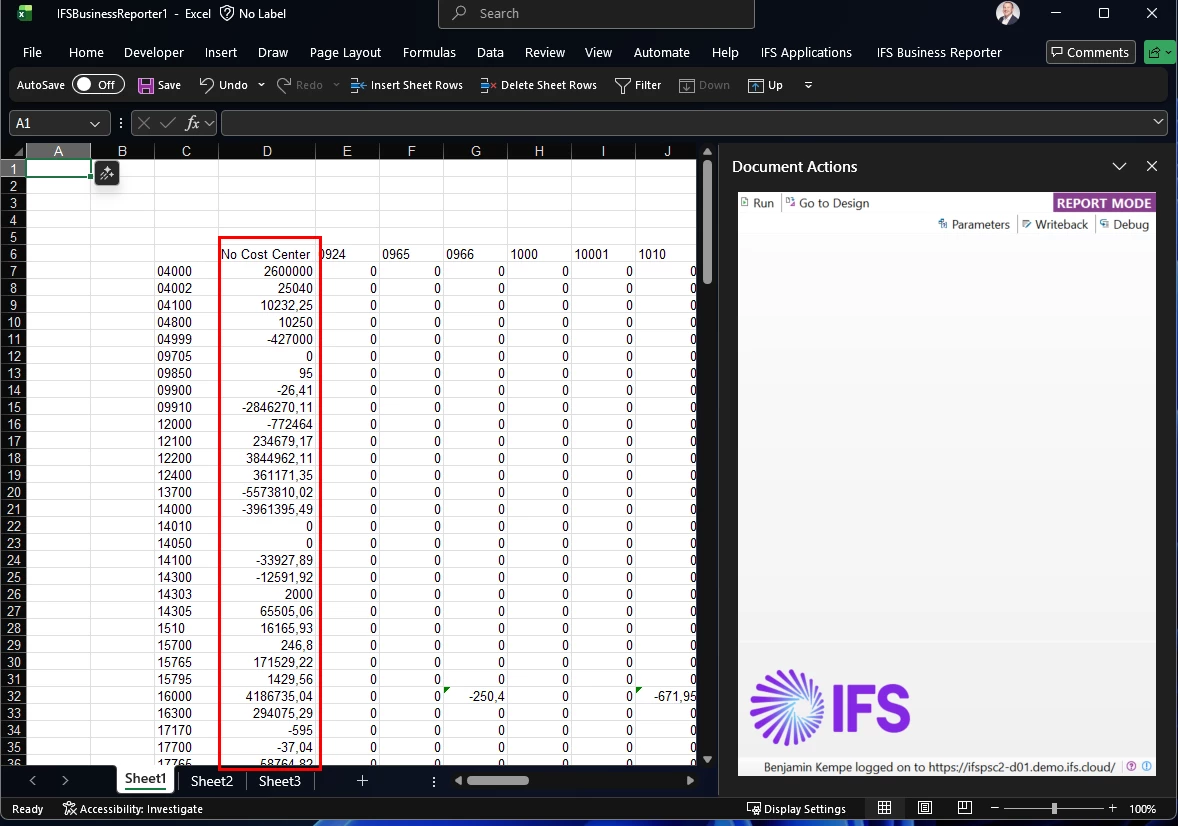
I have created an Income Statement report package in IFS Business Reporter that contains several sheets. The first sheet is a consolidated statement, then each subsequent sheet is for each division of the company (plus a few other more granular statements). I need to update the sheet for our Admin division so it will display everything except for one of our cost centers (CSG). When I add the filter criteria so Cost Center is not equal to ‘CSG’ like this:
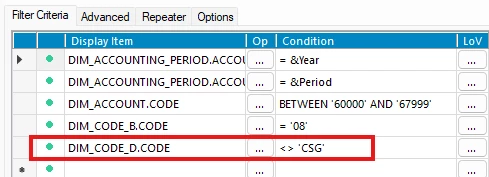
...it removes all CSG data, but it also removes data where the Cost Center is null. Cost Center is not a required code part value for us, so we have many transactions where this field is null.
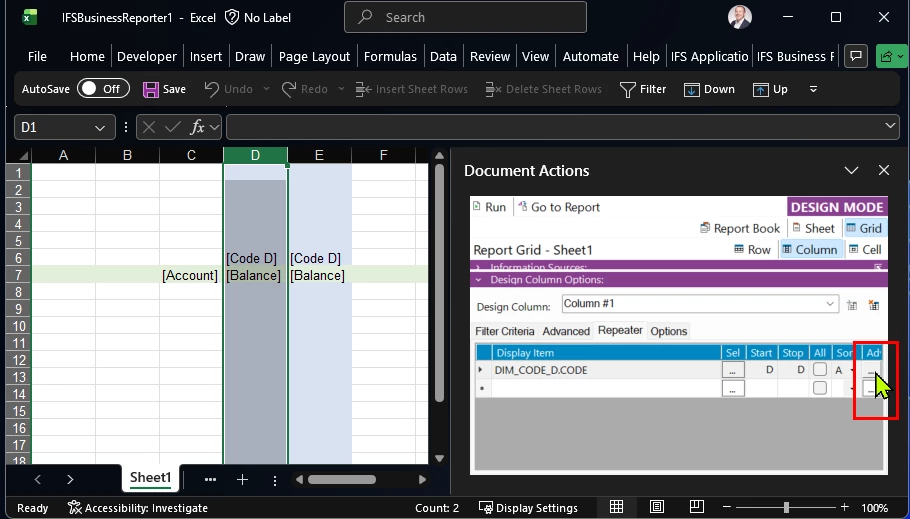
I have tried a few different variations in the Advanced filtering pane like this:
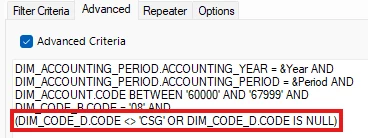
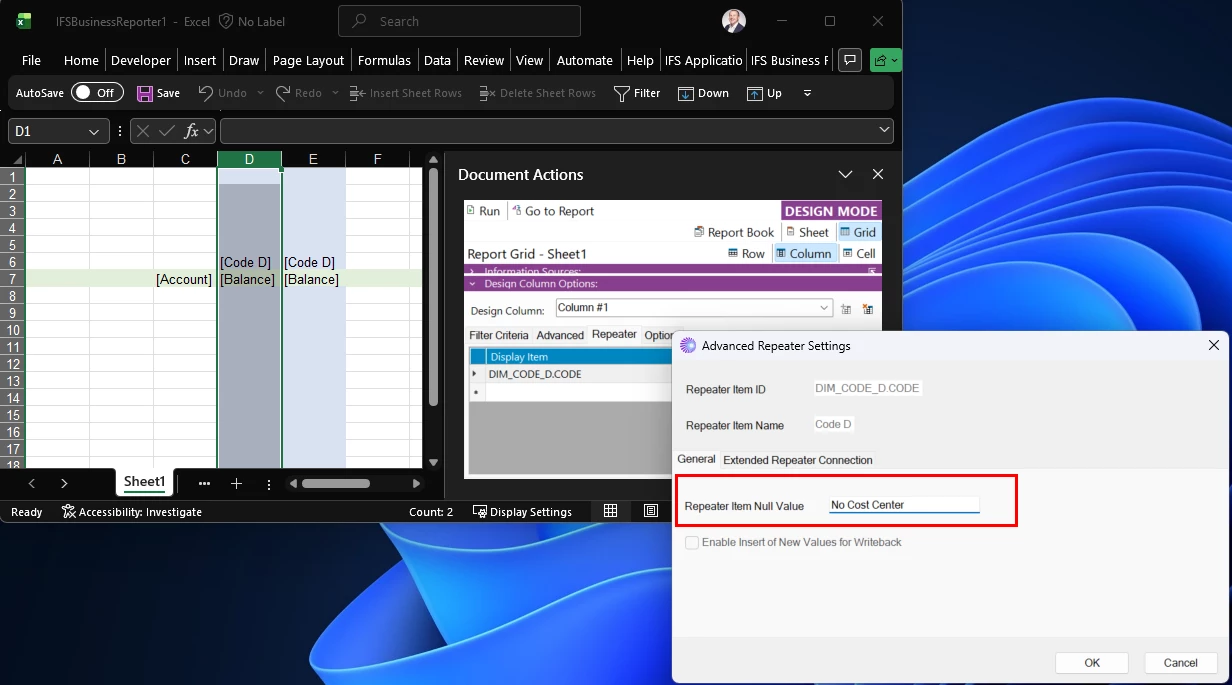
...but that has not worked either. I get an error that says “Basic Repeater is not allowed as advanced criteria are used in Report Book, Report Sheet or current design row”.
I experience the same issue on the GL Balance Analysis page in IFS, but I can resolve the issue there.
CostCenter: !=CSG -- does not work (this removes the nulls)
CostCenter: !=CSG; <> -- does work
How can I write this filter criteria in IFS Business Reporter to exclude ‘CSG’, but still keep the nulls?