Solved

Help with custom field IFS Cloud 24R2

  • September 2, 2025
  • 4 replies
  • 173 views

Forum|alt.badge.img+11

Hello,

I am trying to create a calculated custom field to help approvers of count results that are in status rejected see easily the financial impact. 

I’m happily at the Entity Configuration of CountingResult and add Custom Attribute - Read Only, but with very minimal SQL language skills I’m stuck on which I need to choose, the Select Statement or the Expression. 

In a simple SQL program I can create a query to pull back the calculated field:

Select ((Qty_ONHAND-QTY_COUNTED)*INVENTORY_VALUE) As Count_Value
from counting_result

How do I translate this into an IFS custom field? Your help here is much appreciated.
Best answer by Abdul

@sholmes ,

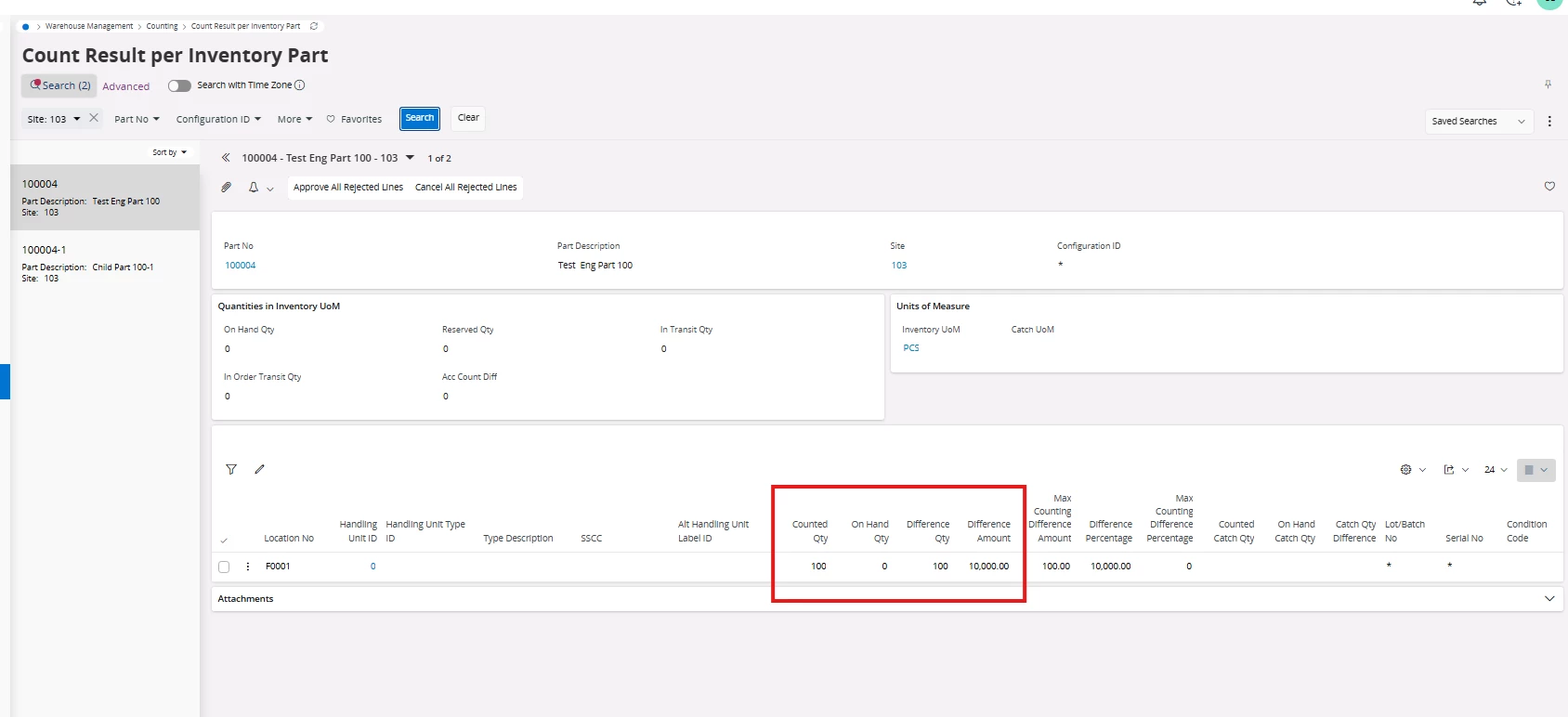
Standards fields are already available for that. Counted Qty, Onhand Qty, Difference Qty, and Difference Amount.


4 replies

Abdul
Superhero (Partner)
Forum|alt.badge.img+20
  • Superhero (Partner)
  • September 2, 2025

Hi ​@sholmes,

Why are you creating a Custom field for this?

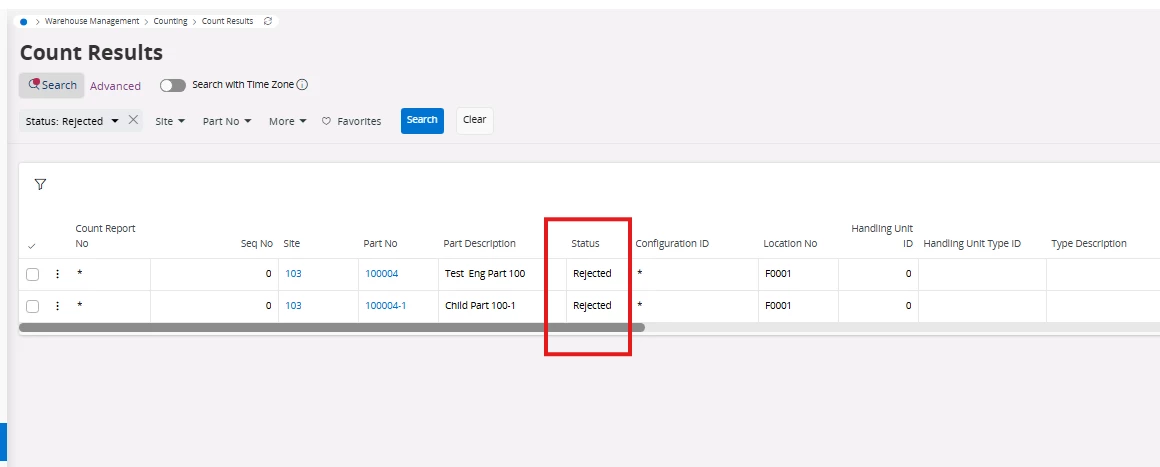
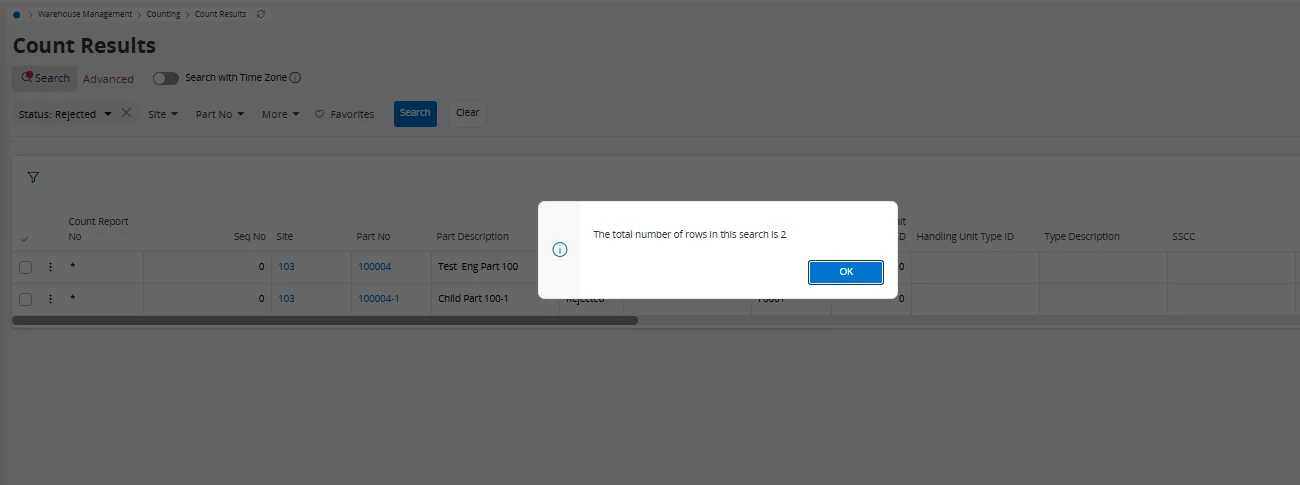
You have Status field in the Count Results screen, and from there, business users can easily get the line count with Rejected status.


Is there anything I am missing here?


Regards

Abdul Rehman


Forum|alt.badge.img+11
  • Author
  • Hero (Customer)
  • September 2, 2025

@Abdul 

The search can be rejected, the user wishes to see the value so they are aware of the business impact. Currently they need to manually take the original qty, look at the counted qty then multiply the difference by the inventory value. This is what I’m wanting the custom field for to save the user having to do this calculation every time.


Abdul
Superhero (Partner)
Forum|alt.badge.img+20
  • Superhero (Partner)
  • Answer
  • September 2, 2025

@sholmes ,

Standards fields are already available for that. Counted Qty, Onhand Qty, Difference Qty, and Difference Amount.


Forum|alt.badge.img+8
  • Sidekick (Partner)
  • September 2, 2025

Hi 

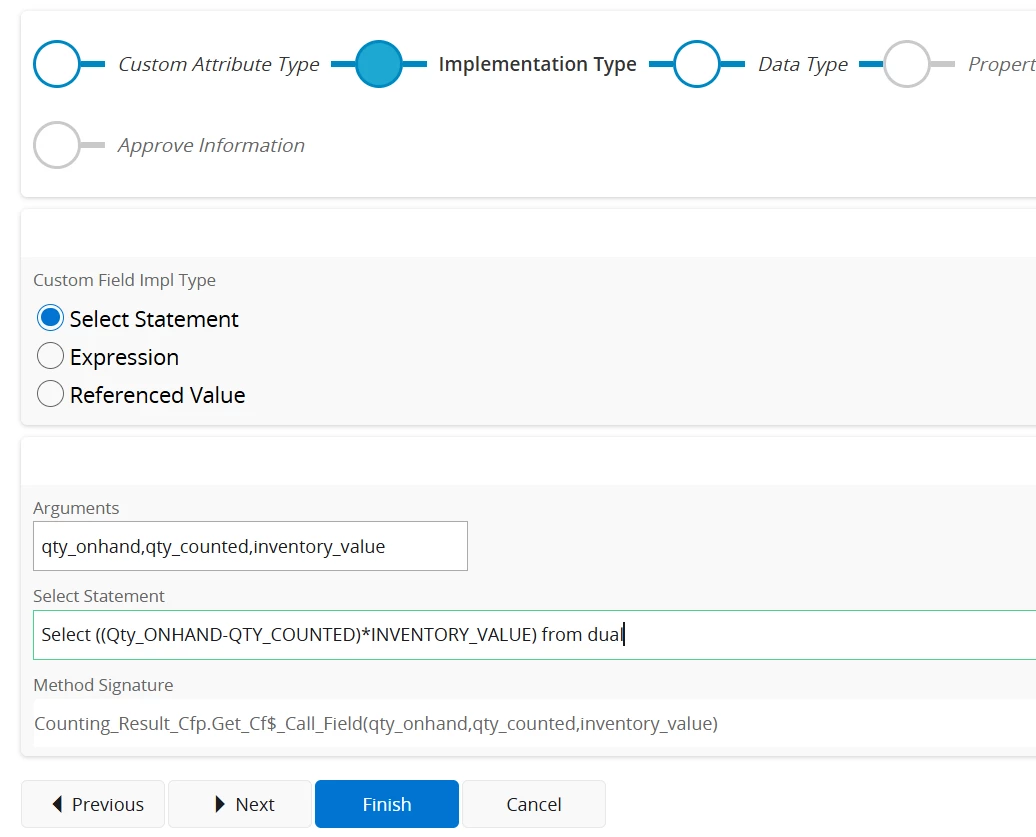
If you are still interested to go for custom field then try as seen below

in the ARGUMENTS give the following  qty_onhand,qty_counted,inventory_value

In the Select statement give the following query

Select ((:Qty_ONHAND-:QTY_COUNTED)*:INVENTORY_VALUE) from dual

Please note there is : before the fields

Select NEXT option and choose the Currency option or as you desire and proceed to approve and later choose option to synchronize. Here is the screen shot of the above description i gave.