


We have users who are unable to print documents from attachments.
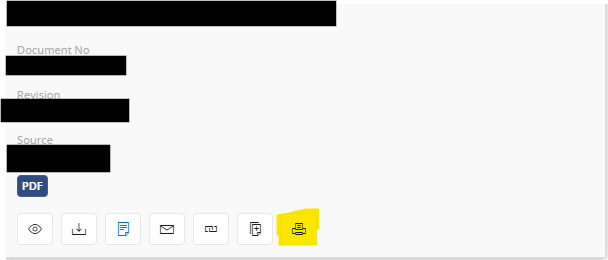
This is the error that is populating. I have made sure that the the Aurena Agent msi has been installed, the Google Chrome extension is installed, and also made the sure users default app for .pdf is Google Chrome.
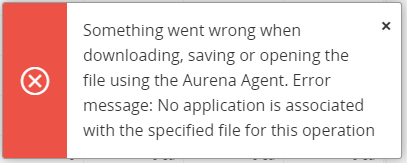
I have also tried uninstalling and reinstalling the MSI download and have had no luck in getting this to work.
Has anyone else experienced this issue or been able to solve it?
