


Question

Updating Cycle Schedule

  • July 15, 2026
  • 1 reply
  • 11 views

Forum|alt.badge.img+3

I am updating a cycle schedule located here: Human Capital Management → HCM Services → Time Management → Schedules and Rules → Work Schedules → Working Hours Schedules → Cycle Schedules

I updated the Day Type for several days and when I saved, I got the following warnings.
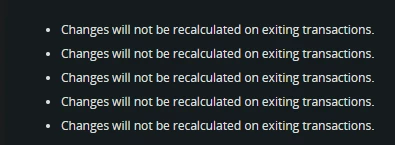
 

The time registration for the employees using this cycle schedule do not reflect the changes I’ve made so I assume I will need to recalculate, though I cannot find a way to recalculate these.

How do I do this?

1 reply

ADDMARIAE
Superhero (Partner)
Forum|alt.badge.img+14
  • Superhero (Partner)
  • July 15, 2026

Hi,


You can always go to page “Employee Intervals” and select all the intervals you want to recalculate and do it from there.

This works fine in IEE IFS 10 - RMB for the option “Recalculate”

If you are on IFS Cloud there is a separate page for this - look for “Recalculate Time” in the navigator


Regards,

Maria

