

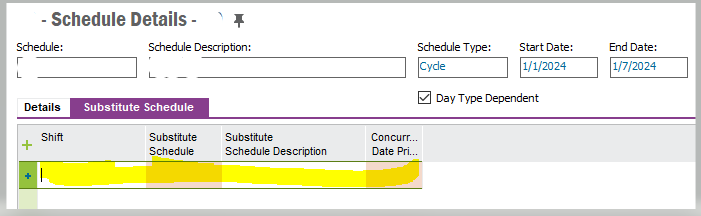
Good day. I would like to link a Substitute Schedule to a Cycle Schedule. Both have been set up. However, when I want to add the Substitute Schedule to the Cycle Schedule, the fields that need to be populated refers to the “Shift”. The Shift Window covers basically a Shift Name and Description. What are the steps to link a Substitute Schedule to a Cycle Schedule? Many thanks.

Solved
Link Substitute Schedule to Cycle Schedule
Best answer by nivslk
Hi,
You have to add the shift first and then can add the substitute schedule from LOV



Enter your E-mail address. We'll send you an e-mail with instructions to reset your password.