


Solved

Cloud Time Clock for End User PC

  • June 23, 2025
  • 4 replies
  • 119 views

ttzeleznik
Sidekick (Customer)
Forum|alt.badge.img+9

Hello,

We are upgrading from IFS 10 (IEE) to Cloud.  Some of our “10” users access the Time Clock from their laptops.  Is it possible for an IFS “end-user” to access the the Cloud Time Clock?  We have Time Clock IAM (service user) Clients working but would like the added flexibility.

Thanks!  Troy
Best answer by AddKarolA

Hi,

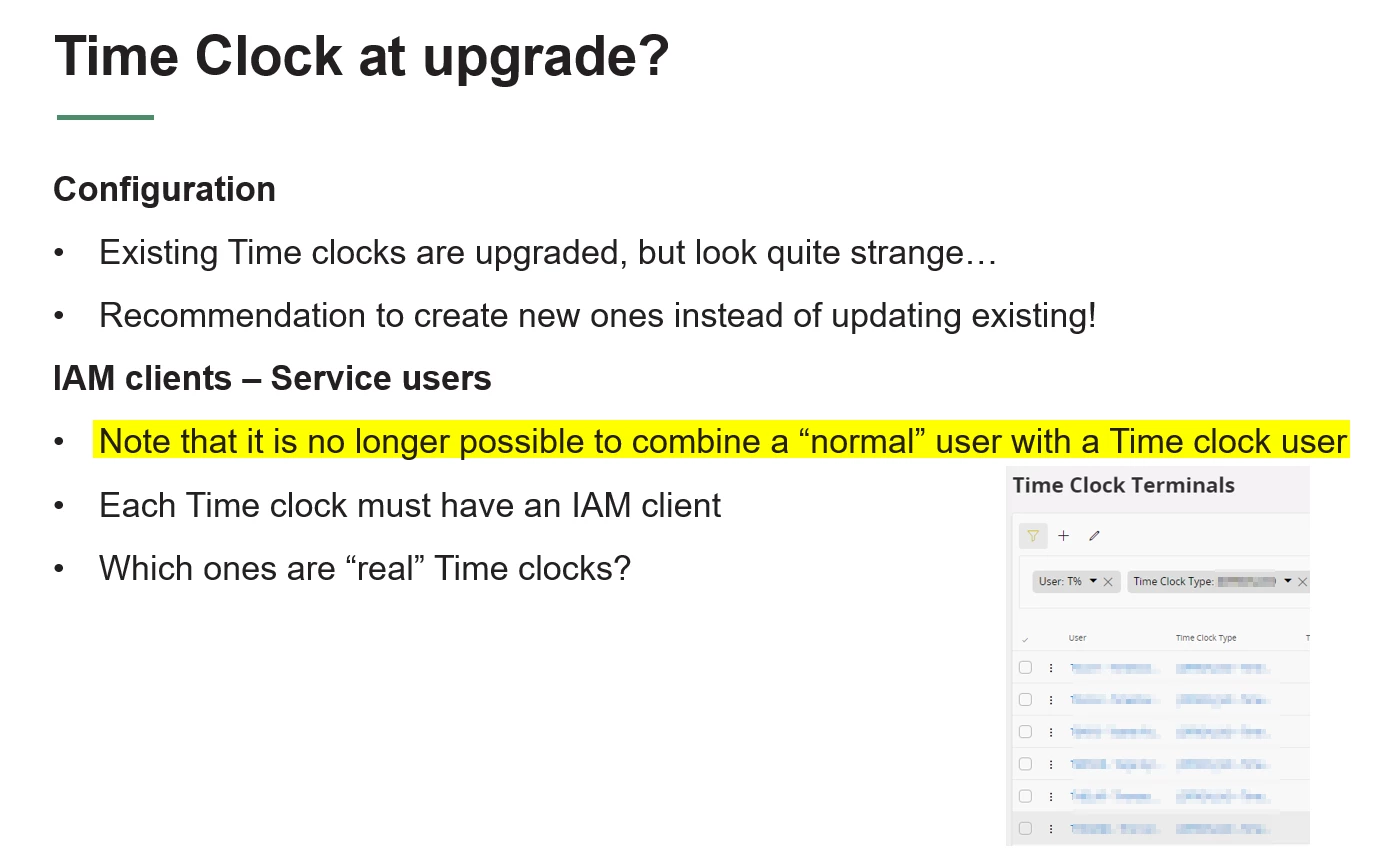
No it´s not possible

Regards

Karolina

4 replies

Forum|alt.badge.img+10
  • Hero (Partner)
  • Answer
  • June 24, 2025

Hi,

No it´s not possible

Regards

Karolina


ttzeleznik
Sidekick (Customer)
Forum|alt.badge.img+9
  • Author
  • Sidekick (Customer)
  • June 25, 2025

Hello ​@AddKarolA,

Thanks for the confirmation.

Cheers, Troy


Forum|alt.badge.img+8
  • Do Gooder (Customer)
  • June 10, 2026

Hello, I am working on a 25R2 upgrade from 10 and we too have many users including hourly office workers that access the timeclock from their PC right now.  ​@ttzeleznik how did your company handle this?  Do you only have the time clock agent running on dedicated terminals around the office/plant?  

Thanks,

Mary-Howmet Aerospace


ttzeleznik
Sidekick (Customer)
Forum|alt.badge.img+9
  • Author
  • Sidekick (Customer)
  • June 10, 2026

Hi Mary,

Yes, the solution was to have the time clock agents running on dedicated terminals (IAM Clients) around the office/plant.  But I believe there IS also a ‘time clock function” in the HR/Employee folder - a solution for your office hourlies and remote users.  I recall bumping into that while doing some other testing.  The Time Clock IAM (service user) Client setup is different than a “normal” user.  Unlike 10, Cloud time clock terminals don’t have access to other IFS functions/operations.  Which also means the terminals don’t need any IFS Permissions nor a License  (I’m pretty sure).

Hope that helps,  Troy