Solved

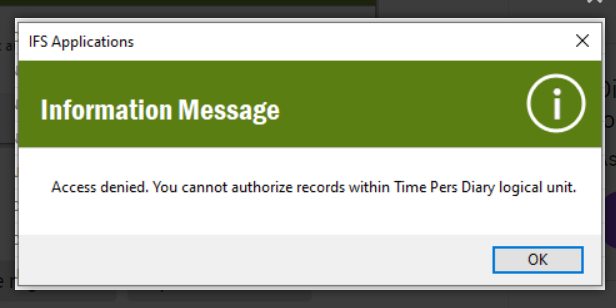
Access denied. You cannot authorize records within Time Pers Diary logical unit

  • November 23, 2023
  • 7 replies
  • 362 views

Forum|alt.badge.img+8

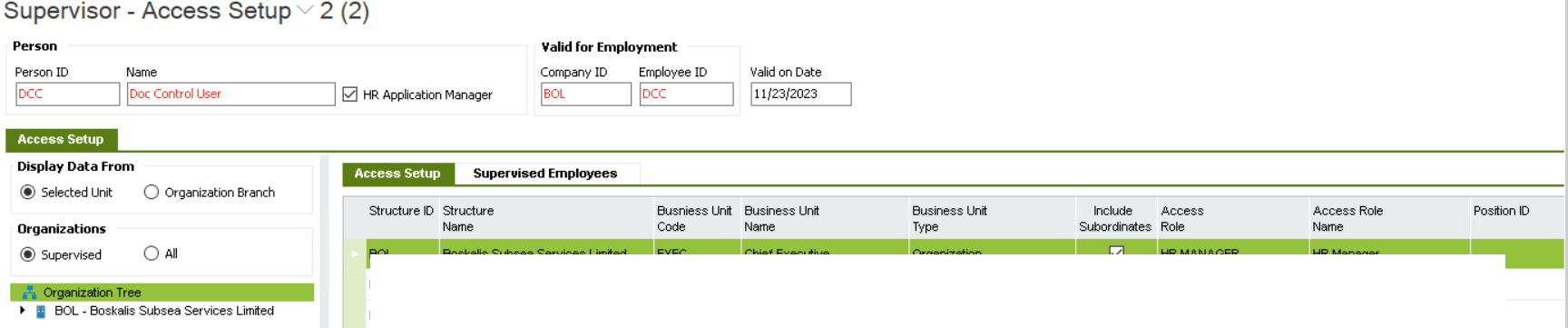
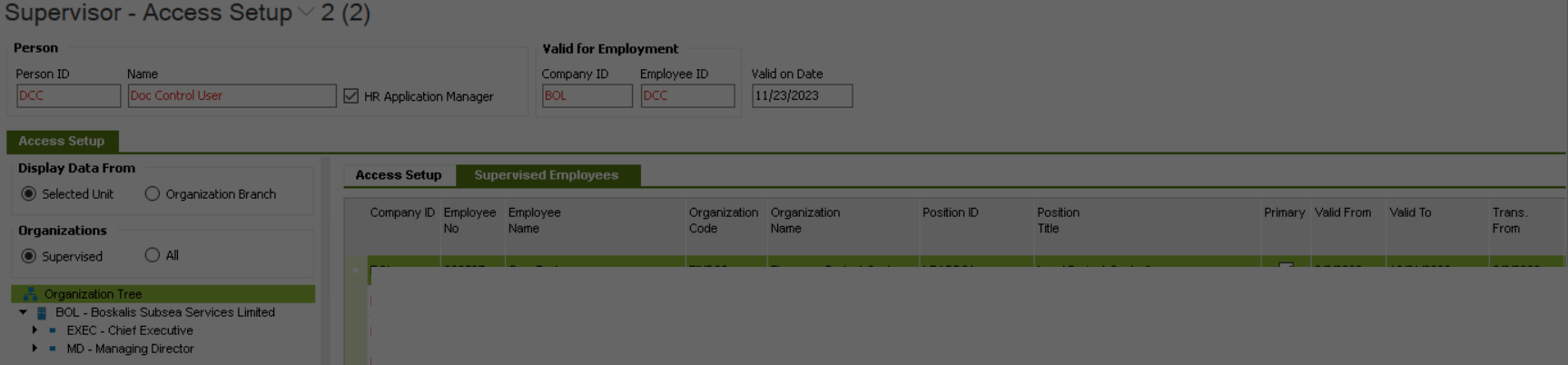
Hi everyone, I am facing issue When trying to approve time, the team are receiving the message "Access denied. You cannot authorize records within Time Pers Diary logical unit" for some employee records.


any idea how to resolve this one? 
thanks in advance

Please note the screenshots have been edited to remove personal information that must not be shared - Community Manager


Best answer by AddKarolA

Hi,

From help file:


Usually HR Admin have for example level 90 and the managers level 50. Then HR Admin can remove authorization made by a manager, correct transactions and authorize it again.


Regards,

Karolina

7 replies

Forum|alt.badge.img+9
  • Hero (Partner)
  • November 24, 2023

Hi,

Have you included access attribute “TIME_PERS_DIARY_AUTH” in your access role and set an “Attribute Level” as well?

Regards,

Karolina 


Forum|alt.badge.img+8
  • Author
  • Sidekick (Partner)
  • November 24, 2023

No since I am very much new to HR module, can you please tell me the steps to do so ? 

thanks for the reply


Forum|alt.badge.img+9
  • Hero (Partner)
  • November 24, 2023

Go to Access Role

Search for your role HR MANAGER

Make sure you have attribute “TIME_PERS_DIARY_AUTH” in your access role and set an “Attribute Level” as well


Example:


Regards,

Karolina


Forum|alt.badge.img+8
  • Author
  • Sidekick (Partner)
  • November 24, 2023

what is the significance of having attribute level 90 and attribute level blank ? 


Forum|alt.badge.img+9
  • Hero (Partner)
  • Answer
  • November 24, 2023

Hi,

From help file:


Usually HR Admin have for example level 90 and the managers level 50. Then HR Admin can remove authorization made by a manager, correct transactions and authorize it again.


Regards,

Karolina


Forum|alt.badge.img+8
  • Author
  • Sidekick (Partner)
  • November 24, 2023

thanks Karolina for the explanation, let me try this and will confirm this if the worked or not . thanks again.


Forum|alt.badge.img+8
  • Author
  • Sidekick (Partner)
  • November 28, 2023

Thanks karolina, you are super. it worked.