Solved

Absence types not visible in LOV

  • January 17, 2023
  • 7 replies
  • 250 views

Kalhari Dissanayake
Hero (Customer)
Forum|alt.badge.img+11

Dear Team,


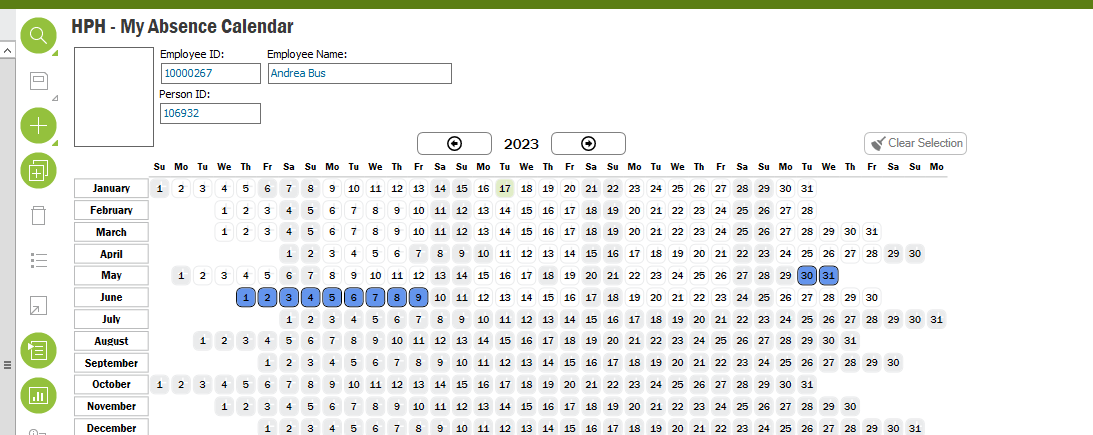
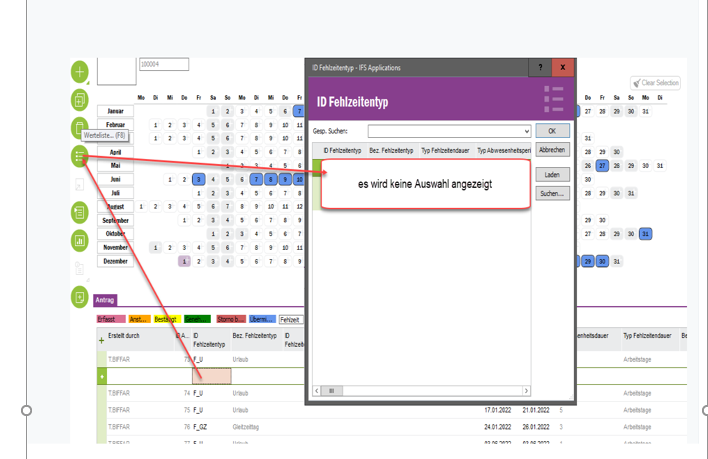
One of the employees couldn't see the available absence types from the LOV when trying to create the absence request from my absence calendar. Absence configuration is done inline. Any other place to make the connection available?

Thank you in advance.
 

Best answer by ADDMARIAE

Hi,

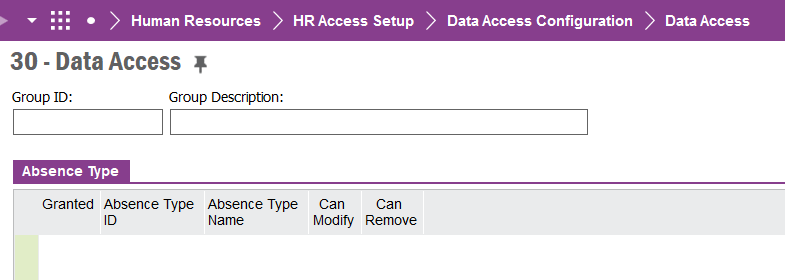
Maybe someone has set “Data access” control on absence types…?

Check this page

Regards,

Maria


7 replies

MadushaDissanayake
Superhero (Employee)
Forum|alt.badge.img+17

Hi @CKDDE ,


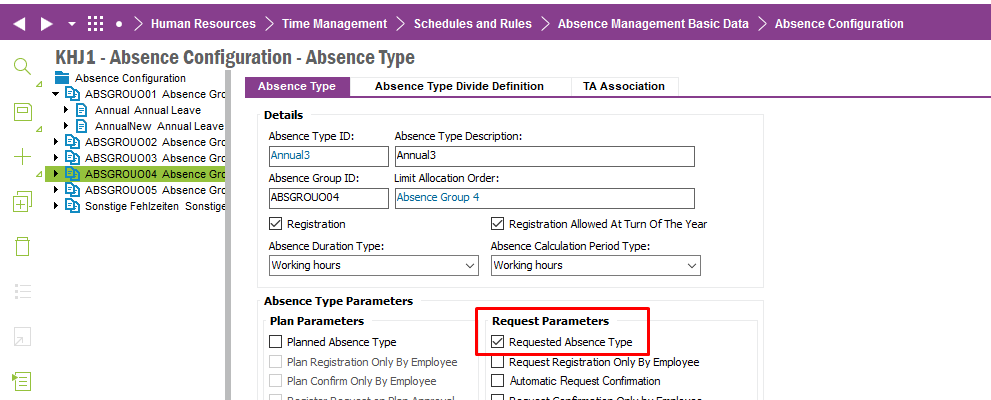
Could you please check if Requested Absence Type checkbox is selected for this Absence Type in Absence Configuration window?

Thanks and Best Regards

Madusha


  • January 17, 2023

Hi @MadushaDissanayake,
 

Thank you for the quick reply. yes, it is already checked.


MadushaDissanayake
Superhero (Employee)
Forum|alt.badge.img+17

Hi @CKDDE,


Thank you for your response. 

Could you please check if Company is the same in both windows - My Absence Calendar & Absence Configuration?


Thanks and Best Regards

Madusha


  • January 17, 2023

Hi @MadushaDissanayake 


yes it is the same as user has access only to that company.


ADDMARIAE
Superhero (Partner)
Forum|alt.badge.img+14
  • Superhero (Partner)
  • Answer
  • January 19, 2023

Hi,

Maybe someone has set “Data access” control on absence types…?

Check this page

Regards,

Maria


  • January 19, 2023

Hi @ADDMARIAE ,
thank you for the feedback. Yes the person ID was not granted access here for the absence group. Many thanks.


ADDMARIAE
Superhero (Partner)
Forum|alt.badge.img+14
  • Superhero (Partner)
  • January 19, 2023

Hi,


Good you found it :-) Just one thing… you know that you don’t HAVE to set up data access on all absence types, right? It feels strange to have limited access on an absence type that all employees should be able to use for absence requests?

That means you must add ALL employees to the access group and then it is no use to have restricted access…?

Regards,

Maria