Recalculate Price/Currency

  • September 26, 2024
  • 2 replies
  • 167 views

Forum|alt.badge.img+7

Hi all,


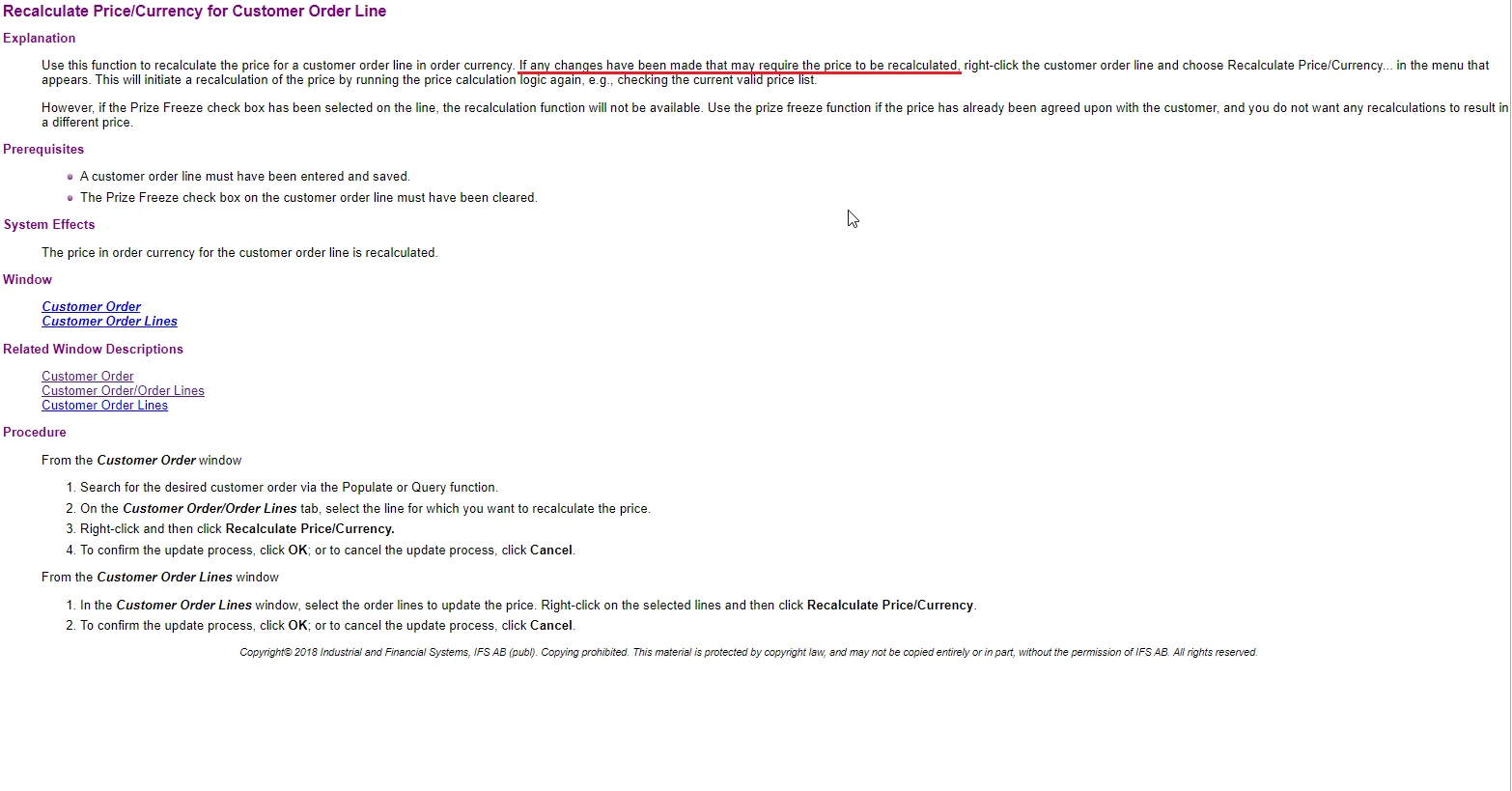
In which situations and how should I use Recalculate Price/Currency menu on the customer order page?  

Could you share some examples and your experiences? 


Thanks

Ozge

2 replies

Forum|alt.badge.img+10
  • Hero
  • September 26, 2024

Not sure, but the price of the item in the order is calculated by the date which order is created, if you want to calculate by today’s currency you may use that option.


PS:


Forum|alt.badge.img+28
  • Superhero (Customer)
  • September 26, 2024

We have a lot of custom and last minute setup items, so it is not uncommon for an item to get added to a customer order with the price still set at 0.00.  We have reports and checks to look for zero priced items and update the pricelist.  This however only applies to order lines entered after the price list is in effect.  The last step is to search for those items that are not updated and use recalculate price/currency to update the line pricing.


Similarly if there has been a price correction mid-stream, the recalculate price/currency might be used to adjust the pricing on that line so it accurately reflects the price.  This would often mean the discount changes as well as we wouldn’t change the overall price to the customer, but having the discount be accurate is often important to the sales team.