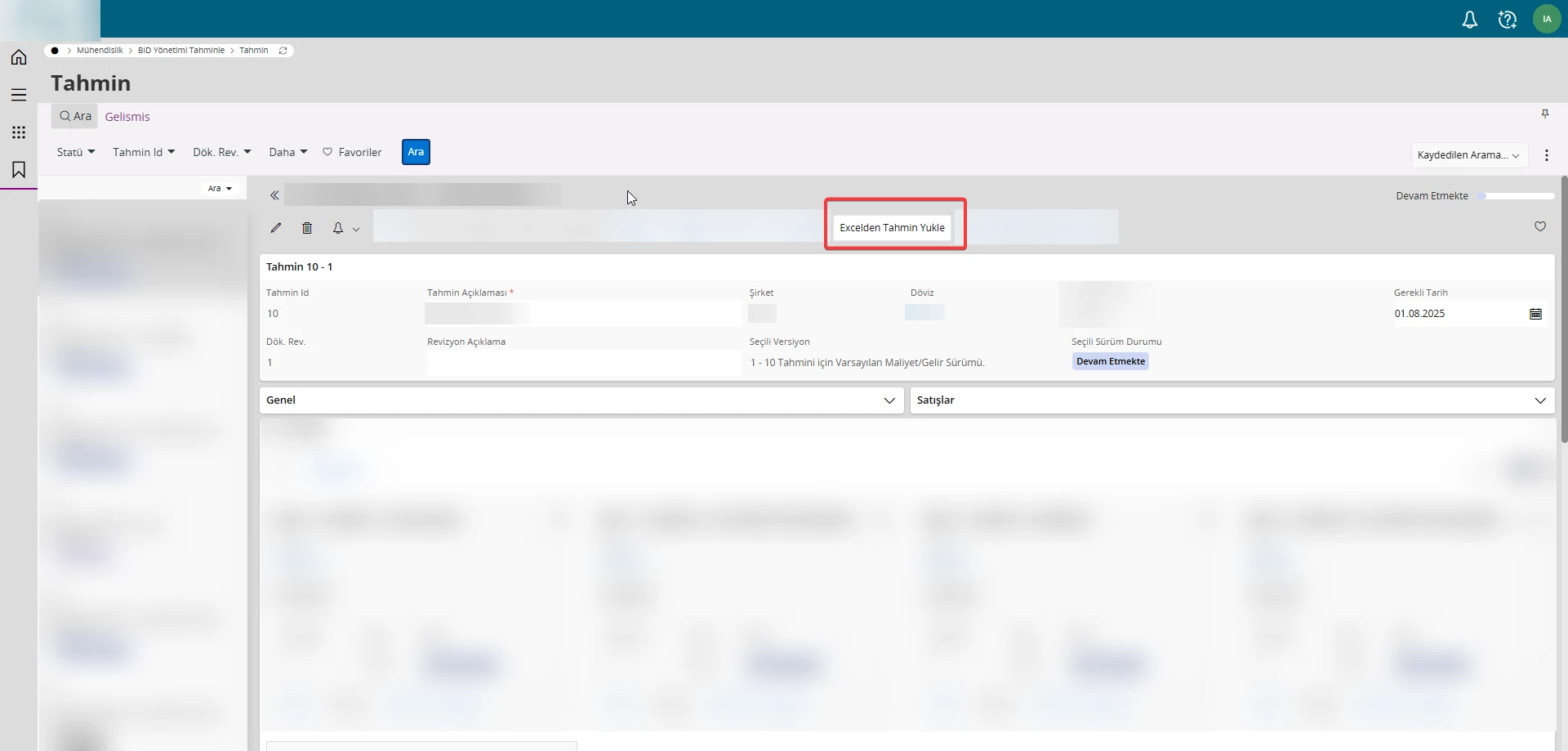
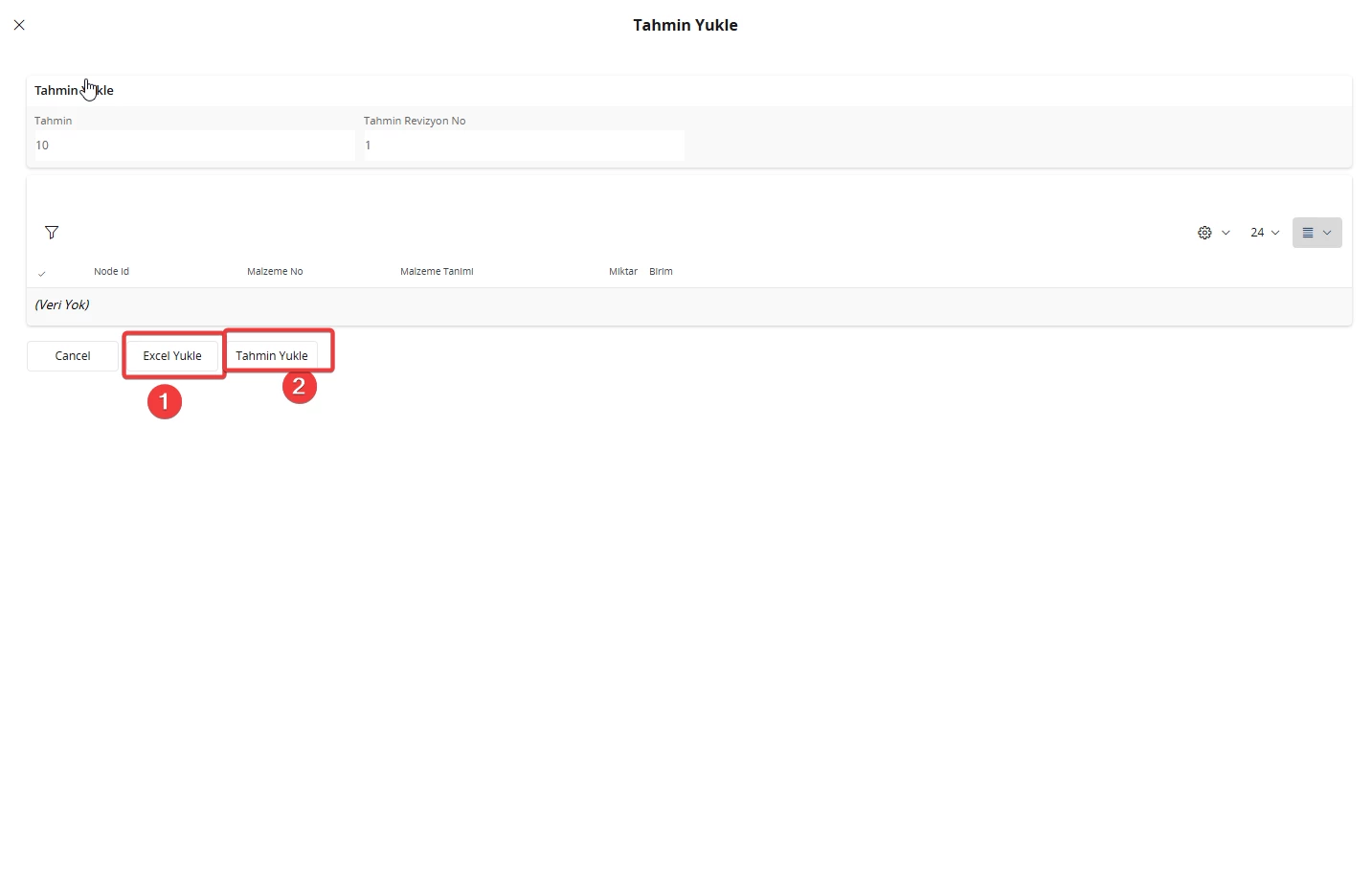
I would like to use a method that shortens the data migration process by adding a button to the page, which opens an assistant allowing the upload of an Excel file.
When this button is clicked, an assistant is launched that allows users to upload an Excel file in .csv format. The data rows from the file are then transferred directly into the corresponding rows in IFS.
Could you please advise how such a migration functionality can be implemented or added to a page?
Kind regards,
Best answer by MilWaqasU
for that IFS give you 2 ways.
Using a Migration Job Linked to the Menu You can create a migration job and link it directly to the relevant menu. This allows you to upload a file and process the data accordingly. For reference, please review the documentation titled
Using an Excel-Type Migration Job Alternatively, you can create a migration job of type Excel, which enables you to import or migrate data directly from an Excel file into the required form. For guidance, please refer to the
Using a Migration Job Linked to the Menu You can create a migration job and link it directly to the relevant menu. This allows you to upload a file and process the data accordingly. For reference, please review the documentation titled
Using an Excel-Type Migration Job Alternatively, you can create a migration job of type Excel, which enables you to import or migrate data directly from an Excel file into the required form. For guidance, please refer to the