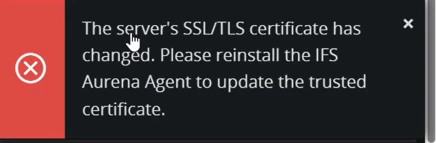
As Wahelk mention during installation, the Aurena Agent fetches the SSL/TLS certificate from the server URL and stores its hash locally. At runtime, the agent fetches the certificate again, and the hash must match the one saved earlier. This was implemented based on recommendations from penetration testers to enhance security by matching both domain names and certificate hashes
I some previous issues reported that got the same error due to web filtering proxy, which performs deep packet inspection on outbound internet traffic. After disabling SSL inspection for ifs.cloud, resolved this error.
Reinstalling aurena agent will fix the issue. But if issue is keep occurring better to check the network, security layers as thig might be effecting the certificate to change.