



Question

Translation not working

  • March 17, 2025
  • 4 replies
  • 183 views

REOGIRARD
Hero (Customer)
Forum|alt.badge.img+9

I added translations in translatable text section, refreshed server cache, client cache, language cache, the translation won’t display.
It worked before, I don’t know what's wrong.

I try to display the correct translation for the selected line (the path confirms it’s on the page I want to see changes) : 
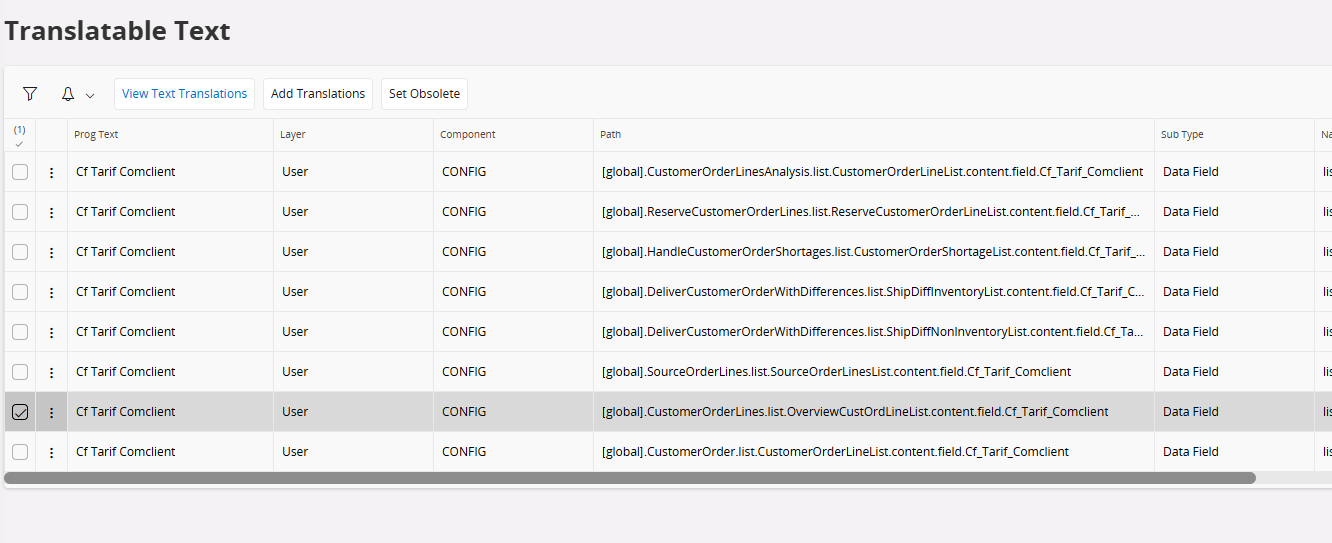

Here is translations :


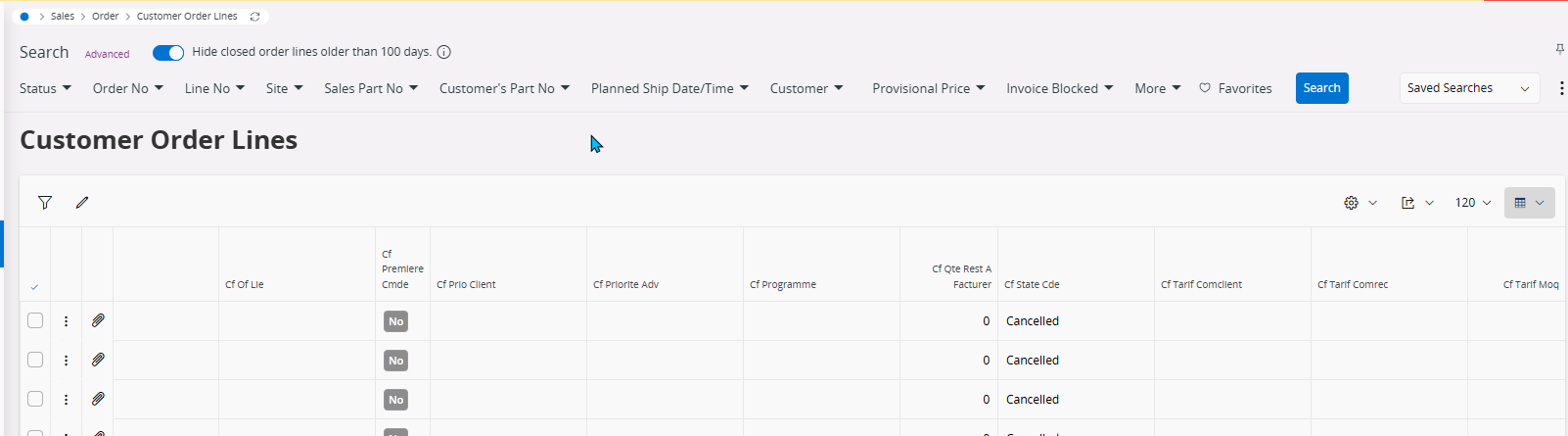
Here you can see page’s missing translation : 

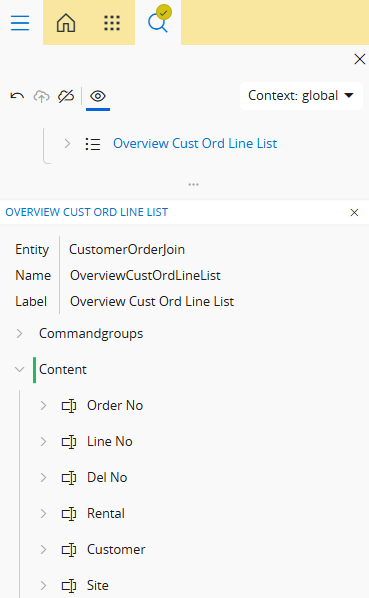
Here aurena page designer confirms I translated the good section :


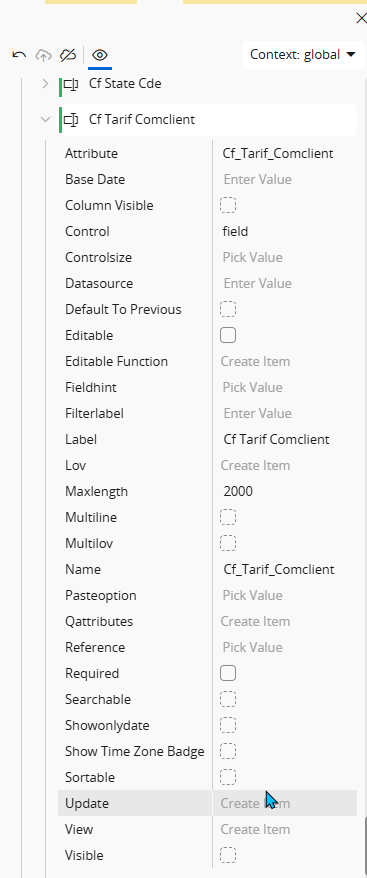
Here is the custom attribute definition on aurena page designer : 

Any idea what I did wrong ?

4 replies

Forum|alt.badge.img+1
  • Do Gooder (Customer)
  • September 24, 2025

have the same issues


Forum|alt.badge.img
  • Do Gooder (Customer)
  • September 25, 2025

export language files and import them again


  • May 19, 2026

You probably solved this already, but the step you were missing is republishing the page using Page Designer after refreshing the language cache. That requirement makes keeping translations up to date pretty difficult, sadly.


REOGIRARD
Hero (Customer)
Forum|alt.badge.img+9
  • Author
  • Hero (Customer)
  • May 22, 2026

Hello, this is a bit more complicated as we have a lot of customs on the software.
We have lot of extended views and packages, acting as decorators, or used for exemple for projection actions.
As IFS is a dictionary based system, we had to link those to “empty” custom Lu
The goal is to make it referenced in the dictionary
Some of custom LU we use for this mechanic were containing N oracle objects making the “string” list of those higher than 4k chars (in IFS, there is a limit of 4k chars).
It was causing an error in the refresh component language feature.

