Question

Table "xyz" cannot be activated in the history log

  • May 7, 2026
  • 1 reply
  • 28 views

Forum|alt.badge.img+3

To record in the history log when changes are made to the permission set under “Granted Permission Sets,” the xyz table must be available.
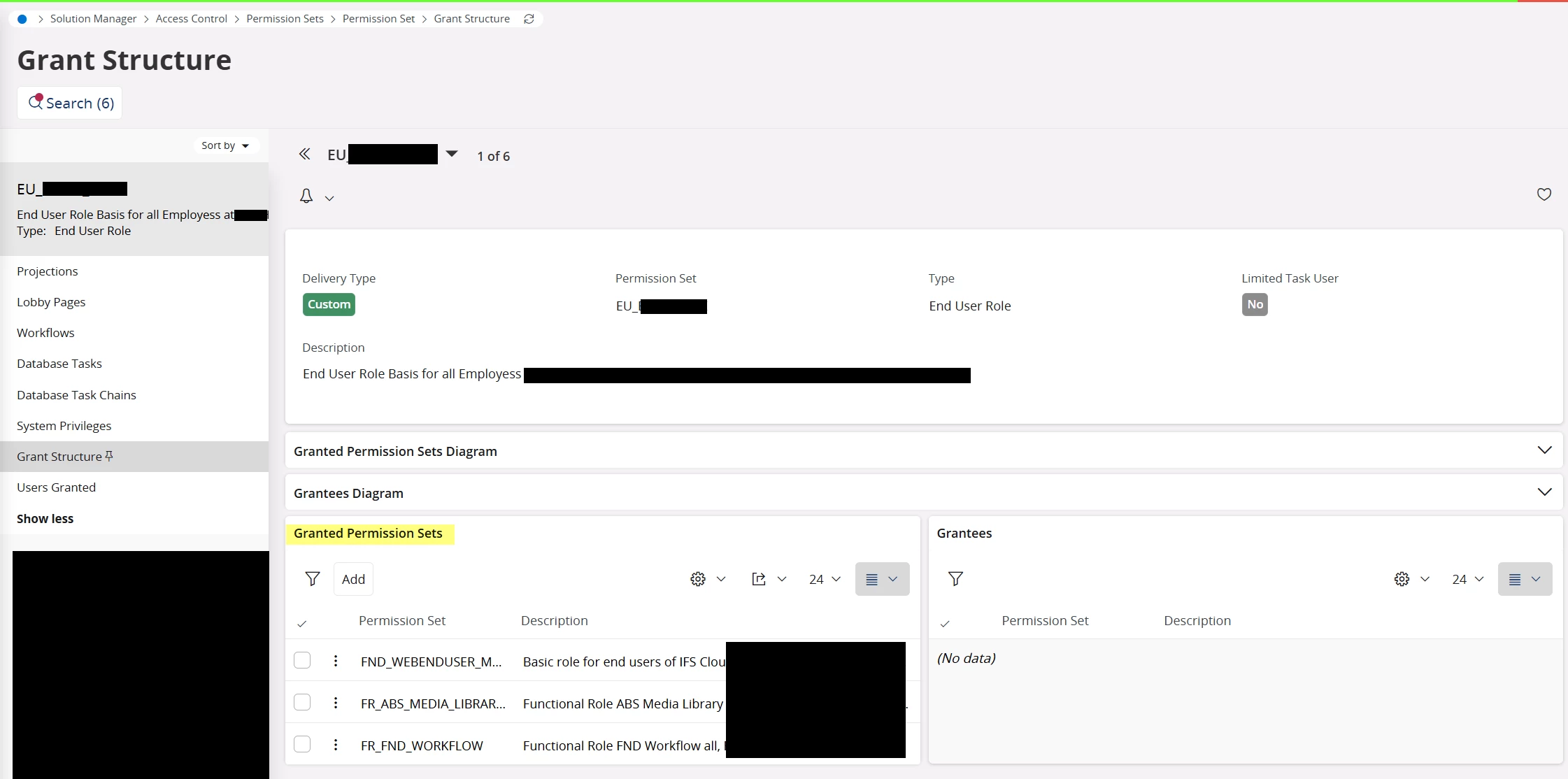
 

Is there a way to do that? We have IFS Cloud 25R1 SU 5.

1 reply

Forum|alt.badge.img+10
  • Hero (Employee)
  • September 3, 2026

@BUCH-ANDJOR ,

There is a way to allow “XYZ table” to be made available.  The following instructions assume that “XYZ table” is a substitution for the name of any IFS table of interest (since there is no actual XYZ table in core IFS).

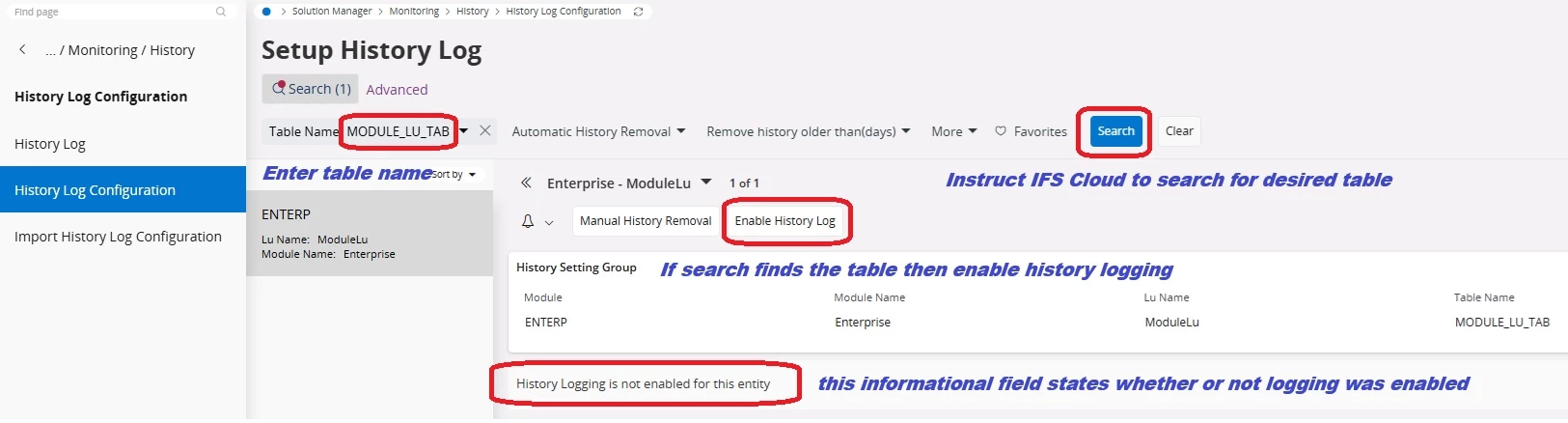
From the History Log Configuration screen search for the desired table as shown below.  In this example the table MODULE_LU_TAB has been randomly chosen:


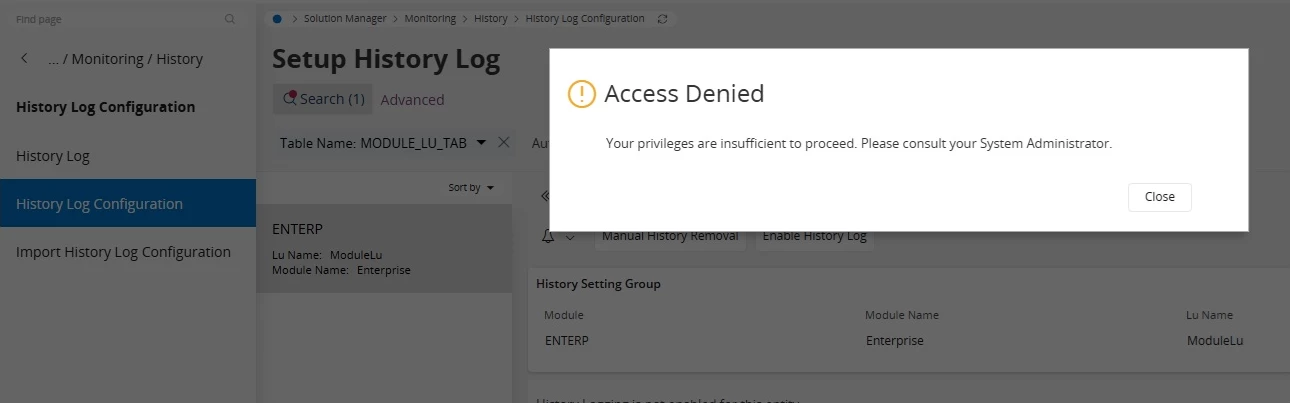
For the above steps to succeed the user of this session would need to have access to the desired table.  If the user doesn’t have this access an error response would be given as follows:


In order to provide access to the user for enabling History Logging configuration see the following pages in the Technical Documentation of IFS Cloud:

          Solution Manager  »  Access Control  »  Permission Sets (multiple subtopics contained here)