

Question

Set the Permission for additional widgets

  • May 11, 2026
  • 1 reply
  • 13 views

Forum|alt.badge.img+1

The user has access to the function “Manage Widgets”.
 

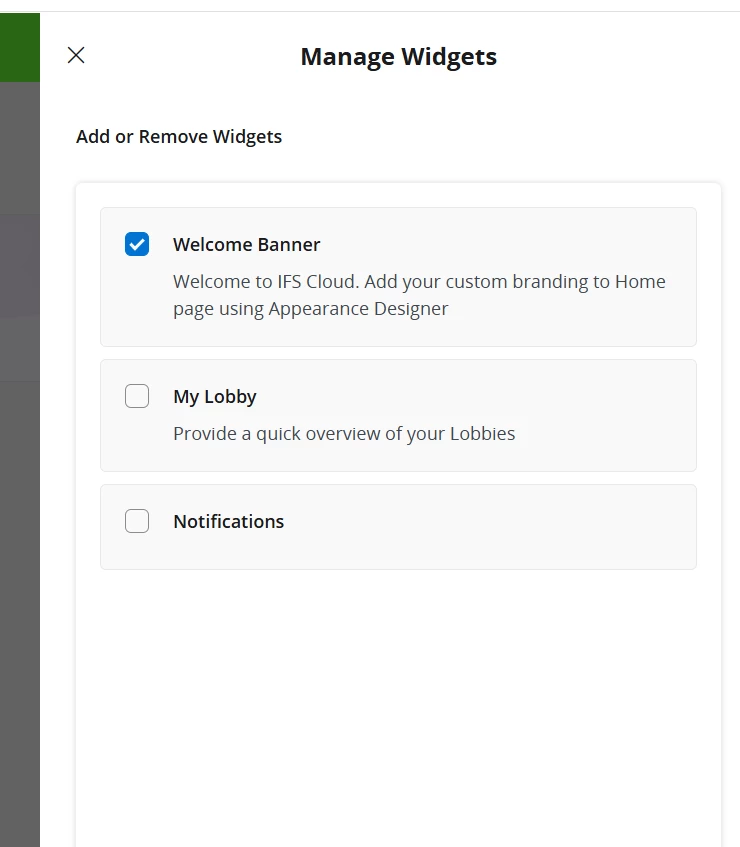
The user see only ths Widgets.
 

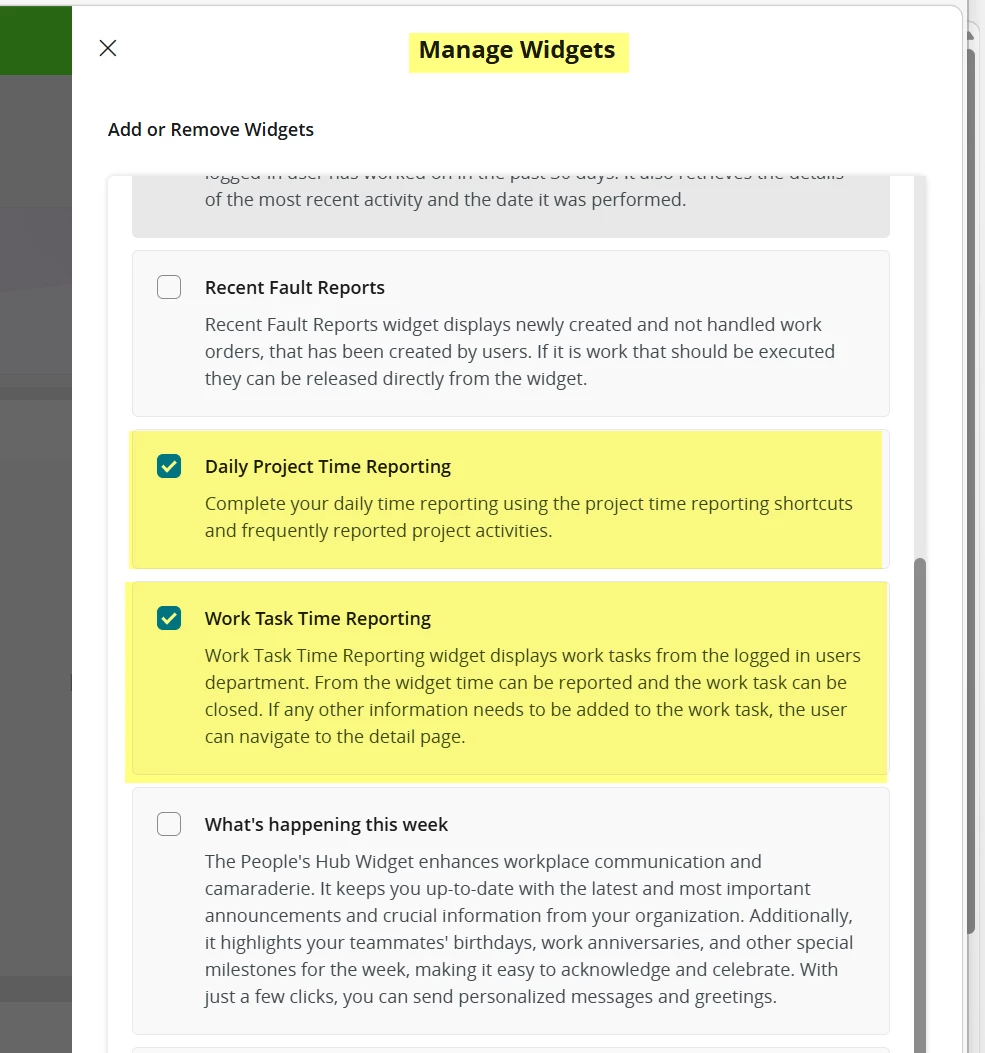
How I can add the other Widgets like “Daily Project Time Reporting” and “Work Task Time Reporting” to the User Permission Set?


1 reply

ashen_malaka_ranasinghe
Hero (Employee)
Forum|alt.badge.img+14

Hi ​@BUCH-ANDJOR,

In IFS Cloud, access to Home page widgets is not controlled by the “Manage Widgets” system privilege alone. That privilege only allows the user to configure or manage widgets, but it does not determine which widgets are actually available for selection.

The visibility of widgets such as “Daily Project Time Reporting” or “Work Task Time Reporting” is driven by the underlying functional permissions tied to those widgets. In practice, each widget is backed by projections/pages and business logic, and users will only see a widget if they have the necessary access to those underlying components through their permission sets. This aligns with the general IFS security model where access is granted via permission sets that control projections, activities, and related UI elements. 

Therefore, if a user can only see a limited set of widgets, it typically means that:

  • The required projections (pages) or activities behind those widgets are not granted, or
  • The user’s permission set does not include the relevant functional roles/module access (e.g., Project Reporting, Work Task Management).

To resolve this, you should:

  • Identify which module or page the widget belongs to (e.g., Project, Work Task, Time Reporting).
  • Ensure the corresponding projections and activities are granted to the user’s permission set (via Manage by Page or Manage by Navigator in Permission Sets).
  • Verify that any related assistant/dialog projections (if applicable) are also granted, since not all functionality is included automatically.

Note: Refer to this community article for more information: Best Ways of Defining Permission Sets in IFS Cloud | IFS Community

In summary, widgets cannot be enabled directly via a standalone “widget permission.” They become available only when the user has the correct end-to-end functional access in IFS Cloud. Once those permissions are in place, the widgets will automatically appear and can then be managed using the “Manage Widgets” capability.



